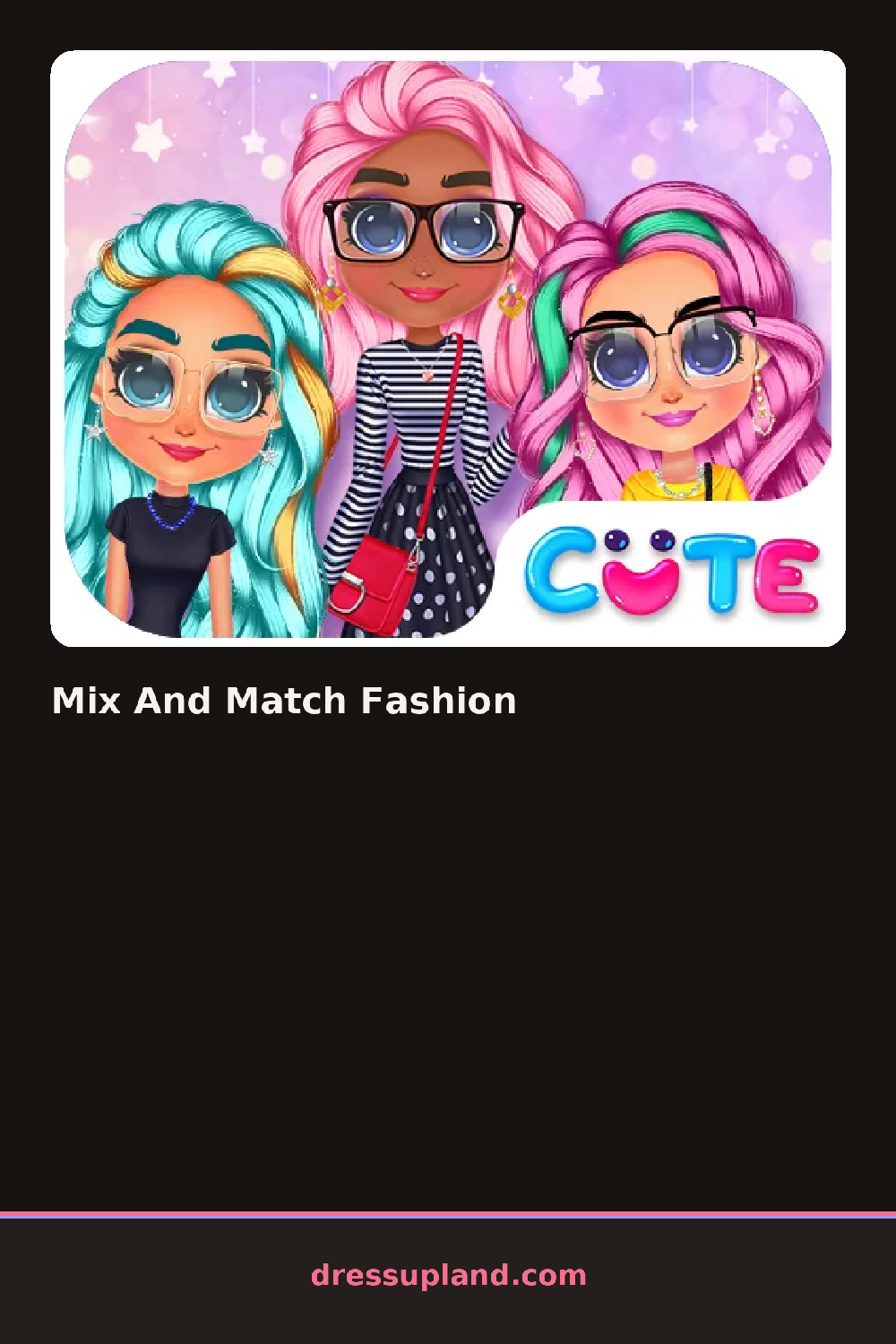

What is Mix And Match Fashion?
The screen opens on a model standing against a plain backdrop, with a row of clothing icons along the bottom. You start by picking a top, and the moment you tap one it appears on her instantly, no loading or confirm screen. If it clashes with what she already wears, you just tap a different icon and the old piece drops away. Within a minute you have a rough outfit and a reason to keep going.
The wardrobe splits into clear tabs: tops, bottoms, dresses, shoes, and accessories. The tops run from a cropped hoodie to a satin blouse, the bottoms include ripped jeans and a pleated skirt, and the shoes cover sneakers through heeled boots. Accessories hold the fun stuff, like a beaded necklace, a wide belt, or round sunglasses. Hair and makeup get their own sections, so you can add a messy bun and a soft pink lip to finish the look. Pieces layer sensibly, so jackets sit over tops and belts sit over dresses without weird gaps.
The twist here is that mixing is the whole point rather than dressing for one theme. Nothing locks together, so a formal skirt can pair with chunky sneakers and it will render fine. When you are happy, you save the finished look as a photo of your model, which works nicely for a casual makeover game.
Start with a bottom, since it anchors the silhouette, then build upward. If a look feels flat, add one bold accessory instead of three small ones. And check the hair tab last, because a sleek ponytail can rescue an outfit that reads messy.
How do you play and control Mix And Match Fashion?
Click a wardrobe tab, then click any item to put it on the model, clicking again to remove it.
Tap category tabs at the bottom of the screen, then tap items to swap them onto the model.
Game details
| Specification | Details |
|---|---|
| Game Title | Mix And Match Fashion |
| Category / Genre | Makeover |
| Platform | Web browser — phone support not yet checked |
| Release Date | September 2026 |
| Technology | HTML5 |
| DressUpLand account | Not required |