
What is Monster High Spectra?
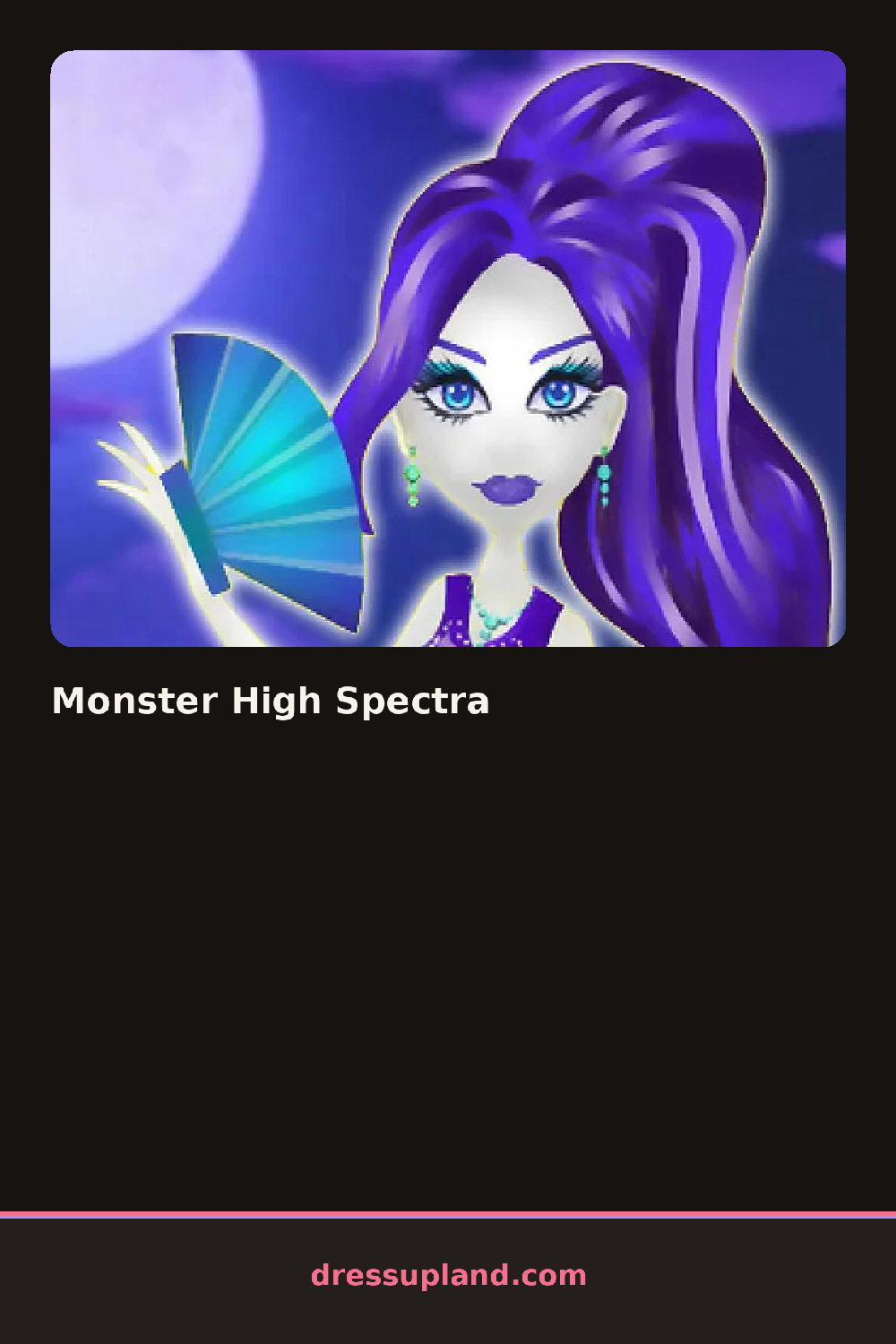
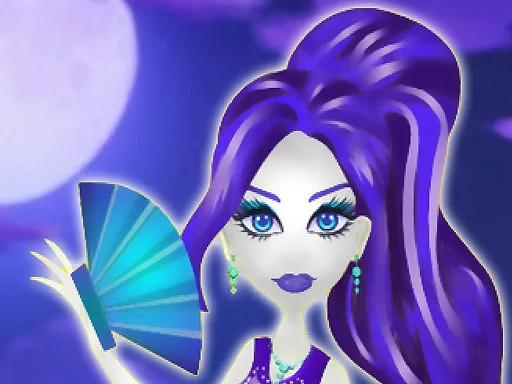
Spectra stands half-transparent against a foggy backdrop when Monster High Spectra opens, and the first pick is almost always her face, since the makeup layer changes how the rest of her reads. Pick a smoky purple eyeshadow and it sits over her pale, faintly see-through skin right away.
The tool rows cover face, hair and outfit separately. Face holds shades of eyeshadow and lipstick running from soft lavender to near-black, hair has options like a side ponytail or streaked bangs, and outfit carries pieces built for a ghost look: a torn tulle skirt, a spiked choker, fishnet sleeves. Hair sits over the outfit collar without hiding it, so a high collar still shows through loose hair.
Where a generic makeover game starts you on a blank model, this one keeps Spectra's ghostly features fixed and pushes the styling further into that theme instead of away from it. The look finishes as a full shot of her against the fog, closer to a character portrait than a scoreboard.
Match the eyeshadow and lipstick to the same dark family, since a bright pink lip next to smoky eyes looks off against her pale skin. Pick the outfit before the hairstyle, so you can choose a hair option that does not cover a high collar you already like. The choker sits in a small accessory row near the bottom and is worth checking, since it changes the whole neckline on its own.
How do you play and control Monster High Spectra?
Click a shade or item in the side panel to apply it to Spectra, switching between the face, hair and outfit tabs as needed.
Tap a tab to switch between face, hair and outfit, then tap an item to put it on Spectra.
Game details
| Specification | Details |
|---|---|
| Game Title | Monster High Spectra |
| Category / Genre | Makeover |
| Platform | Web browser — phone, tablet and desktop checked |
| Release Date | September 2026 |
| Technology | HTML5 |
| DressUpLand account | Not required |