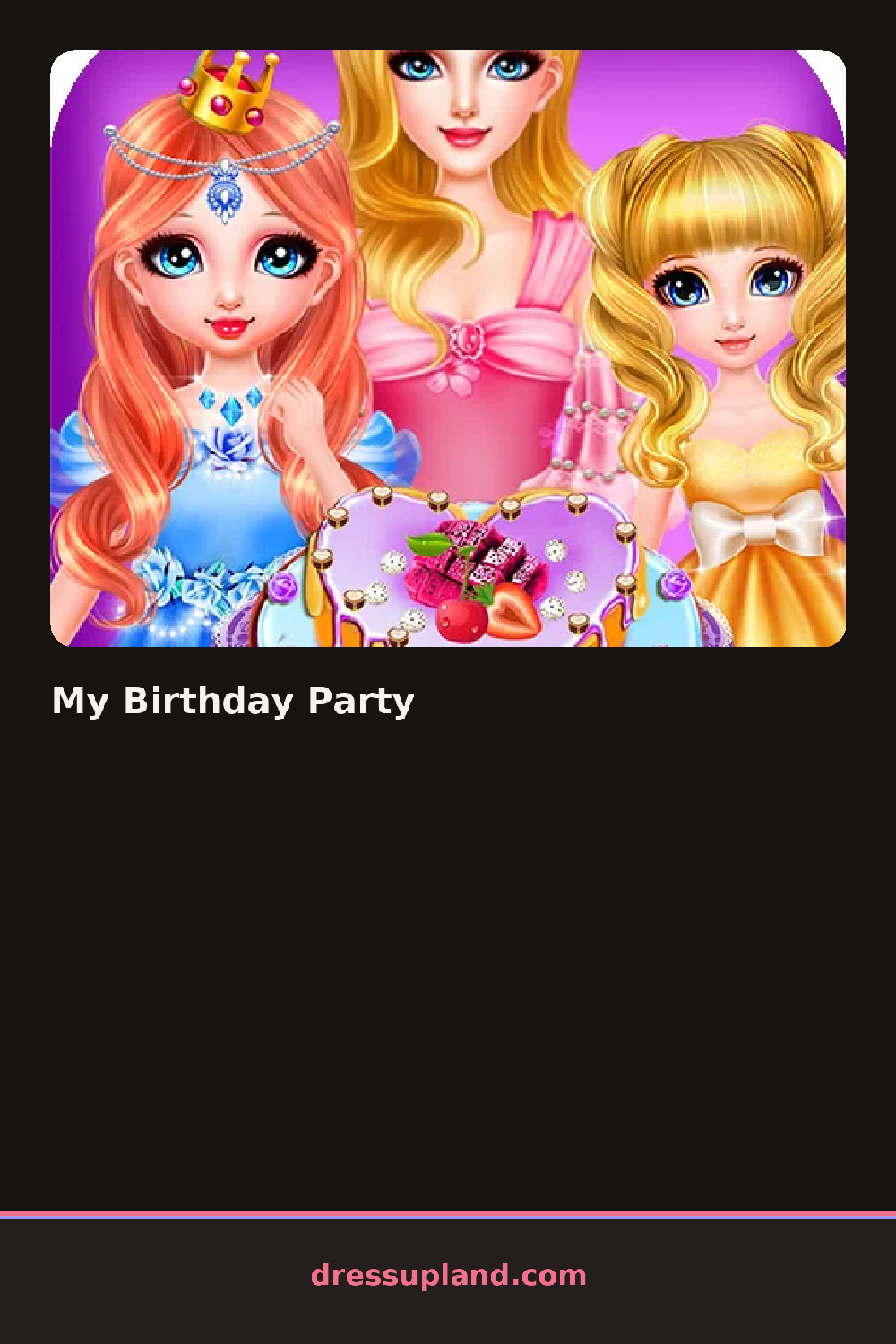

What is My Birthday Party?
You start with the birthday girl standing in an empty room, balloons deflated in a corner and a bare cake table behind her. The first menu asks about her outfit, so that is where most people begin. Tap a dress and it appears on her right away, and the room stays visible the whole time, which means you can see how her colors sit against the background before you finalize anything.
The outfit menus cover the usual ground: short party dresses, longer gowns, a sparkly cardigan, heels and flats, a clutch, and jewelry that layers over any neckline. Hair goes from a curly updo to a loose braid, and there is a matte lipstick and a shimmer eyeshadow in the makeup section. The party itself gets its own set of menus, with cake styles, balloon colors, and table settings, so dressing the room works like dressing the girl.
Most games in this genre stop at the outfit. Here the round ends with the party itself, a finished scene where she stands in front of the decorated table and the camera captures the whole setup. That makes it half character creator, half room planner, and the two halves have to match.
Pick the dress first, then choose balloon and table colors that repeat something in it, like pulling a pink sash into the decorations. Work in that order, outfit before room, or you will redo the room twice. Try the updo with a strapless dress, since the neckline and the hairstyle balance each other well.
How do you play and control My Birthday Party?
Click through the category tabs on the left and click items to apply them, finishing with the party decorations menu and the camera button.
Tap the category icons along the bottom, tap items to try them on, and tap the camera icon to capture the final scene.
Game details
| Specification | Details |
|---|---|
| Game Title | My Birthday Party |
| Category / Genre | Princess |
| Platform | Web browser — phone support not yet checked |
| Release Date | September 2026 |
| Technology | HTML5 |
| DressUpLand account | Not required |