What is My New Poodle Friend?
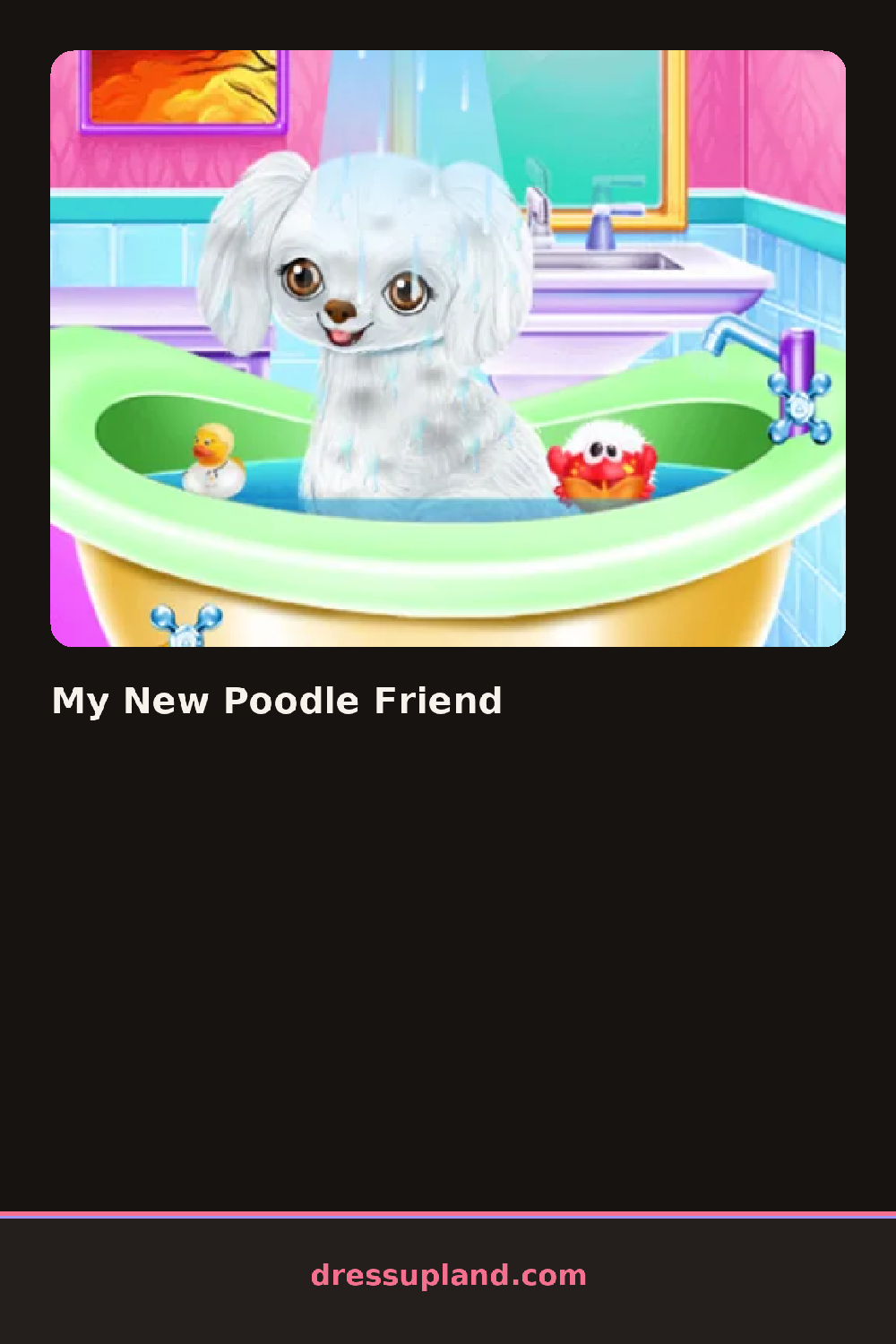
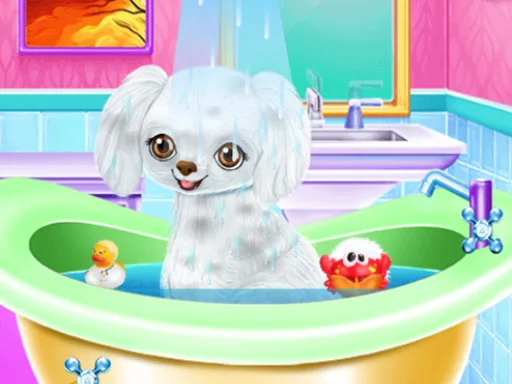
The poodle sits on a grooming table when My New Poodle Friend opens, coat a little scruffy and waiting for its first wash. The first thing you choose is the shampoo color, and it tints the suds in the tub, leaving a faint sheen on the fur once you rinse it off.
The toolkit splits into grooming and dressing. On the grooming side you pick a coat trim, like a pom-pom cut or tight curls, then a dye or pastel tips before the blow-dry. Dressing adds a raincoat, a rhinestone collar, a bandana, or a bow clipped just above one ear, and every piece sits over the fur without hiding the trim underneath.
Where a typical makeover game just swaps an outfit, this one changes the animal underneath the outfit, since the coat trim and dye stay visible through every accessory added afterward. A round ends with the poodle posed on a cushion for a photo, the groomed coat and the outfit both on display.
Trim the coat before touching the dye, since some cuts leave more fur exposed for the color to show. A pastel dye reads better against a plain collar than a patterned one, so save the bandana for a solid coat. The blow-dry button sits tucked in the corner of the tub screen, easy to skip, but skipping it leaves the fur flat under the finished look.
How do you play and control My New Poodle Friend?
Click the grooming and clothing tabs to open each category, then click an item to apply it to the poodle.
Tap a category tab along the bottom of the screen, then tap an item to put it on the poodle.
Game details
| Specification | Details |
|---|---|
| Game Title | My New Poodle Friend |
| Category / Genre | Couples & BFFs |
| Platform | Web browser — phone, tablet and desktop checked |
| Release Date | September 2026 |
| Technology | HTML5 |
| DressUpLand account | Not required |