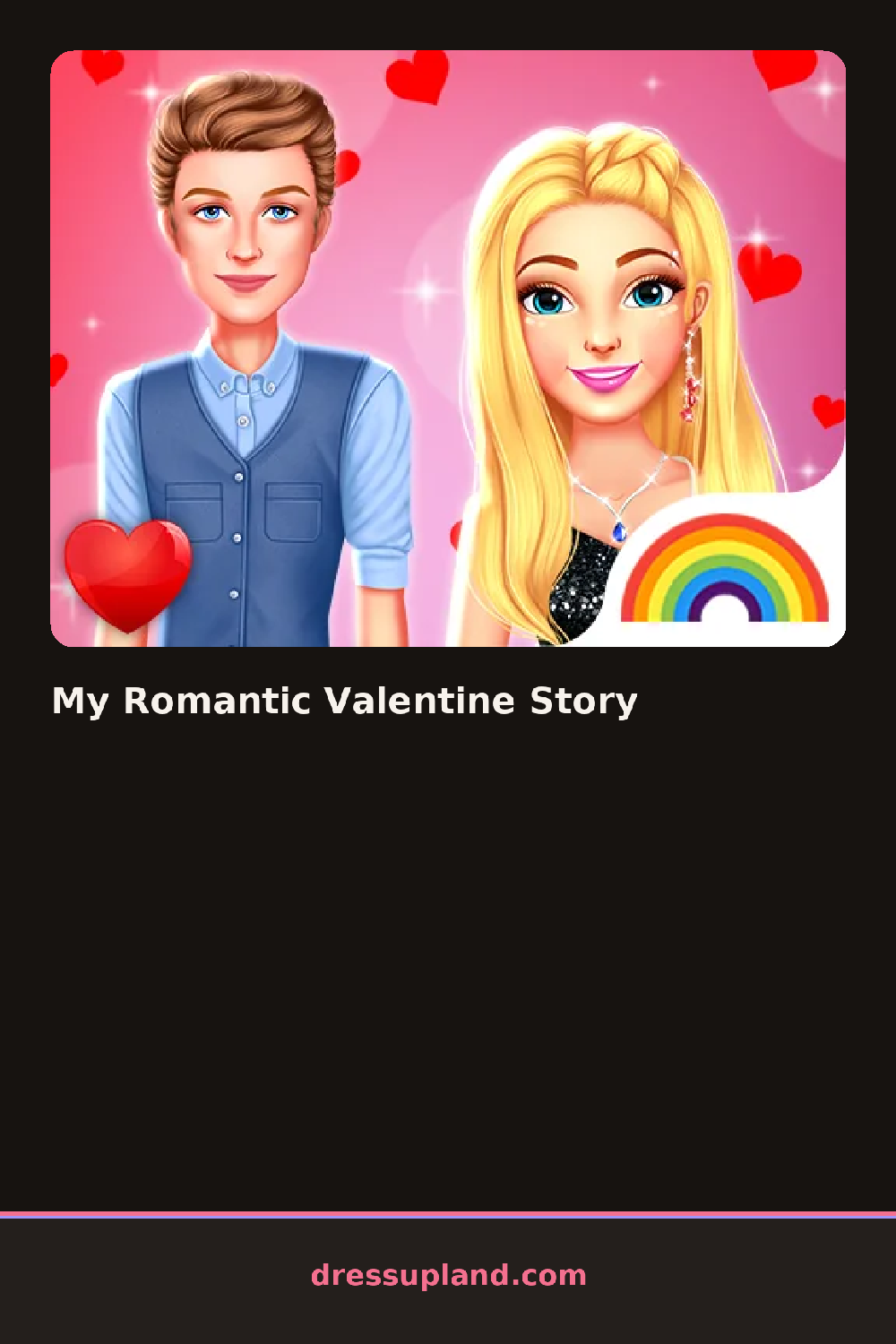
What is My Romantic Valentine Story?
Story mode opens on a single scene, maybe a table set for two, with a character standing to one side waiting for her first outfit. The pick you make there carries into the scene itself, and My Romantic Valentine Story lets the color of a dress echo into the tablecloth or the flowers nearby.
Outfit choices split the usual way, dresses and separates, a cropped cardigan for a casual scene, heels or flats depending on the setting, plus hair and a short jewelry set. Alongside the clothing sits a separate decorating panel: candles, a vase of roses, string lights, and table settings, all of which sit in the scene rather than on the character and can be swapped independently of the outfit.
Splitting attention between an outfit and the room around it is the part that separates this from a straight dress up game, and it leans on the decorating side about as much as the outfit side. Each scene closes with the character posed in the finished room, and a story usually moves through two or three such scenes before ending on a final combined look.
Try matching the flower or candle color to the dress instead of the tablecloth, since that pairing reads clearer in the finished scene. Save the boldest jewelry piece for the last scene so the story has somewhere to build. A busy print dress against a busy decorated table can look cluttered, so pick one or the other to carry the pattern.
How do you play and control My Romantic Valentine Story?
Click items in the outfit or decor panel to place them, switching tabs to move between dressing the character and decorating the scene.
Tap between the outfit and decor tabs, then tap an item to add it to the character or the scene.
Game details
| Specification | Details |
|---|---|
| Game Title | My Romantic Valentine Story |
| Category / Genre | Fashion & runway |
| Platform | Web browser — phone support not yet checked |
| Release Date | September 2026 |
| Technology | HTML5 |
| DressUpLand account | Not required |