What is My Trendy Ball Gown?
Fabric swatches and a bare dress form take up most of the screen at the start of My Trendy Ball Gown. The first pick is the base cut, since a mermaid silhouette and a full ball skirt take the same fabric and color choices in completely different directions later. Changing the cut resets the way the skirt drapes, so that first decision shapes everything layered on after it.
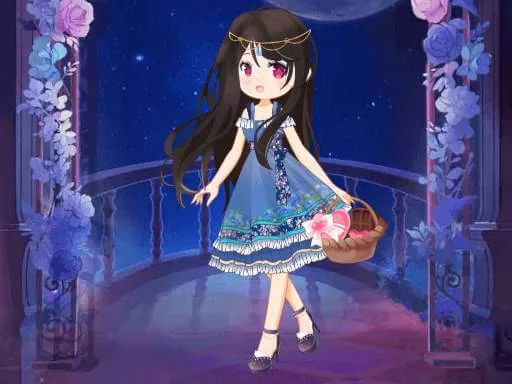
The toolkit runs through fabric textures like satin, tulle, and lace, plus a color wheel instead of a fixed swatch list. Jewelry sits apart from the dress, with a choker, drop earrings, and a scattering of hair pins that layer over an updo or loose waves. Shoes and a small clutch round out the last row, and every layer stacks on the base gown rather than replacing it.
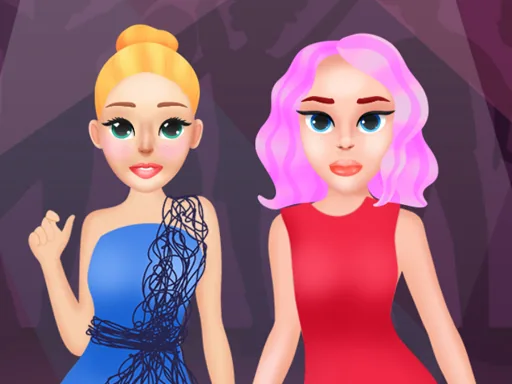
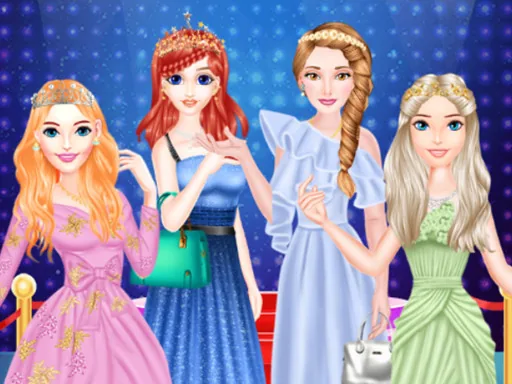
Where this runway styling game breaks from a fixed prom dress game is the fabric and color freedom: instead of choosing from finished dresses, you build the color and texture combination yourself before any accessories go on. A round ends with the finished gown posed on a runway backdrop, the full look shown from a single angle rather than scored piece by piece.
Fabric texture picked before color keeps the shine and drape consistent across the whole skirt instead of patchy. Matching jewelry metal tone to the dress trim reads more finished than picking a contrasting gold and silver at once. The color wheel responds to small drags, so nudge it slightly rather than clicking around the outer edge.
How do you play and control My Trendy Ball Gown?
Click fabric, color, and accessory options from the side panels, dragging the color wheel with the mouse to fine-tune shades.
Tap fabric and accessory icons on screen and drag your finger around the color wheel to adjust shades.
Game details
| Specification | Details |
|---|---|
| Game Title | My Trendy Ball Gown |
| Category / Genre | Fashion & runway |
| Platform | Web browser — phone support not yet checked |
| Release Date | September 2026 |
| Technology | HTML5 |
| DressUpLand account | Not required |