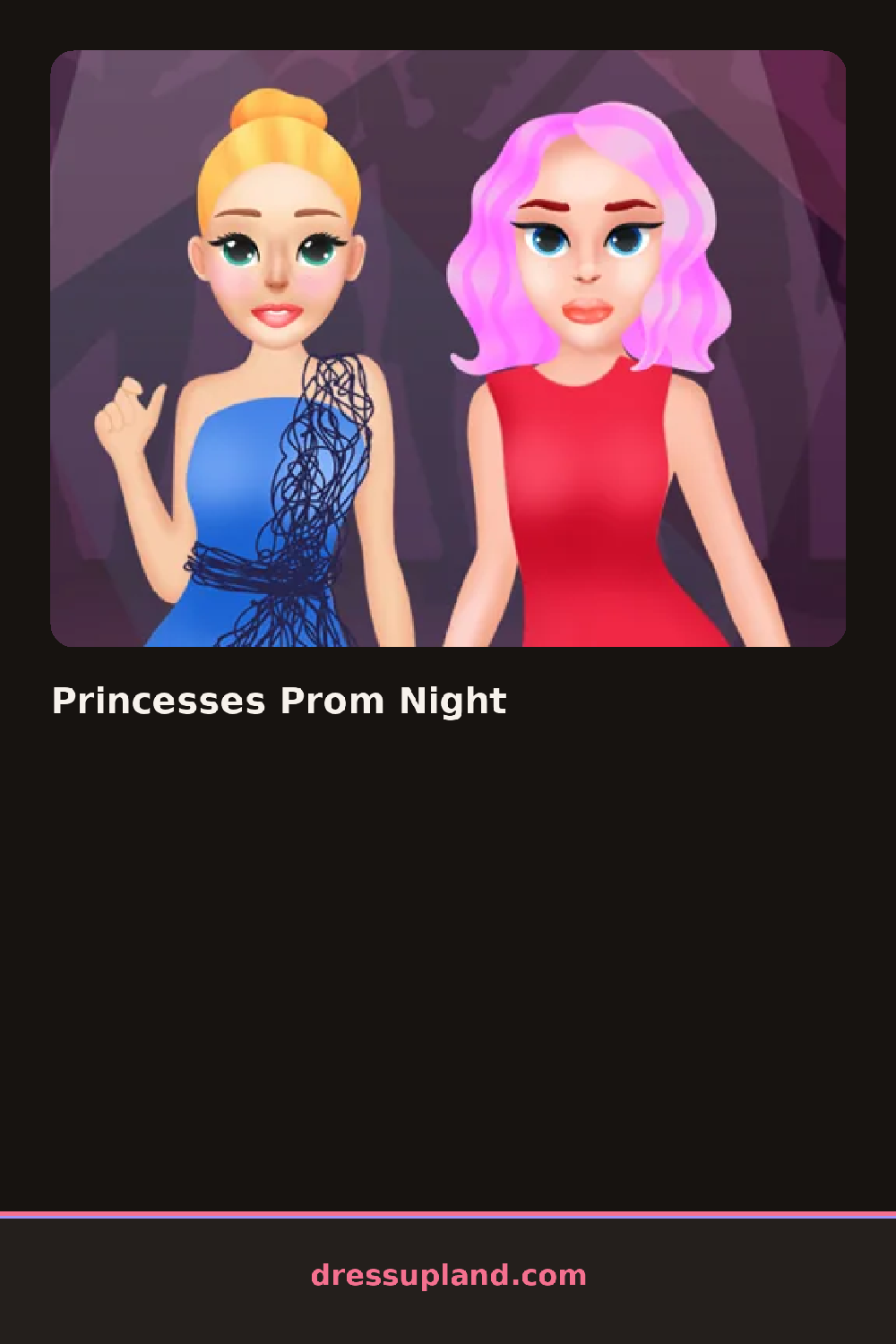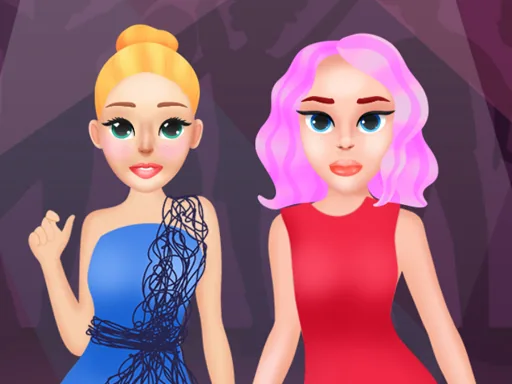

What is Princesses Prom Night?
The screen opens on a princess standing in a plain slip, waiting for a face and a dress. You start by picking her skin tone and hairstyle, and Princesses Prom Night shows the change on her right away, before you have chosen anything else.
The makeup panel comes first: a base, a blush, a smoky eyeshadow, a glossy lipstick, each swapped with a tap. After that come the gowns, a fitted bodice with a slit skirt, a strapless ballgown, a mermaid-cut dress with beading, then shoes and jewelry, a rhinestone tiara, drop earrings, a small clutch. Nothing here layers past one gown at a time, but hair, makeup and accessories stack independently.
What separates this makeover game from a plain school dance is the red-carpet staging: the princess pauses on a staircase or a runway-style entrance before the round ends, so the finished look reads as an entrance, not a simple snapshot. A round wraps once you lock in the outfit and step through to that final pose.
Start with the gown color before touching makeup, since a jewel-toned dress narrows which lipstick and eyeshadow actually read well against it. Try matching metal tones, gold jewelry with a gold hem trim, silver with a cooler dress, instead of mixing both in one look. The hairstyle menu sits under a separate tab from the accessories, easy to skip, but a swept-up style keeps a tiara from getting lost.
How do you play and control Princesses Prom Night?
Click through the category tabs and click an item to put it on the princess.
Tap the category icons along the side and tap an item to try it on.
Game details
| Specification | Details |
|---|---|
| Game Title | Princesses Prom Night |
| Category / Genre | Makeover |
| Platform | Web browser — phone support not yet checked |
| Technology | HTML5 |
| DressUpLand account | Not required |