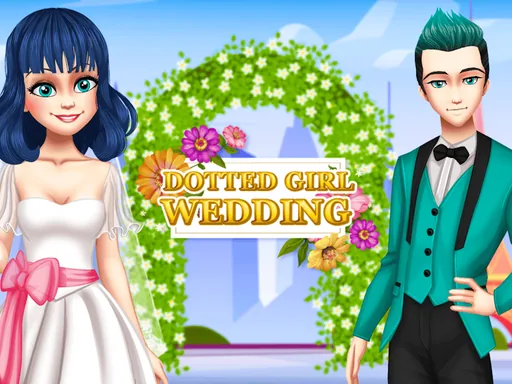

What is Perfect Garden Wedding?
The game opens on a bride standing in a garden archway, already in a plain slip dress, with her hair down and no makeup. Before you touch her outfit, the game walks you through a short setup: ceremony time, flower color, and whether the aisle runs through roses or wildflowers. Pick these first, because they set the palette everything else gets matched against. Your first real choice is usually her base hairstyle, and each option previews on her head the moment you tap it.
The wardrobe is split into bridal categories: gowns, veils, bouquets, shoes, jewelry, hair, and makeup. The gown rack runs from a simple lace shift to a full ballgown with a long train. Makeup has its own steps, so you pick a foundation tone, then eyeshadow, then a lipstick, and the shades you choose stay visible under everything else. Hair includes pinned updos and a loose side braid. Pieces layer in a fixed order: makeup sits under hair, hair sits under the veil, and the veil tucks behind the bouquet, so you can swap one layer without undoing the rest.
What separates this wedding makeover game from the usual stack is the setup stage at the start. Most dressers drop you straight at the closet; here your flower color and ceremony setting act as a theme the game gently scores you against. A round ends with a photo of the bride at the arch, plus a harmony rating that compares her colors to the garden you picked. A high match saves the look to your album.
To score well, pick your flower color first and pull one shade from it into the bouquet and the lipstick. Heavy veils read better with pinned updos, while loose hair suits a short veil. Check the shoes before finishing: a long train hides them, but the final photo shoots the bride from the aisle, where the shoes show.
How do you play and control Perfect Garden Wedding?
Click a category tab on the left, then click an item to apply it, and click the camera icon when you are ready for the final photo.
Tap a category, tap items to try them on, and use the on-screen camera button to snap the ending photo.
Game details
| Specification | Details |
|---|---|
| Game Title | Perfect Garden Wedding |
| Category / Genre | Makeover |
| Platform | Web browser — phone support not yet checked |
| Release Date | September 2026 |
| Technology | HTML5 |
| DressUpLand account | Not required |