
What is Pooh Dress up?
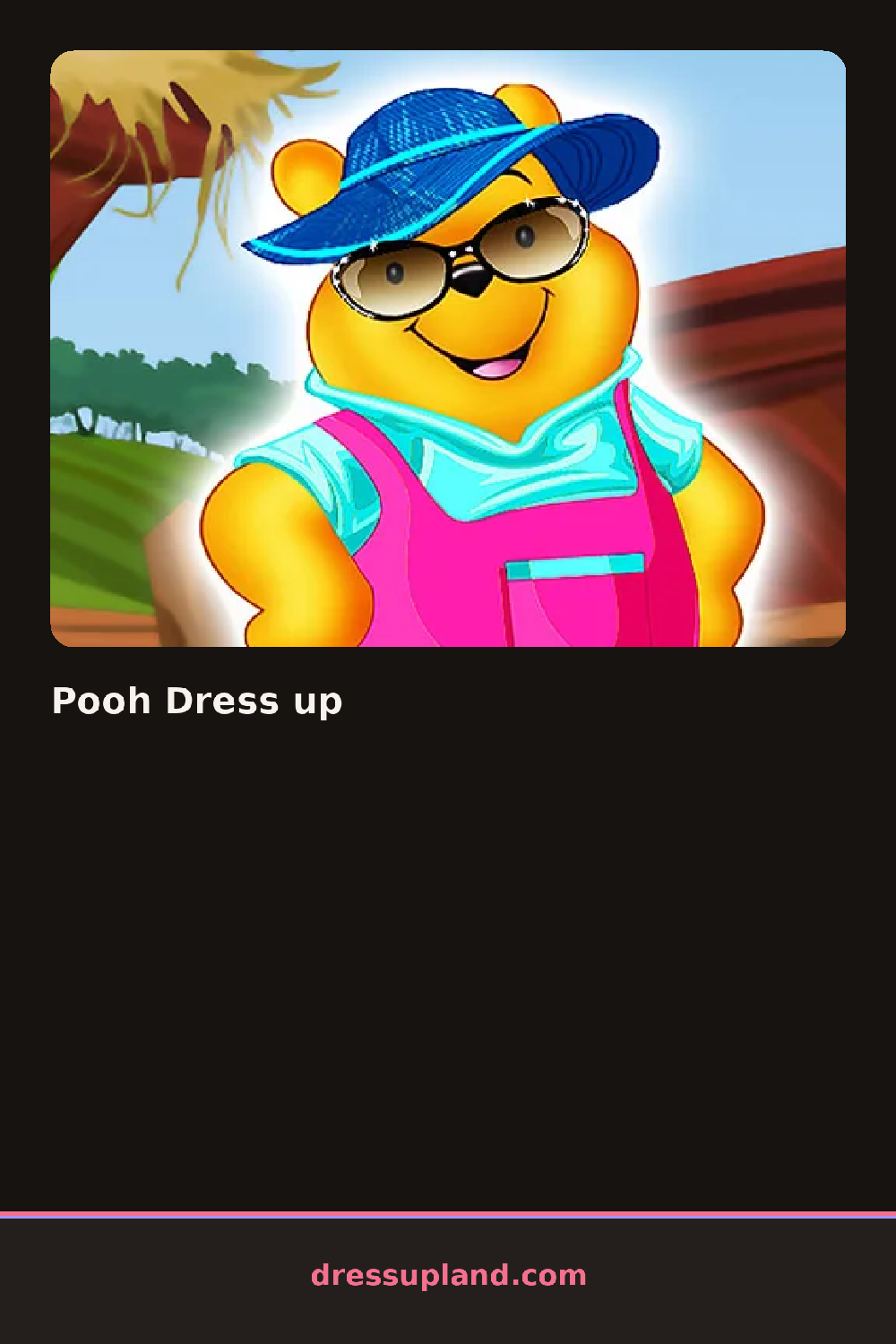
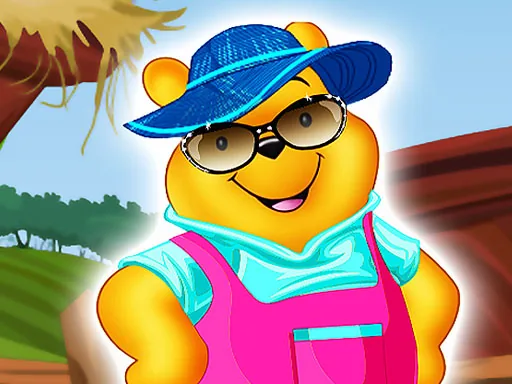
The bear in Pooh Dress up stands round-bellied against a plain green backdrop, arms held slightly out to the sides, waiting for a first shirt or vest. The moment a shirt lands, the belly underneath either pokes out below the hem or gets fully covered, depending on the length you picked. That one choice already decides how much of the bear's shape shows through everything you add next.
The wardrobe covers shirts, vests, scarves, small hats, and a row of honey-pot props and simple accessories like a walking stick or a balloon. Categories sit in tabs along the side, and clothing layers the way it would on any round body, so a vest sits over a shirt and a scarf wraps over the collar of both without hiding either one. Props stay separate from clothing, so a held balloon or a honey pot doesn't take up a slot that a hat or scarf could use instead.
Where a lot of character dress-up games size clothes for a straight-up-and-down figure, this one accounts for a wide round belly, so a short vest reads differently here than it would on a slimmer character and a belt has to sit high to stay on at all. A round ends with the bear posed against the backdrop in whatever combination you settled on, ready to be cleared for a completely different color scheme on the next try.
Go with a shirt in a color that matches the honey-pot prop if you're adding one, since the two sit close together and a clash there is the most visible mismatch on screen. Keep the scarf loose rather than tight against the neck, because a tight scarf tends to disappear into the fur below the chin. The balloon and walking stick share one prop slot, so choosing one means checking that it doesn't cover an accessory you already placed.
How do you play and control Pooh Dress up?
Click a tab to open shirts, hats, or props, then click an item to place it on Pooh.
Tap a category tab, then tap an item to add it to Pooh and tap a different one to swap it out.
Game details
| Specification | Details |
|---|---|
| Game Title | Pooh Dress up |
| Category / Genre | Animals & fantasy |
| Platform | Web browser — phone, tablet and desktop checked |
| Release Date | September 2026 |
| Technology | HTML5 |
| DressUpLand account | Not required |