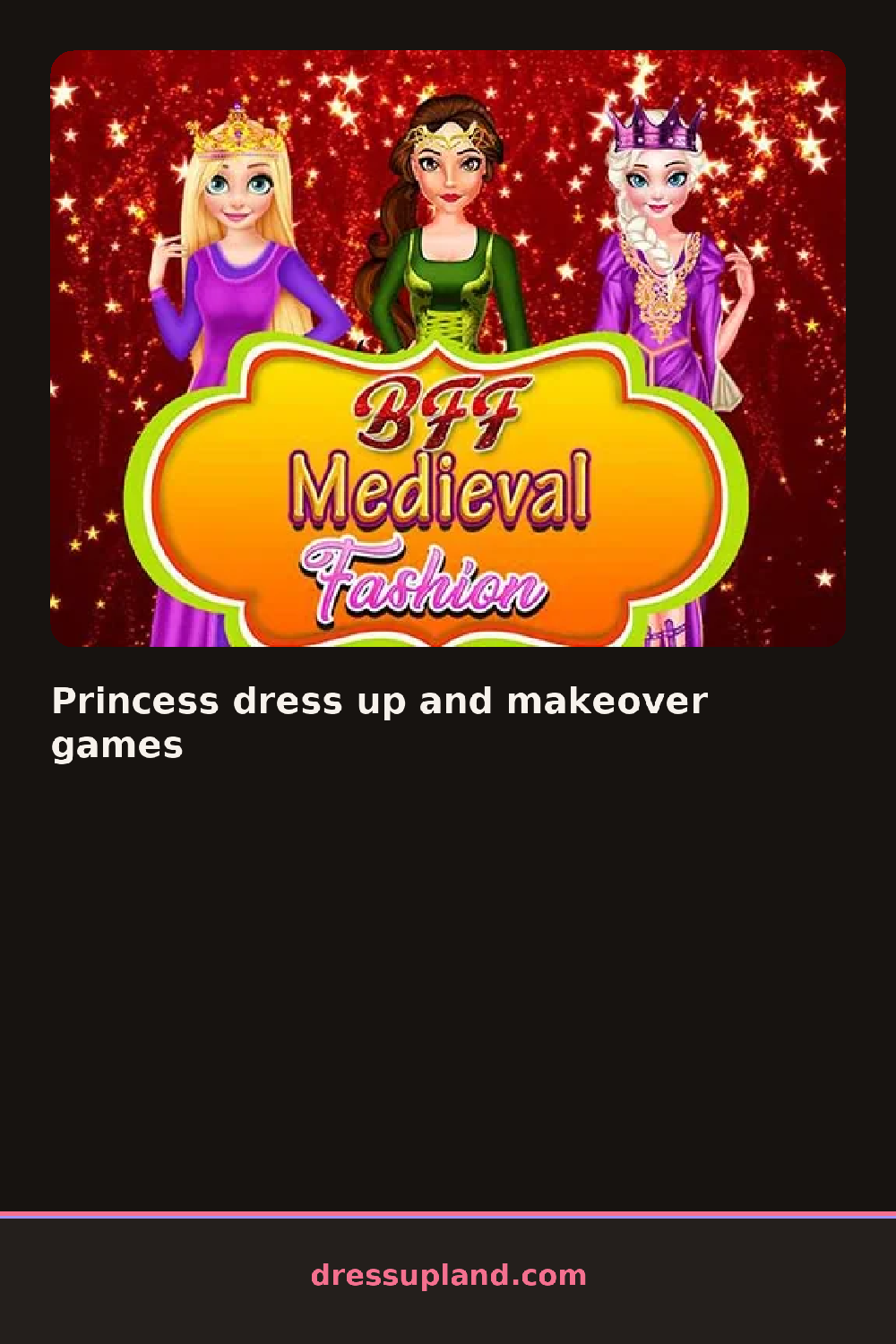

What is Princess dress up and makeover games?
The first screen gives you a princess standing in front of an empty canvas, with a row of category buttons along the bottom. You start with the gown, because everything else hangs off that choice. Tap a dress and she changes instantly, no loading, no confirm screen. The whole thing is a classic princess dress up game, so the flow is familiar within seconds.
The wardrobe splits into two halves. One side handles makeup and hair, so you get a matte lipstick, winged eyeliner, blush shades, and hair colors, plus styles like a side braid or a high bun. The other side is the outfit: ball gowns, a cropped cape, long gloves, tiaras, earrings, and shoes. Most pieces layer the way you would expect. Gloves sit over the sleeves, a tiara sits over any hairstyle, and jewelry stays visible unless a collar covers it.
The feature that separates this one from a hundred other dress up games is the makeover half. You do not just swap outfits, you do skin tone, eyeshadow, and lip color before you touch the clothes. When you finish, the round ends with a saved portrait of your princess, posed and framed, ready to start the next round or keep as a look.
To get a better result, work in this order: hair first, then makeup, then gown, then jewelry last. Pair a very full skirt with simple jewelry, because heavy earrings and a big crown together crowd the frame. And check the shoes after every gown change, since some dresses reset them.
How do you play and control Princess dress up and makeover games?
Click the category tabs along the bottom edge, then click an item to apply it to your princess.
Tap a category tab, then tap the item thumbnail you want and it appears on your character right away.
Game details
| Specification | Details |
|---|---|
| Game Title | Princess dress up and makeover games |
| Category / Genre | Princess |
| Platform | Web browser — phone support not yet checked |
| Release Date | September 2026 |
| Technology | HTML5 |
| DressUpLand account | Not required |