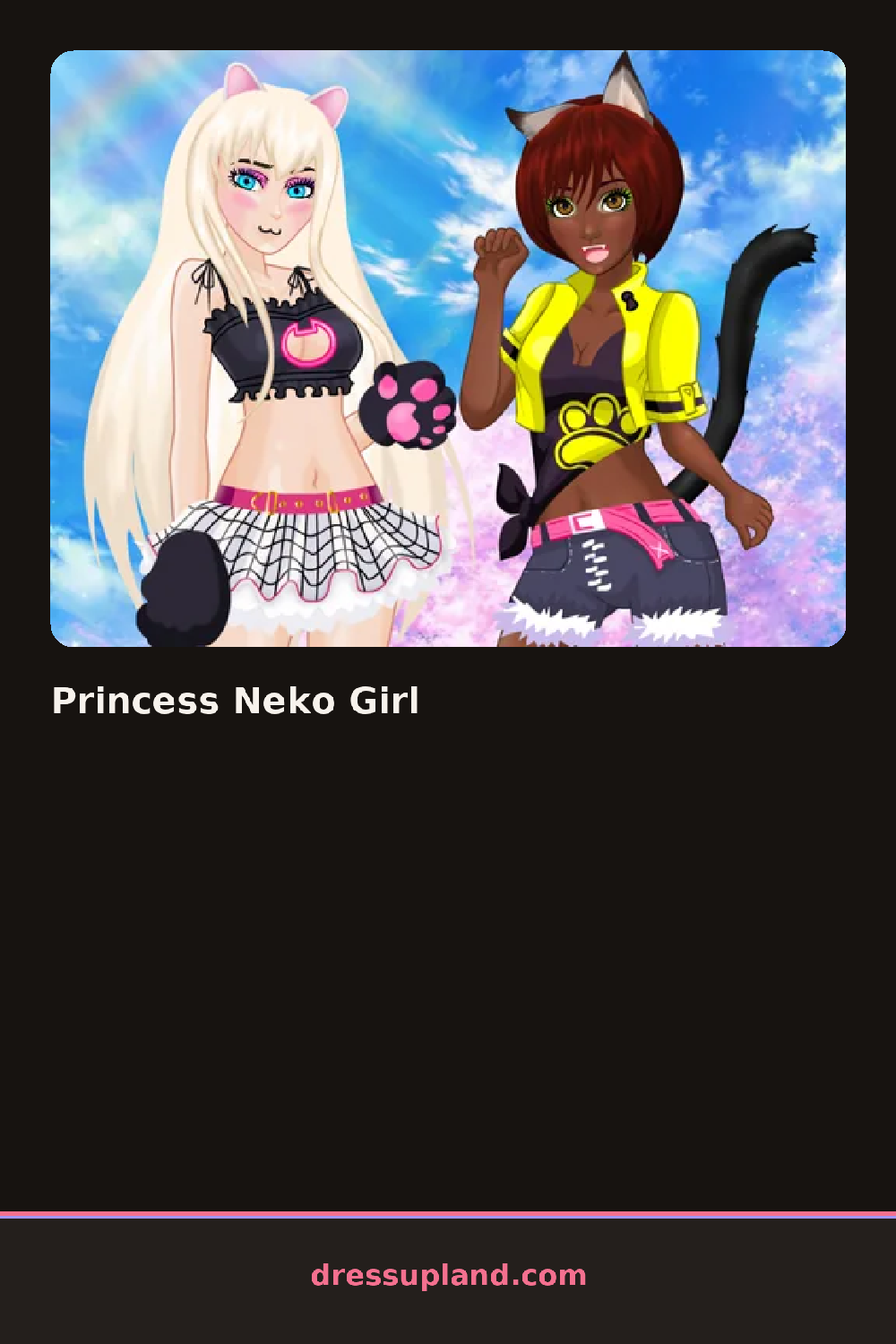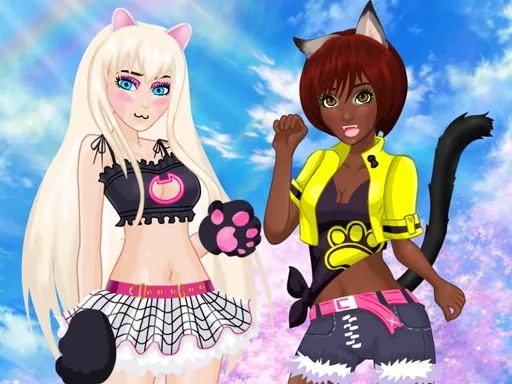

What is Princess Neko Girl?
A girl with cat ears stands centered on the screen, already half styled, with a column of menu buttons down one side. The first thing you pick is usually her hair, because the starting style is plain and everything else keys off it. Tap a hair option and it appears on her right away, ears staying put no matter what you choose.
The wardrobe splits into the categories you would expect: hair, dresses, tops and skirts, shoes, accessories, and makeup. The dresses run from big puffy ball gowns with ribbons to shorter pastel party dresses. There are lace stockings, tiny heels, jeweled tiaras that sit between the ears, and necklaces with little bells. A side braid and a high ponytail are both in there, plus blush and soft pink lip color. Pieces layer properly, so an underskirt can peek out below a shorter overskirt and a tiara rests on top of any hairstyle.
The neko angle is the hook. The cat ears and tail stay fixed while everything around them changes, so every outfit has to make peace with them, and that one constraint shapes the whole character creator. A finished round ends with a saved image of your princess to keep or show someone.
Work top to bottom: hair, then dress, then shoes, then accessories last so you can see what the outfit still needs. A simple dress with a big tiara reads better than a ruffled dress competing with one. Check the tail color against the shoes, since matching those two quietly makes the whole look feel finished.
How do you play and control Princess Neko Girl?
Click the category icons in the sidebar, then click an item to place it on the character.
Tap the category tabs and item tiles with your thumb, and use the camera button to save the final look.
Game details
| Specification | Details |
|---|---|
| Game Title | Princess Neko Girl |
| Category / Genre | Princess |
| Platform | Web browser — phone support not yet checked |
| Release Date | September 2026 |
| Technology | HTML5 |
| DressUpLand account | Not required |