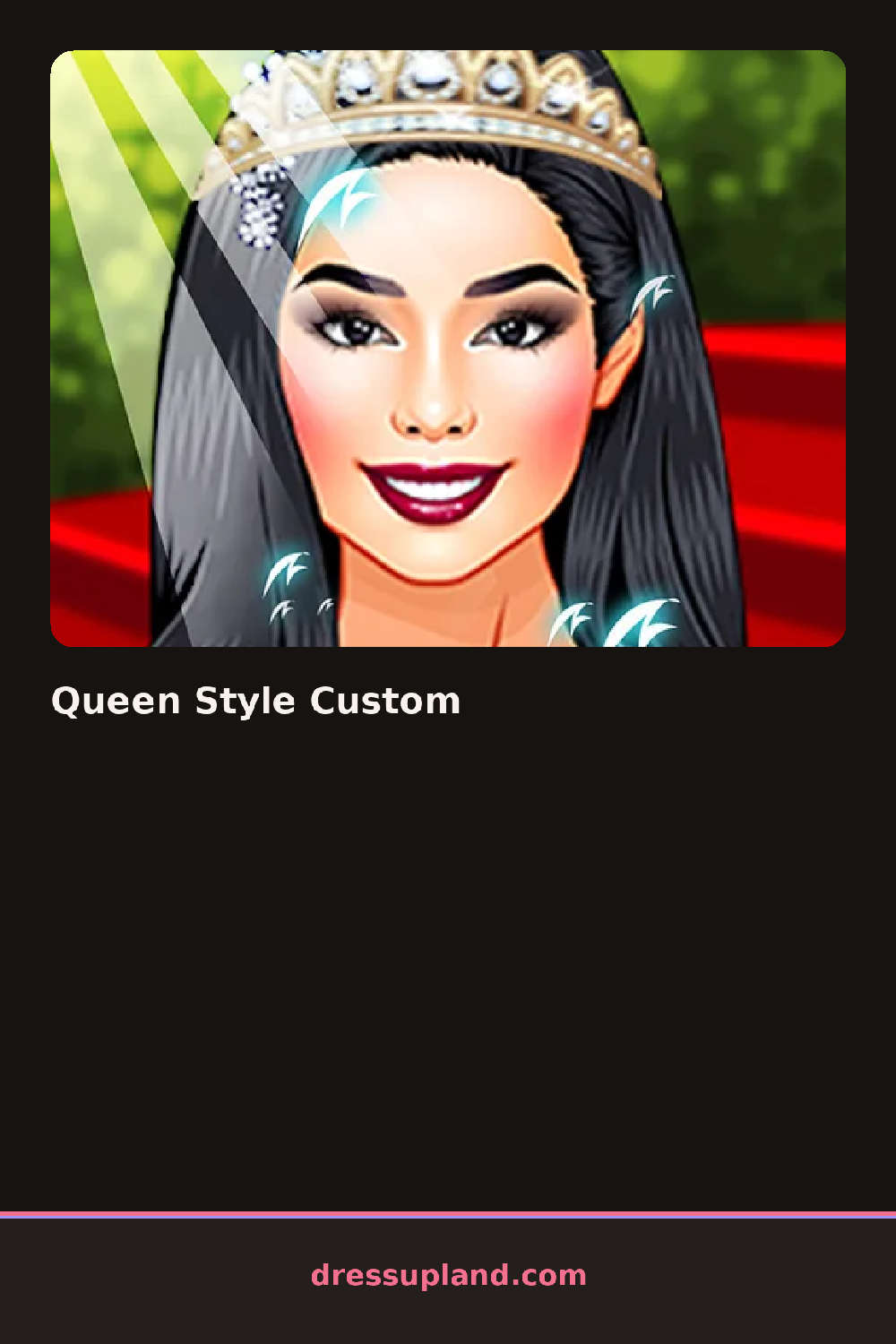

What is Queen Style Custom?
You open the game and a princess-style character is already standing on screen in a simple base outfit, waiting to be turned into a queen. The first pick is usually the gown, since a big ball dress sets the tone for everything else. Tap an option in the side panel and it appears on her right away, full skirt, trimmed bodice and all. Colors swap with a small palette next to each item, so the same gown can go royal blue or deep red in one tap. As a princess dress up game it stays focused on that one job.
The wardrobe leans royal: floor-length gowns, capes, puffy sleeves, gloves, tall heels, tiaras, crowns, necklaces, drop earrings and long braided or curled hairstyles. Categories run down the edge of the screen in a plain list, hair, face, dress, shoes, jewelry, background. Pieces layer properly, so a cape sits over the shoulders of the gown and a necklace rests on the bodice instead of floating over it. There are shorter dresses too, if a ballroom look is not the goal.
The extra touch is the background and pose options, so the finished queen stands in front of a castle or throne setting instead of a flat color, and the whole thing reads like a portrait. When you are happy, you save or screenshot the look and start over with a new color scheme if you want a matching set of royals.
Pick the crown early, not last, since gold versus silver changes which jewelry you should reach for. Dark gowns read best with bright metallic accessories, and pastel gowns want pearls or nothing at all. Zoom out or step back from the screen once before saving, because a necklace can clash with a neckline in a way you only notice at full size.
How do you play and control Queen Style Custom?
Click through the category list on the side, click an item to wear it, and click a swatch to change its color.
Tap categories and items on the touchscreen panel, and use the small save button at the edge when the look is finished.
Game details
| Specification | Details |
|---|---|
| Game Title | Queen Style Custom |
| Category / Genre | Princess |
| Platform | Web browser — phone support not yet checked |
| Release Date | September 2026 |
| Technology | HTML5 |
| DressUpLand account | Not required |