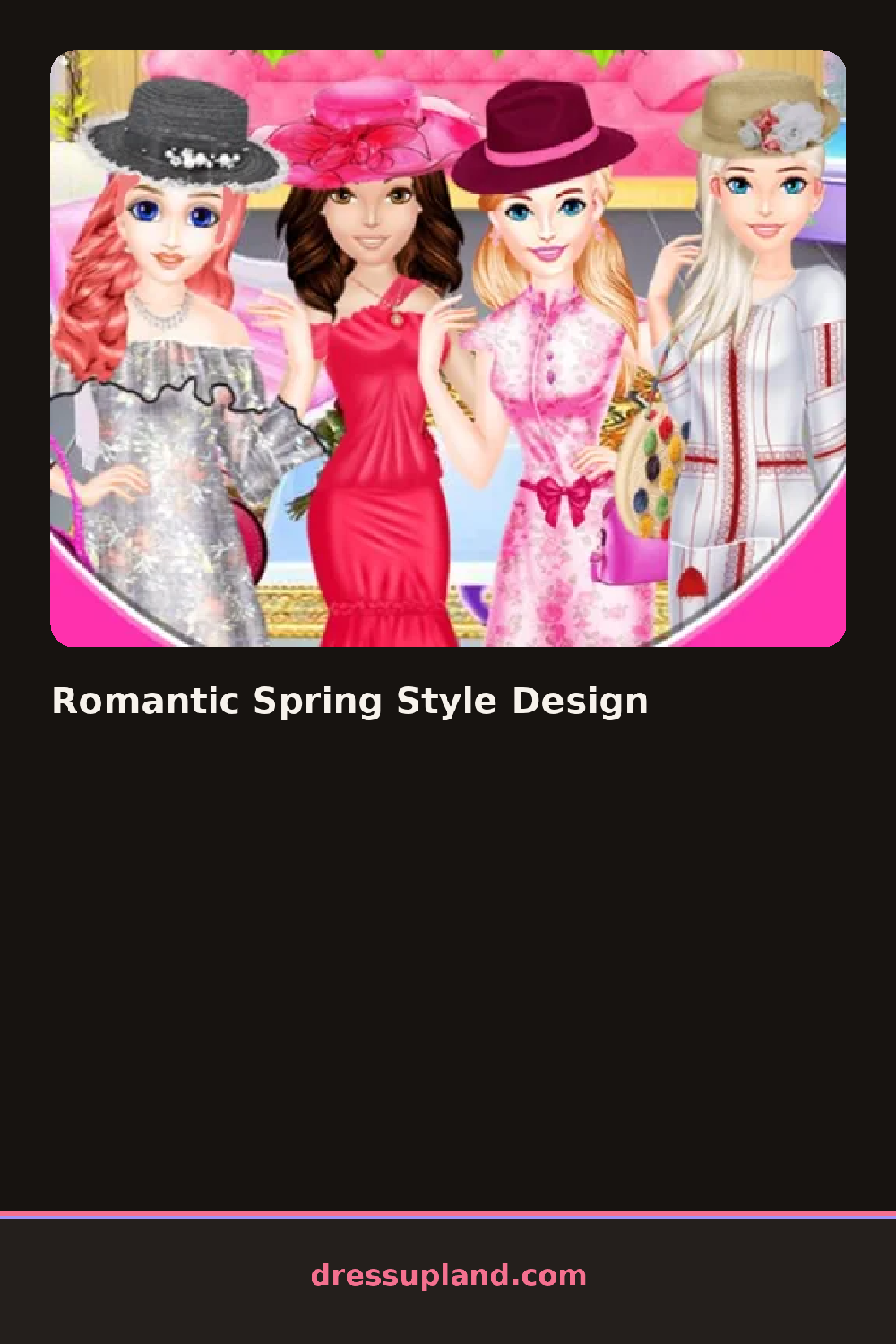

What is Romantic Spring Style Design?
Petals drift across a pastel background while a character waits in a plain slip, and the first choice in Romantic Spring Style Design is usually a hairstyle: a loose half-up style, soft waves, or a low side braid. That one pick already sets a tone, since a braid with baby's breath tucked into it reads younger and softer than loose curls with a single flower behind one ear.
The dress rack favors flowing shapes over structured ones: an off-shoulder floral dress, a pastel wrap dress, a lace slip under a sheer cardigan. Shoes stay soft too, mostly strappy sandals or low pastel heels, and the accessory tray holds a flower crown, a delicate choker, stud earrings, and a small bouquet to hold. Cardigans sit in a separate outer layer, so a cool-toned dress can warm up under a blush cardigan without losing the dress underneath.
The detail that separates it from a generic makeover game is how often the same flower motif shows up across categories: a rose print might turn up on the dress, the crown, and a small brooch at once, so matching those instead of picking each piece in isolation changes the whole look. A completed outfit fills the screen with the character posed among the petals, ready to save as a finished spring look.
Match the flower print across two categories, the dress and the hair accessory for example, and the outfit reads more finished than three unrelated florals picked at random. Keep the palette to two or three pastel shades instead of reaching for every bright color available, since the soft mood holds together better that way. The jewelry tray is easy to scroll past, though a single choker or a pair of stud earrings can finish the look on its own.
How do you play and control Romantic Spring Style Design?
Click a category icon to browse it and click an item to put it on the character.
Tap a category icon, then tap an item to place it on the character.
Game details
| Specification | Details |
|---|---|
| Game Title | Romantic Spring Style Design |
| Category / Genre | Makeover |
| Platform | Web browser — phone, tablet and desktop checked |
| Release Date | September 2026 |
| Technology | HTML5 |
| DressUpLand account | Not required |