What is Scooby Shaggy Dressup?
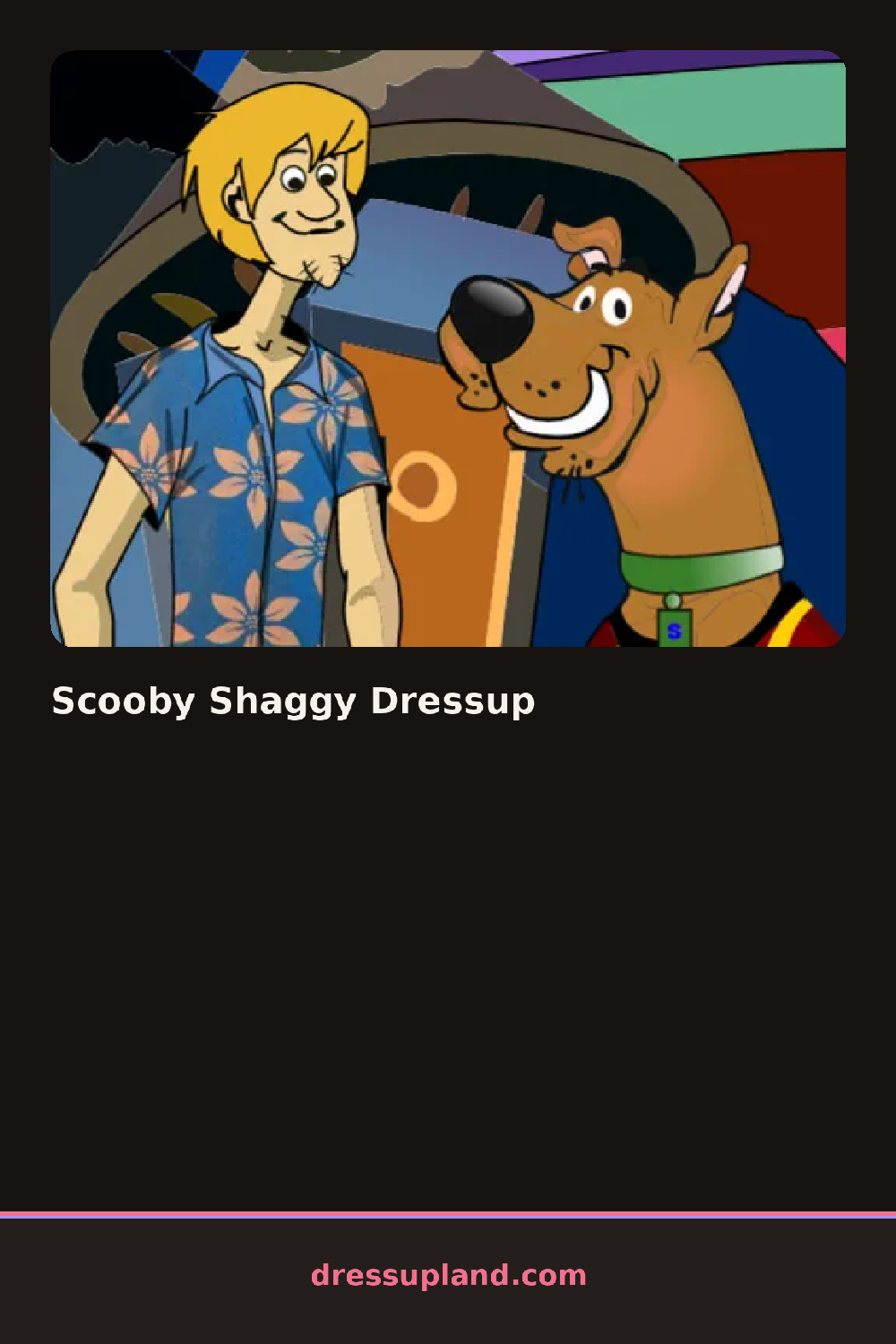
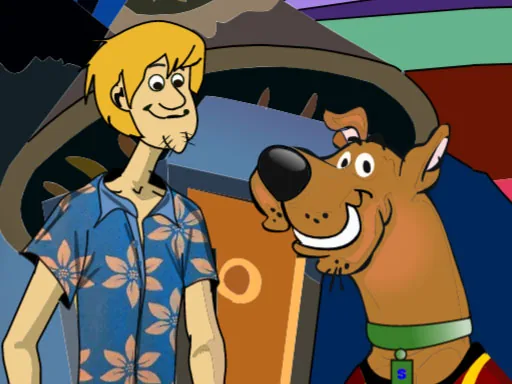
Two characters stand side by side on a plain green backdrop when Scooby Shaggy Dressup loads, one paw and one hand raised like they are mid-conversation. Clicking either one brings up a separate rack, and a shirt swap on Shaggy has no effect on the Great Dane standing beside him.
Scooby's rack is mostly collars and small accessories: a bandana or a jeweled collar, plus the odd pair of goggles pushed up on his head. Shaggy's rack runs to full outfits, a striped shirt under a green jacket, oversized flares, or a beanie pulled low. Nothing on either character layers more than two pieces deep, so a collar and a hat are about as far as it goes for the dog, while Shaggy stacks a jacket over a shirt.
Most character creator setups this size focus on one figure, but splitting the wardrobe across two characters means the finished picture depends on how the pair reads together rather than on either outfit alone. The scene wraps with both characters posed side by side for a photo, matched or mismatched depending on what got picked.
Dress Shaggy first, since his options form the busier set and are easier to build a color scheme around before picking a collar for Scooby to match. A single bold accessory on Scooby reads better next to a full outfit on Shaggy than two busy choices at once. The goggles sit at the end of Scooby's accessory row, past the collars, and are easy to scroll past without noticing.
How do you play and control Scooby Shaggy Dressup?
Click a character to select him, then click items on his rack to dress him.
Tap a character to select him, then tap items on his rack to dress him.
Game details
| Specification | Details |
|---|---|
| Game Title | Scooby Shaggy Dressup |
| Category / Genre | Animals & fantasy |
| Platform | Web browser — phone, tablet and desktop checked |
| Release Date | September 2026 |
| Technology | HTML5 |
| DressUpLand account | Not required |