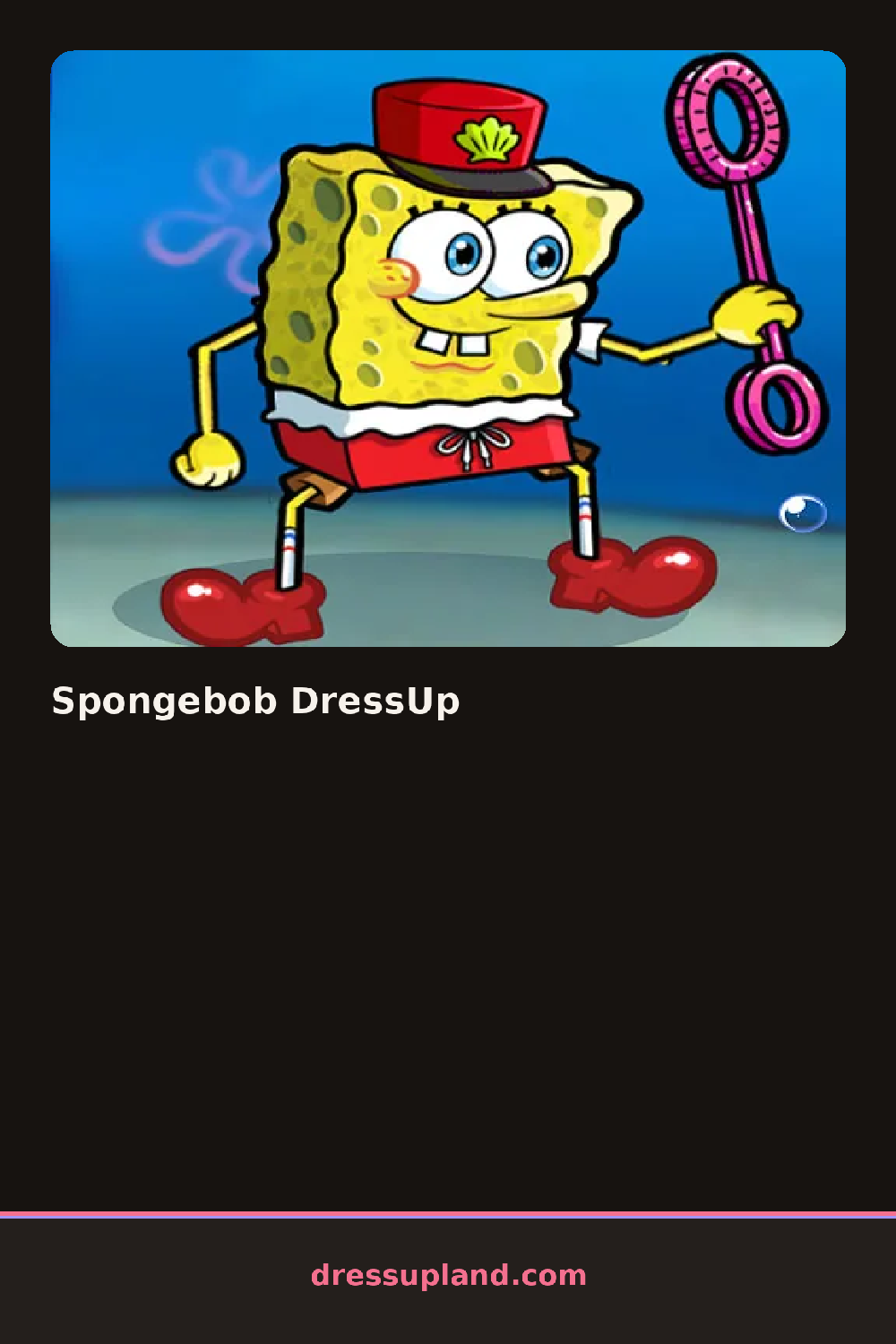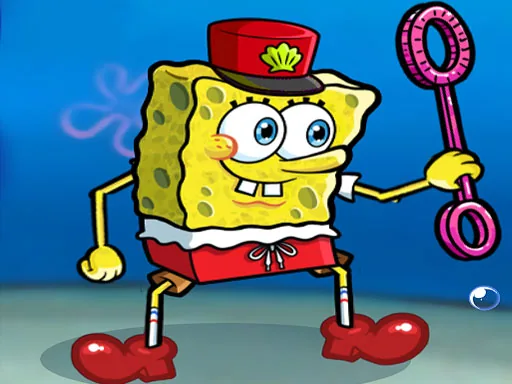
What is Spongebob DressUp?
Spongebob DressUp opens on a bare, square-bodied character standing against a plain background, and the first pick is usually a hat or a shirt, since either one resets the whole silhouette. Clicking through the top row swaps colors fast enough to see which combination reads clean before committing to anything else.
The wardrobe runs in tabs along the bottom: shirts and ties in solid colors, shorts and pants in checked or striped fabric, shoes from sneakers to sandals, and a row of accessories like sunglasses, bow ties, and party hats. Shirts and pants layer under the accessory row, so a striped shirt can carry a polka-dot tie without the pieces fighting for the same spot.
The angle this one takes is pure cartoon mismatch: a sequined tie next to a pair of swim trunks isn't a mistake here, it's the point, and the sillier the combination the better it fits the character. As a decorating game it skips scoring, and a session wraps when the outfit looks finished and gets saved or screenshotted.
Starting with the shirt sets the palette for everything after it, so picking that first saves time spent backtracking. Pairing one loud piece, like a striped hat, with two plain ones keeps the outfit readable instead of noisy. The accessory row sits past the shoes, easy to scroll past without noticing there's a whole shelf of hats and glasses left to try.
How do you play and control Spongebob DressUp?
Click a tab to open a category, then click an item to put it on the character.
Tap a tab along the bottom, then tap an item to try it on.
Game details
| Specification | Details |
|---|---|
| Game Title | Spongebob DressUp |
| Category / Genre | Fashion & runway |
| Platform | Web browser — phone, tablet and desktop checked |
| Release Date | September 2026 |
| Technology | HTML5 |
| DressUpLand account | Not required |