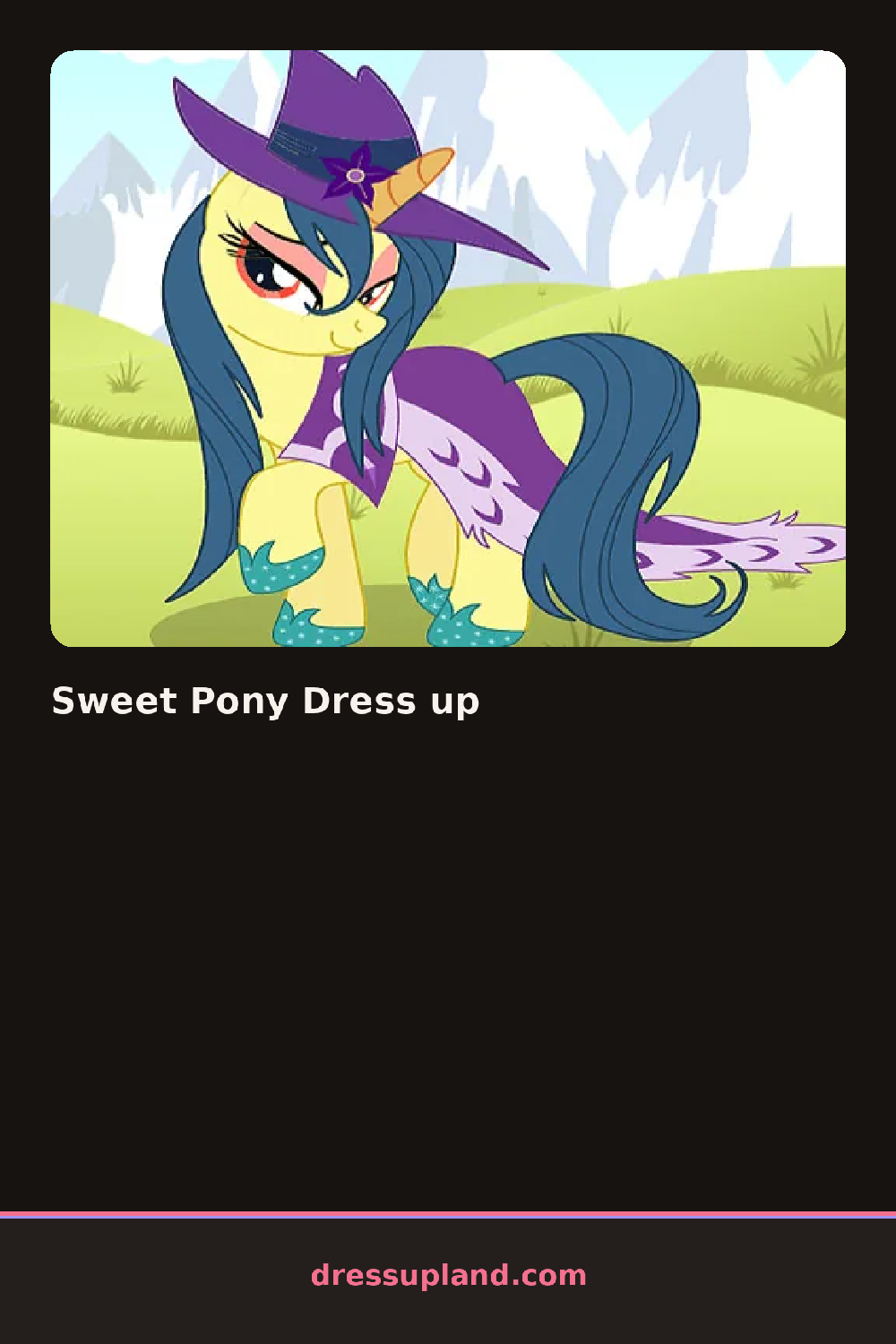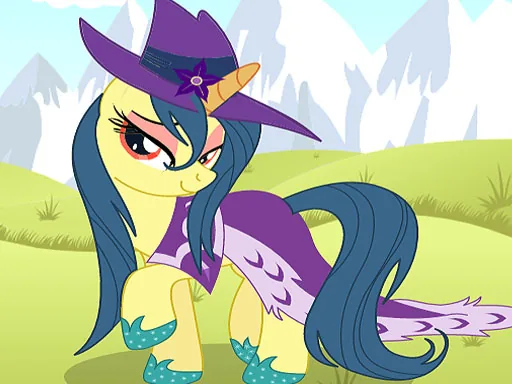

What is Sweet Pony Dress up?
The screen opens on a bare pony standing in a soft pasture, mane and tail plain, no tack yet. The first click usually lands on coat color, and the shift is immediate: pink fades to lilac or dapple gray, and the pony suddenly looks like a different animal. Sweet Pony Dress up starts here, with color as the foundation everything else sits on.
The toolkit splits into rows along one side: mane styles from a loose wave to a braided updo, tail wraps and ribbons, saddles and blankets in solid or patterned fabric, hoof cuffs, and a shelf of fantasy pieces like small wings and curved horns. Manes and tails layer separately from the saddle, so a braided mane can sit under a jeweled tiara without one option locking out the other.
Where this one splits from a plain barn-and-brush sim is the fantasy shelf: wings, horns, and glitter dust sit next to the ribbons like they belong there, and a pony can end up looking as much like a small dragon as a show horse. It's a decorating game more than a competition, so a round ends when the look feels finished and gets saved as a picture.
Coat color first, always, since every mane and saddle color reads differently against pink than against gray. Matching the saddle blanket to the tail ribbon pulls a scattered look together fast. The fantasy pieces sit in their own row near the bottom, easy to miss if the scroll stops at the standard tack.
How do you play and control Sweet Pony Dress up?
Click an item in the side menu to place it, and click a placed item again to swap or remove it.
Tap a category tab, then tap an item to put it on the pony.
Game details
| Specification | Details |
|---|---|
| Game Title | Sweet Pony Dress up |
| Category / Genre | Animals & fantasy |
| Platform | Web browser — phone, tablet and desktop checked |
| Release Date | September 2026 |
| Technology | HTML5 |
| DressUpLand account | Not required |