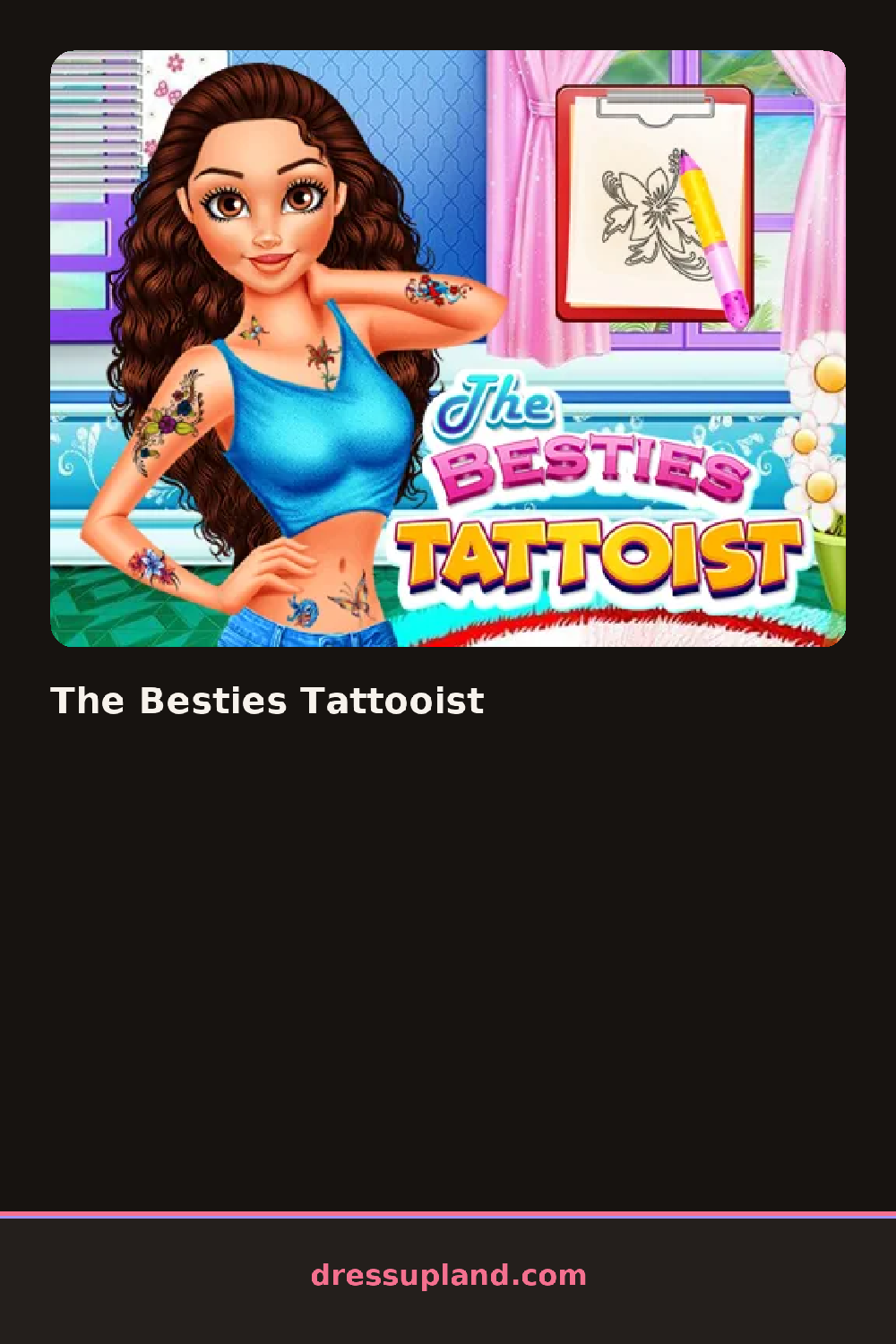

What is The Besties Tattooist?
The Besties Tattooist opens on two friends sitting on stools, waiting for their turn under the needle. You pick one first, and whatever design you drag onto her arm or shoulder appears right away, the outline showing up on skin as you resize and angle it before committing to ink.
The design tray is split into rows: script lettering, small roses, stars, geometric bands, and a handful of tiny hearts and moons. Ink comes in a short color strip, mostly black with a few reds and blues mixed in, and a shading slider lets a single design go from a thin outline to a filled-in piece. Designs can be layered, so a rose and a line of script can sit on the same shoulder if the spacing works.
What separates this makeover game from a plain skin-canvas app is the second client waiting her turn. Every design decision carries over: pick a matching rose for both friends, or give one a bold sleeve and the other a single delicate ankle piece, and the round ends with both girls posed together so the two placements sit side by side.
Working the visible skin first, like a shoulder or forearm, before adding a small piece somewhere less obvious keeps the placement from looking cluttered. Matching ink color across both friends' tattoos reads better than mixing black and red on the same pair. The resize handle is easy to skip past, but shrinking a design before locking it in stops the linework from spilling over the edge of an arm.
How do you play and control The Besties Tattooist?
Click a tattoo design, drag it onto the body, and use the corner handles to resize and rotate before confirming placement with the mouse.
Tap a design, drag it into place with a finger, and pinch to resize before tapping to lock the tattoo in.
Game details
| Specification | Details |
|---|---|
| Game Title | The Besties Tattooist |
| Category / Genre | Makeover |
| Platform | Web browser — phone support not yet checked |
| Release Date | September 2026 |
| Technology | HTML5 |
| DressUpLand account | Not required |