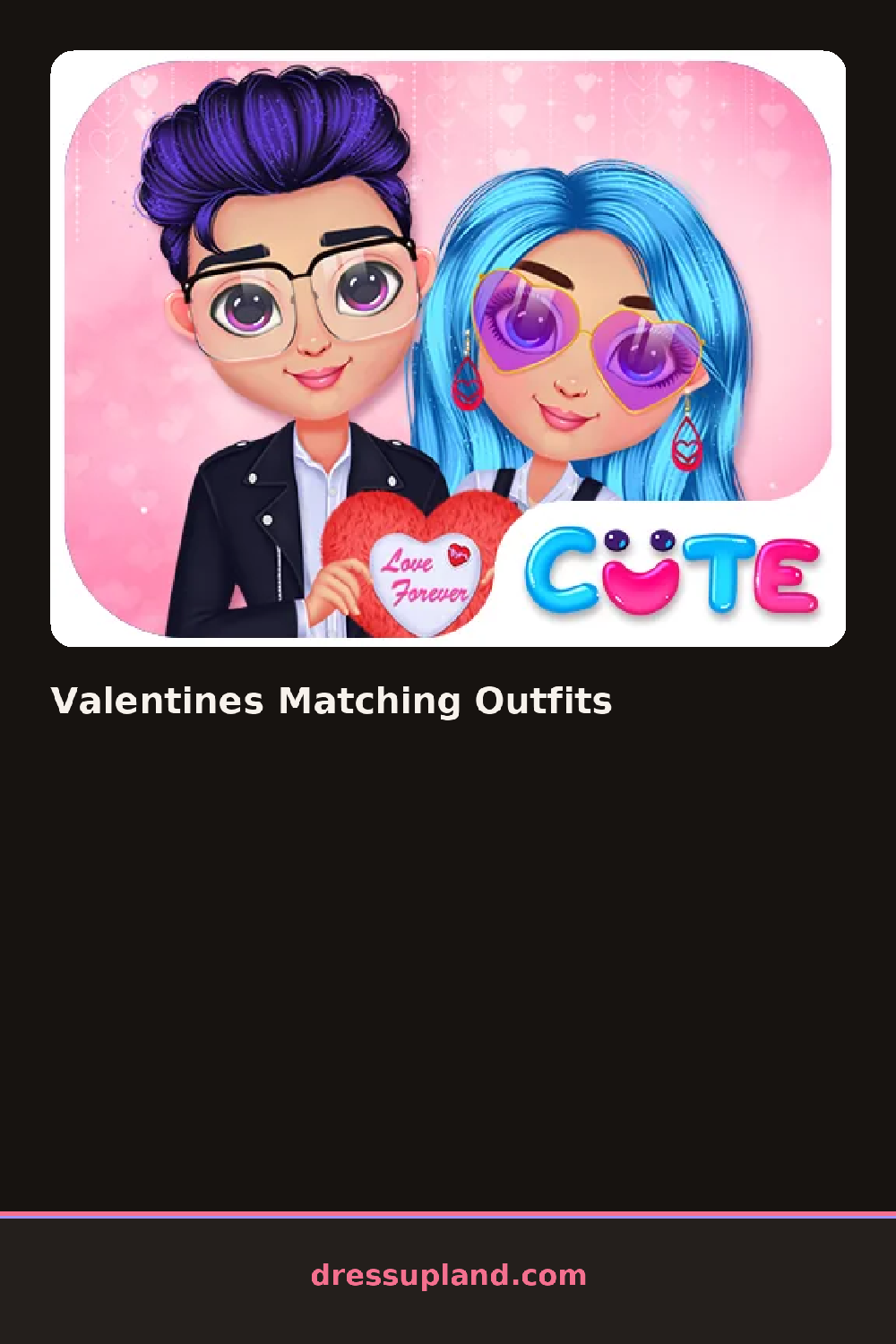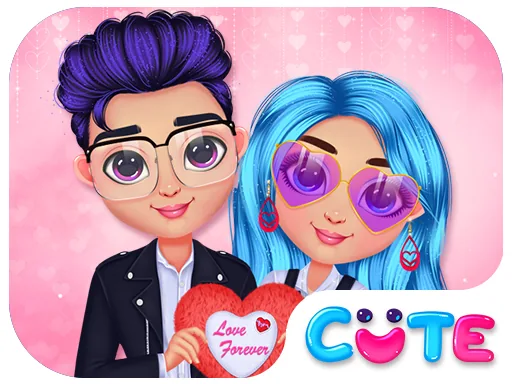

What is Valentines Matching Outfits?
The screen opens on two characters standing side by side, one on the left and one on the right, both waiting in their base outfits. You start with the first one. Tap a category and a panel slides in with the options, so the very first choice is usually hair, then skin tone, then whatever catches your eye. Every pick shows up on the character right away, no guessing.
The wardrobe is split into the usual sections: hair, tops, skirts and dresses, shoes, jewelry, and accessories like hearts and bows. Since this is a matching game, color matters more than in a regular princess dress up game. There are ruffled gowns in blush and red, shorter heart-print dresses, elbow gloves, little purses, and hairpins shaped like cupids. Pieces layer, so gloves go over sleeves and a hairpin sits on top of a braid or curls.
The twist is that both characters have to agree. You can copy a piece from one side to the other, or you can pick two different outfits that share the same colors, and the game treats both as valid. A round ends when you finish both sides and take the pair in as a finished look, the two of them framed together like a date photo you can save or redo.
Pick one character's full outfit first, then match the second one piece by piece instead of jumping between sides. Colors that read well together here are red with white trim, or pink with gold jewelry. If an accessory looks cluttered, remove the necklace before dropping a scarf on top.
How do you play and control Valentines Matching Outfits?
Click a category tab to open it, then click an item to apply it to the character on that side of the screen.
Tap a category, then tap items to try them on, and swipe the panel if the list runs past the edge.
Game details
| Specification | Details |
|---|---|
| Game Title | Valentines Matching Outfits |
| Category / Genre | Princess |
| Platform | Web browser — phone support not yet checked |
| Release Date | September 2026 |
| Technology | HTML5 |
| DressUpLand account | Not required |