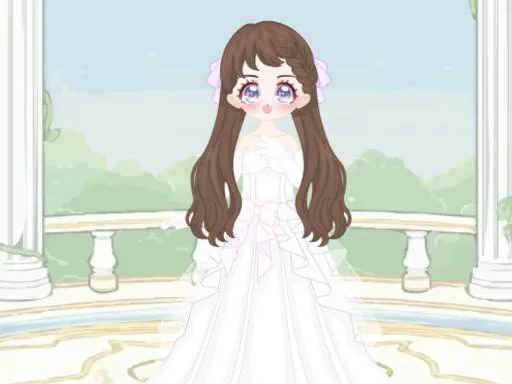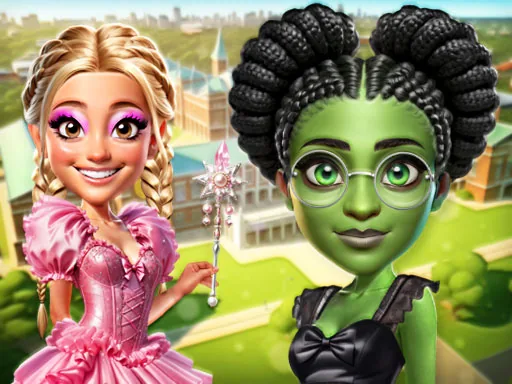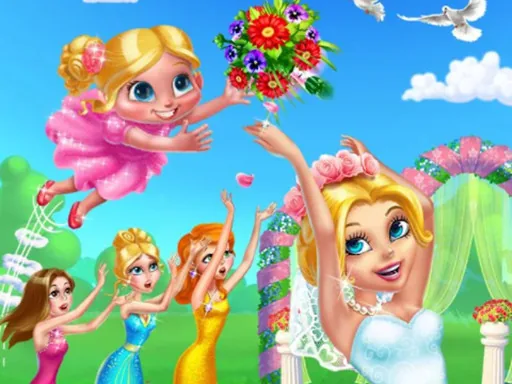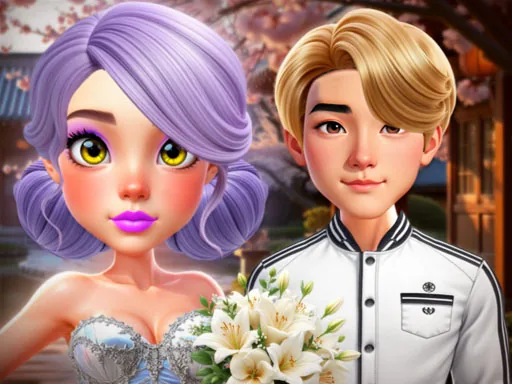

What is Wedding at Castle?
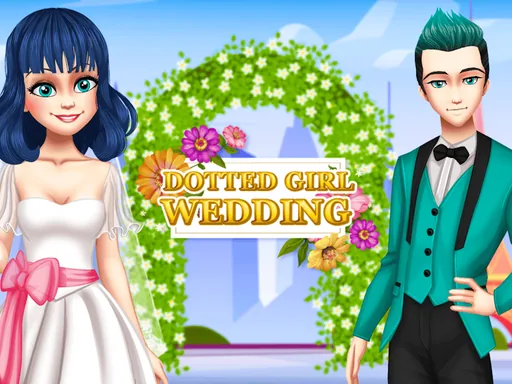
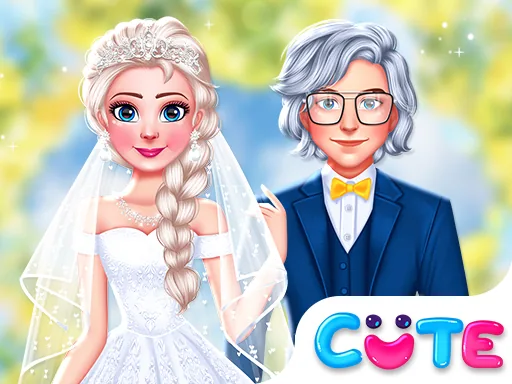
The screen for Wedding at Castle opens on two figures standing side by side against a stone archway, and the first pick is usually the color scheme both outfits will share. Choosing a shade for one figure often narrows the palette for the other, so the two looks stay in the same family from the start.
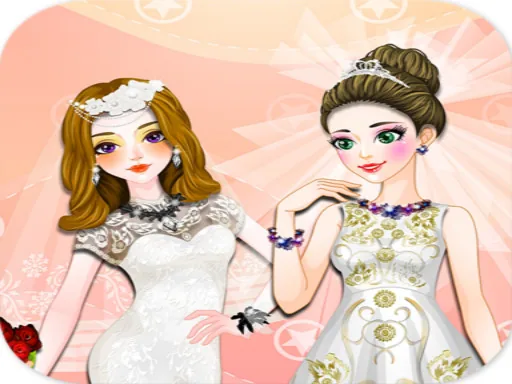
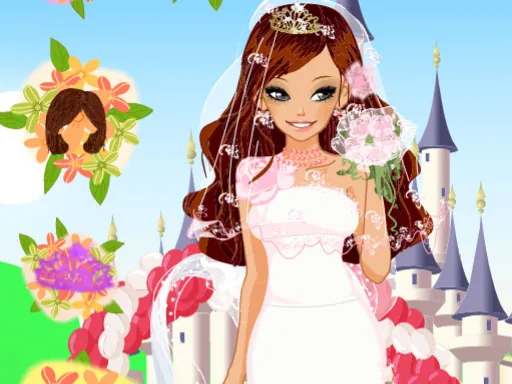
Outfits split by figure: one side holds gowns with lace overlays, veils, and heeled shoes, the other holds tailored suits, vests, and bow ties, and both sides share a row of shared items like bouquets, rings, and castle-appropriate crowns. Hair and makeup sit in a separate strip so a braid or a slicked side part can be swapped without touching the outfit underneath.
This couples dress-up game builds the whole scene around two people getting ready at once instead of one, and a finished pairing gets set against the castle backdrop for a final portrait instead of a single shot. Coordinating both figures at the same time is the part a solo makeover never asks for.
Picking the color scheme before touching accessories keeps the pairing from clashing later. Matching the veil trim or bow tie fabric to the bouquet ribbon reads well in the final shot. The shared-item row is easy to miss since it sits below both figures, so checking it before finishing the outfits picks up pieces neither side has on its own.
How do you play and control Wedding at Castle?
Click a figure to select it, then click through the gown or suit tabs and drag accessories like the veil or bow tie into place.
Tap a figure to switch between the bride and groom, then tap items in the tray below to try them on each one.
Game details
| Specification | Details |
|---|---|
| Game Title | Wedding at Castle |
| Category / Genre | Couples & BFFs |
| Platform | Web browser — phone, tablet and desktop checked |
| Release Date | September 2026 |
| Technology | HTML5 |
| DressUpLand account | Not required |