
What is Winx Makeover?
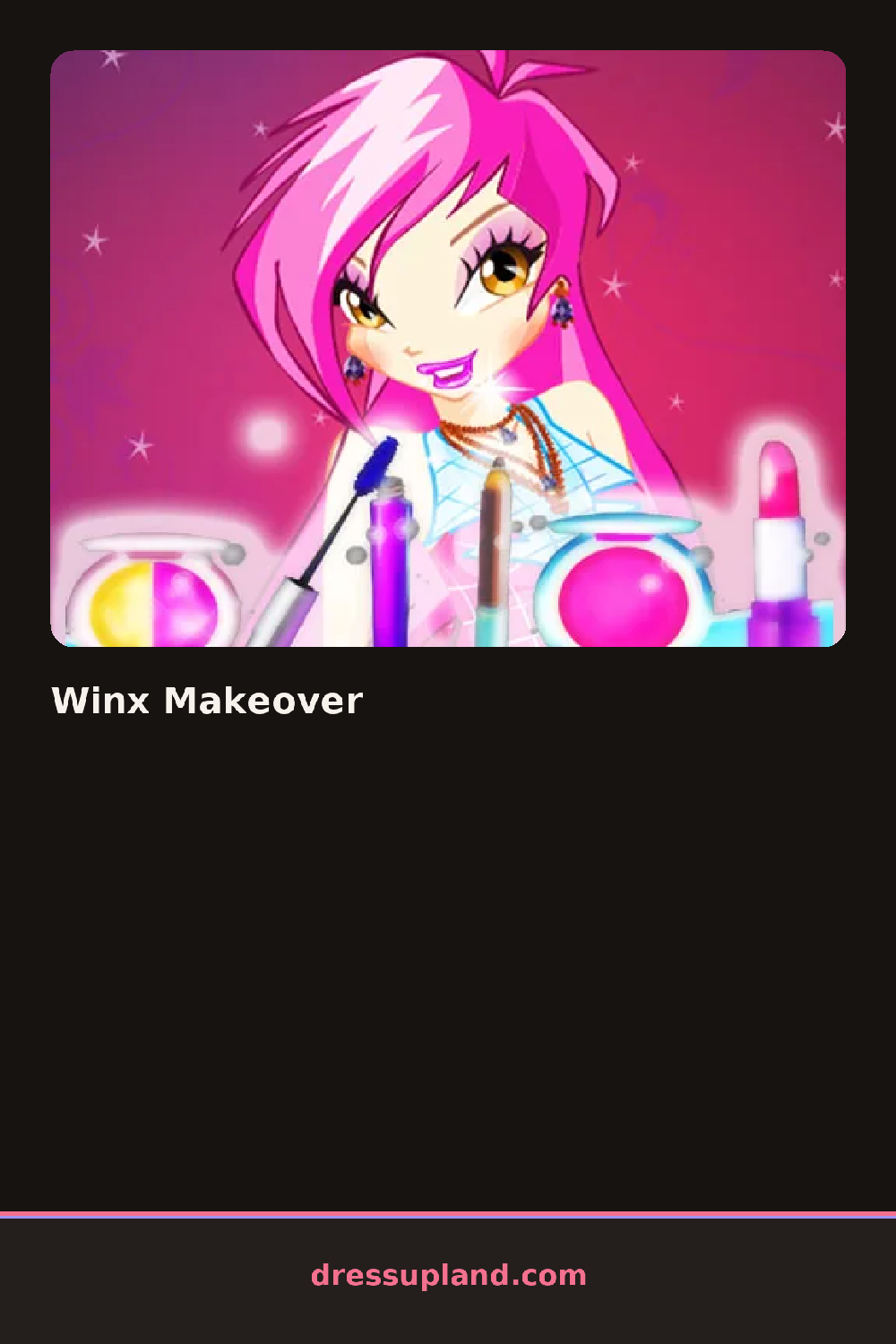
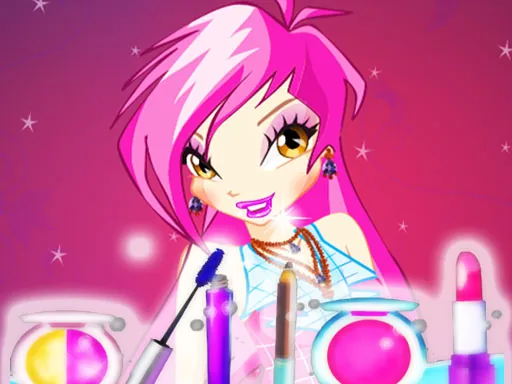
Portrait framing replaces the full-body view here, so the first choice is usually skin tone or eye color rather than an outfit. Winx Makeover keeps the frame tight on the face and hair, and each tap swaps a feature immediately, letting a player see how a lip color reads against a chosen eye shadow before moving to the next tab.
Hair comes first as a grid of fairy-style cuts: a high side ponytail with loose face-framing pieces, a braided crown, waves left long and loose. Eye tabs run through shadow colors from soft pastel to a deep jewel tone, each layering over a base skin tone without resetting it. A separate accessory row adds earrings or a thin tiara, and lip color sits last, so the finished face stacks four or five layers before the outfit tab even opens.
Unlike a full-body makeover game, the close focus here means small choices like eyeliner shape or eyebrow color carry more weight than they would in a game covering an entire outfit. A session ends with a saved portrait instead of a runway shot, framed like a magazine close-up of the finished fairy.
A darker lip against a softer eye avoids two loud choices competing on one small face, while matching the eye shadow to a tiara or earring color pulls the rest of the face together instead of leaving accessories feeling separate. The eyebrow tab sits near the bottom of the list and is easy to miss, but a shade close to the hair color reads more natural than the default.
How do you play and control Winx Makeover?
Click through the tabs across the top and select swatches or thumbnails to change each feature.
Tap a tab to open a feature category, then tap a thumbnail to apply it to the face.
Game details
| Specification | Details |
|---|---|
| Game Title | Winx Makeover |
| Category / Genre | Makeover |
| Platform | Web browser — phone, tablet and desktop checked |
| Release Date | September 2026 |
| Technology | HTML5 |
| DressUpLand account | Not required |