
What is Baby Doll Simple Style?
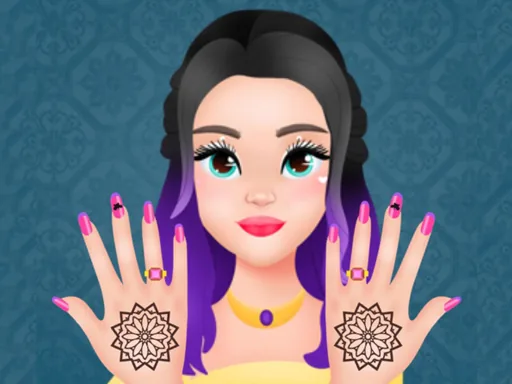
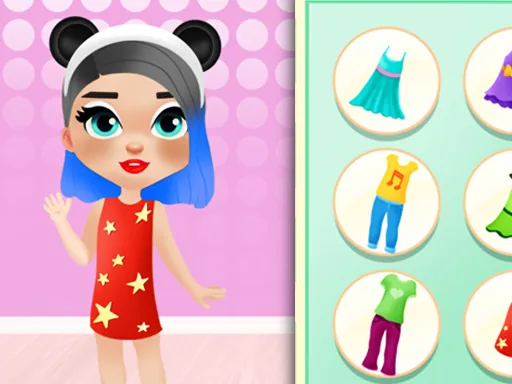
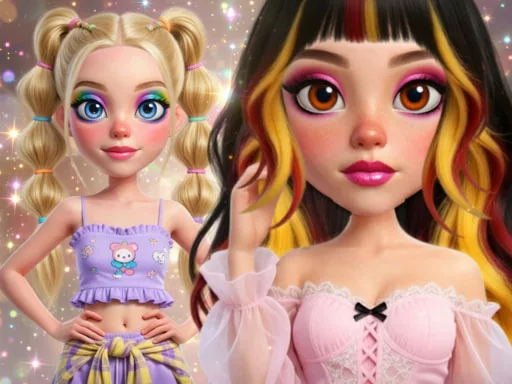
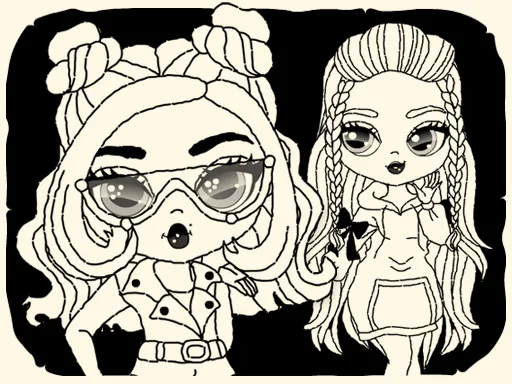
Baby Doll Simple Style opens on a small round-faced character standing against a plain backdrop, blank except for a base outfit. The first tap is usually a hairstyle, and the change is immediate: a blunt bob swaps for pigtails and the whole face reads differently. From there you move down the body, one panel of choices at a time, until the doll looks like a finished character rather than a sketch.
The toolkit splits into hair, nails, and a set of small salon touches. Hairstyles run from a short bob to twin buns, nail sets range from a plain gloss to a polka-dot manicure, and there are simple accessories like a bow clip or a headband to finish things off. Outfits sit in their own row, usually a dress or a two-piece, and layer over a fixed base body so nothing clips or overlaps oddly.
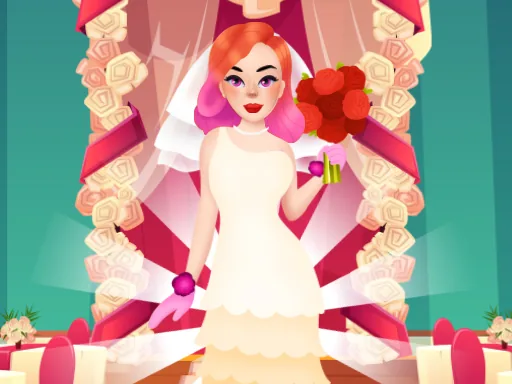
This princess dress up game keeps things small on purpose: because the doll itself is round and compact, every choice reads clearly instead of getting lost in detail. A session usually ends with the finished look sitting on screen, ready to screenshot, instead of a scored photo shoot or a runway walk.
Matching the nail color to one piece in the outfit ties the look together fast. Bows and headbands work best when the hairstyle is simple, since two busy elements fight for attention. Check the small accessory row near the bottom of the panel; it is easy to skip and it is where the spa touches like nail polish live.
How do you play and control Baby Doll Simple Style?
Click through the hair, nail, and outfit panels with the mouse, then click each thumbnail to apply it to the doll.
Tap the category tabs and swipe across each row of options, tapping a thumbnail to put it on the doll.
Game details
| Specification | Details |
|---|---|
| Game Title | Baby Doll Simple Style |
| Category / Genre | Princess |
| Platform | Web browser — phone, tablet and desktop checked |
| Release Date | September 2026 |
| Technology | HTML5 |
| DressUpLand account | Not required |