What is Baby Dragons?
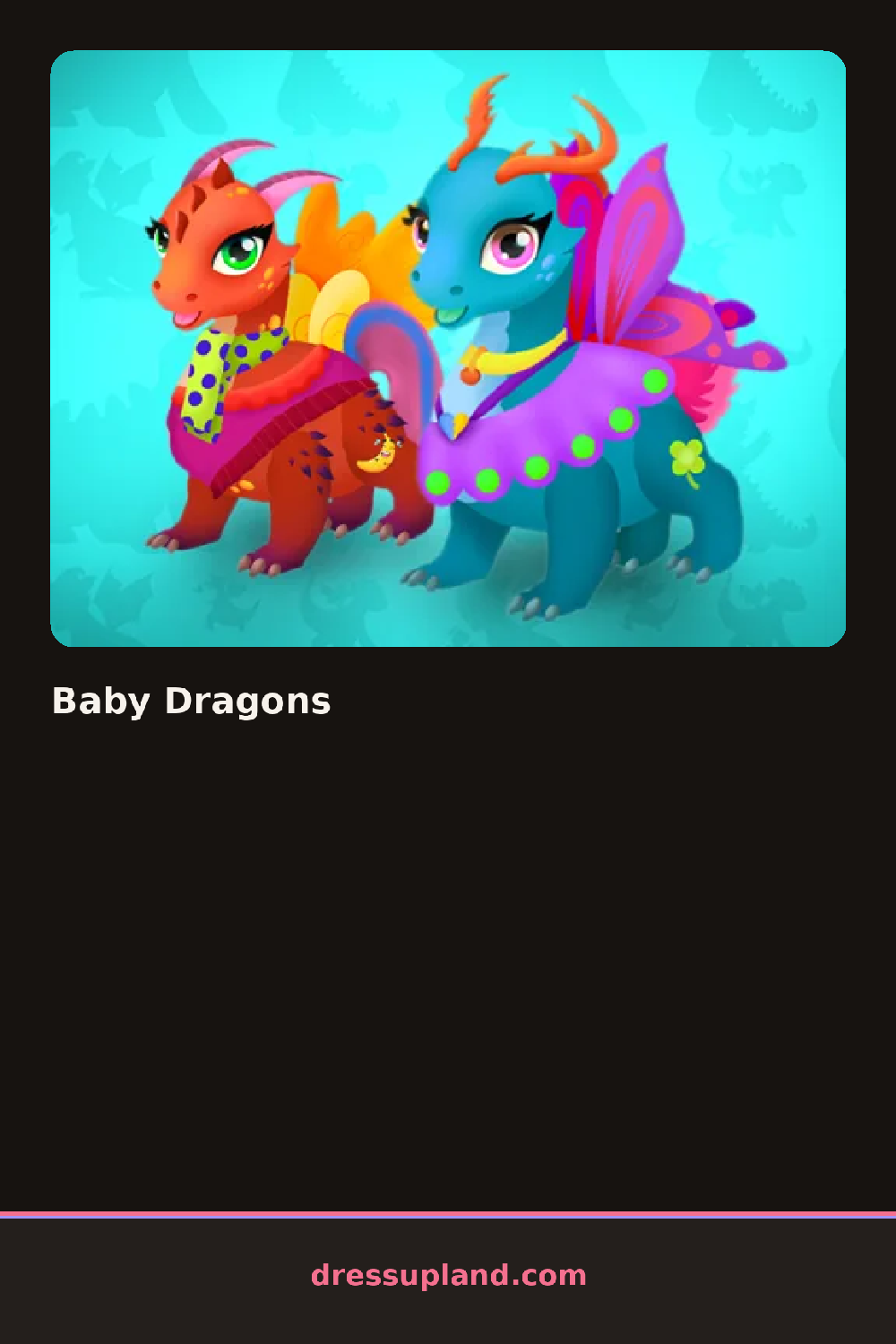
A small green hatchling blinks up at you the moment Baby Dragons loads, standing on a bare stage with its wings tucked in. You start at the head, trying a horn shape or a soft cap, and the change lands on the dragon right away, with no pause between clicks. Once the top half looks right, the rest of the body is still waiting, plain and gray.
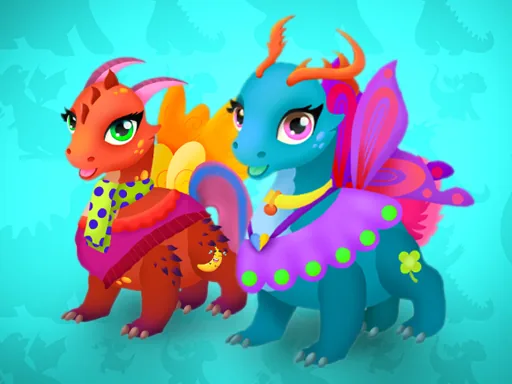
The side menu splits into rows for horns, collars, wings and tail fins, plus a strip of flat color swatches for scales. A striped party horn sits next to a soft felt crown, and a spiked collar sits across from a beaded one. Wings sit on their own overlay, so a lace pair can layer above a solid cape without hiding it, and the tail gets its own fin or ribbon, separate from anything on the back.
Where most dress-up play stops at a body and a head, this one gives the wings and tail their own slots, so accessories wrap around the whole creature instead of stopping at its shoulders. It plays like a dress-up game built for a creature with extra parts to decorate. A round ends with the hatchling fully decorated and standing finished on screen, ready to save as your look.
Match the collar color to the scale swatch before trying hats, so the palette does not end up fighting itself. The wing overlay sits at the bottom of its own tab and is easy to miss, even though it changes the silhouette more than any single hat does. Working from the head down to the tail, instead of jumping between tabs, makes it easier to spot which slot is still empty.
How do you play and control Baby Dragons?
Click through the side tabs to try horns, collars, wings and tail pieces, and click a swatch to set the scale color.
Tap the side tabs to try dragon pieces one at a time, then tap a swatch to set the scale color.
Game details
| Specification | Details |
|---|---|
| Game Title | Baby Dragons |
| Category / Genre | Baby & kids |
| Platform | Web browser — phone support not yet checked |
| Technology | HTML5 |
| DressUpLand account | Not required |