
What is Barbie make up time?
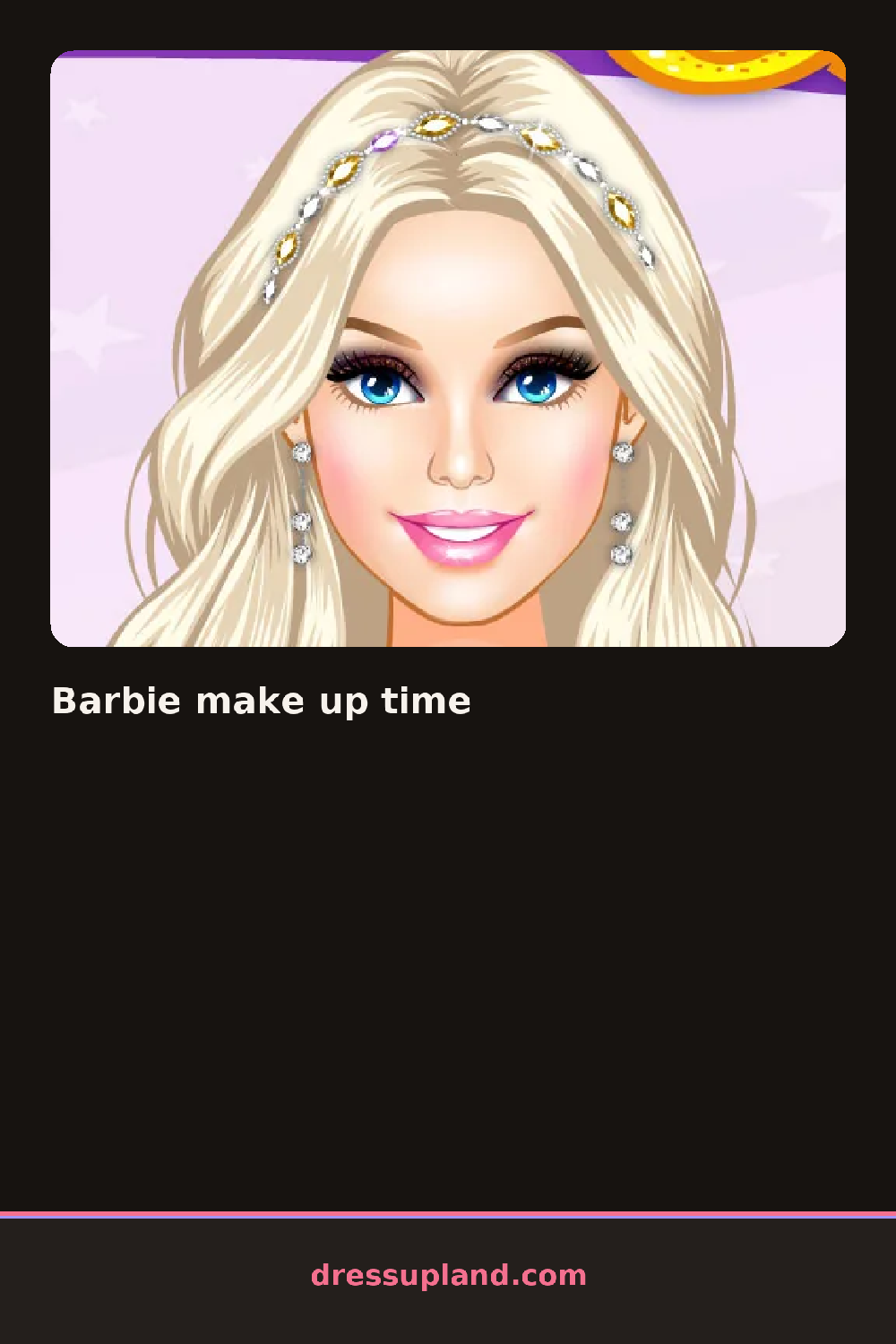
Foundation goes on first, spread across a close-up of a plain face with a slider that shifts from fair to deep. Barbie make up time works entirely in this zoomed-in view, so every choice, a shade of blush or a flick of eyeliner, shows up large and immediate. The first real decision most players make is eye shape, picking between a soft round liner and a sharp winged one.
The tools sit in strips down one side: foundation and concealer, then blush in powder or cream, then eyeshadow palettes with three or four shades per set. Lip options range from a liquid lipstick to a glossy tint, and a separate row holds false lashes and brow pencils. Every layer sits on top of the last, so a highlighter swipe shows through a thin layer of blush instead of erasing it.
This makeover game leans hard into the close-up, zooming in tighter on the eyes and lips than most, which makes small color mismatches obvious in a way a full-body view would hide. A session ends with a full face reveal, pulled back to a normal view so the finished look can be compared to the bare face it started from.
The foundation slider works best set close to the model's actual skin tone before blush goes on, so the rest of the face doesn't look off. Picking a lip color one shade lighter than the blush keeps the whole look from tipping too red. Zooming in on the brow shape early is worth it, since a mismatched brow shows up fast once the eyeshadow goes on.
How do you play and control Barbie make up time?
Drag the shade sliders for foundation and eyeshadow, click a lipstick or blush swatch to apply it, and click the arrow to move between face zones.
Slide a finger across the shade sliders, tap a makeup swatch to apply it, and swipe to move between face zones.
Game details
| Specification | Details |
|---|---|
| Game Title | Barbie make up time |
| Category / Genre | Makeover |
| Platform | Web browser — phone, tablet and desktop checked |
| Release Date | September 2026 |
| Technology | HTML5 |
| DressUpLand account | Not required |