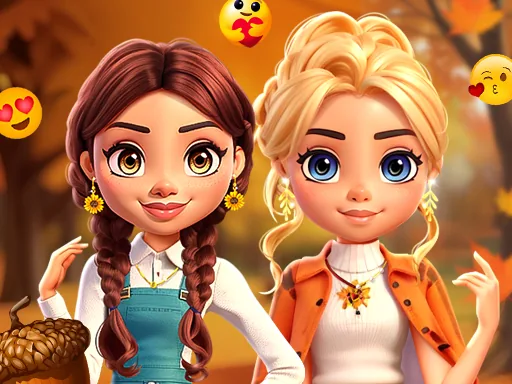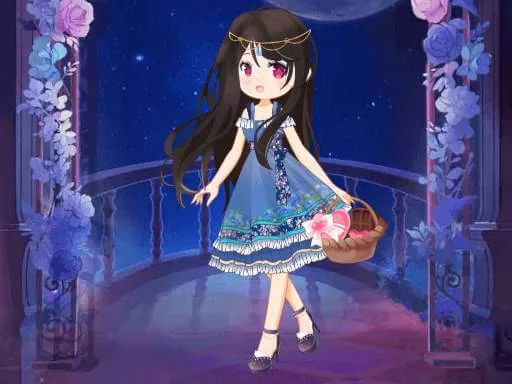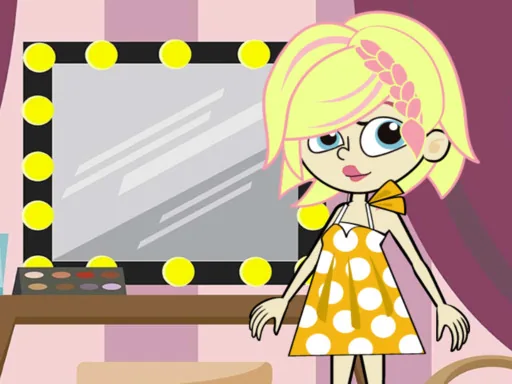
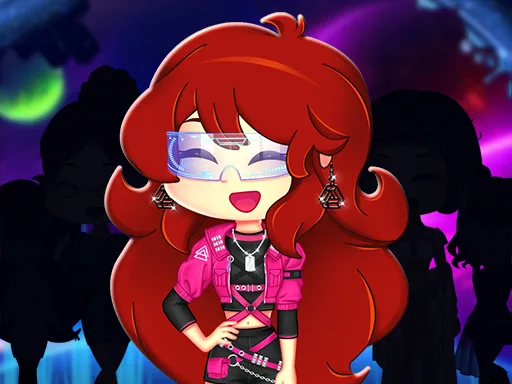
What is Barbie Shopping Dress?
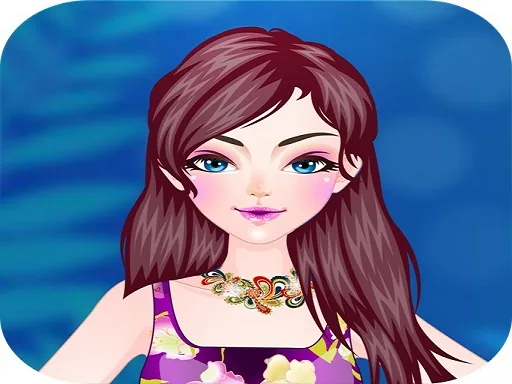
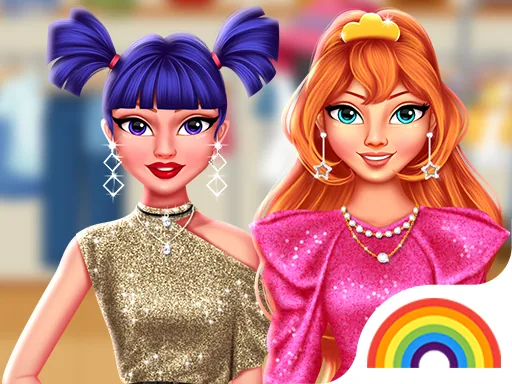
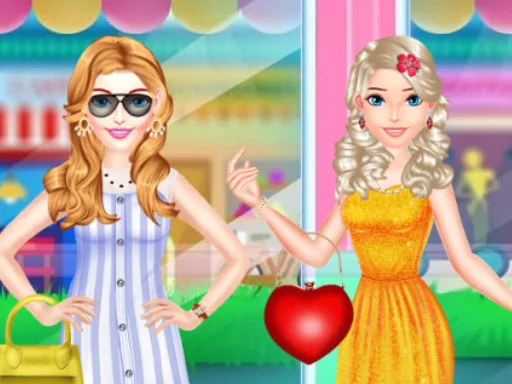
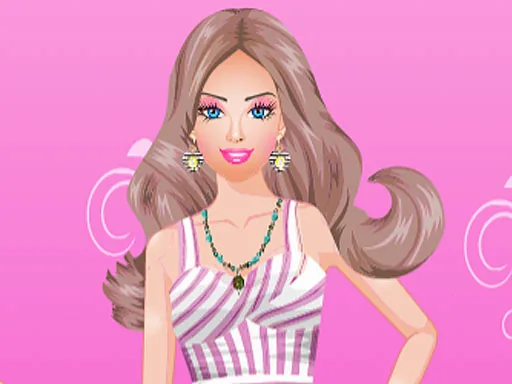
Racks of clothes line the screen before anything sits on the character herself, styled like a store display instead of a plain closet. Barbie Shopping Dress opens with picking a top from one rack, which stays highlighted while you browse a second rack of skirts or pants to pair with it. Swap the top out and the whole preview refreshes with the new combination.
The store layout runs across several racks instead of a single closet menu: one for tops, one for skirts and pants, one for dresses, and a shoe rack off to the side. A cropped blazer layers over a plain camisole, a belt cinches over a loose dress, and a handbag or sunglasses finish things off from the accessory rack near the register.
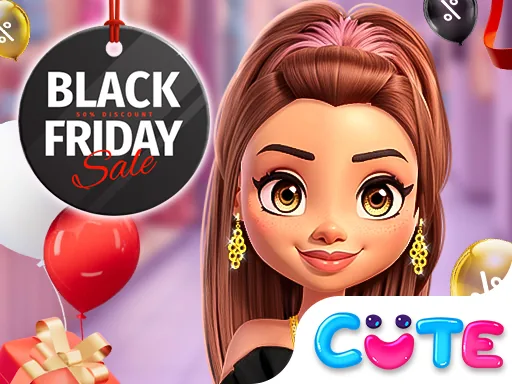
The one thing this fashion dress up game does that a straight wardrobe screen does not is frame every choice as a purchase, so items get tried on one rack at a time instead of all at once from a single menu. The round ends at a mirror or checkout screen, where the finished outfit gets saved as a look before you head back to the racks for another combination.
Try the shoes before the dress, since flats read differently under a long skirt than under shorts. Pull one accessory, like a handbag or a hat, from the register rack instead of several at once, so the outfit does not get too busy. Circle back to a rack you skipped, since the later racks often hold the pieces that tie the earlier picks together.
How do you play and control Barbie Shopping Dress?
Click a rack to browse it, then click an item to try it on the character.
Tap a rack to browse it, then tap an item to try it on.
Game details
| Specification | Details |
|---|---|
| Game Title | Barbie Shopping Dress |
| Category / Genre | Fashion & runway |
| Platform | Web browser — phone, tablet and desktop checked |
| Release Date | September 2026 |
| Technology | HTML5 |
| DressUpLand account | Not required |