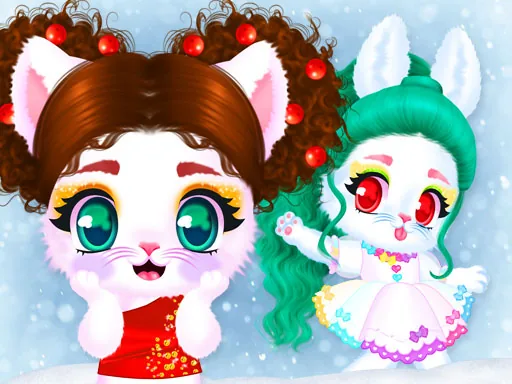

What is Cat and Rabbit Holiday?
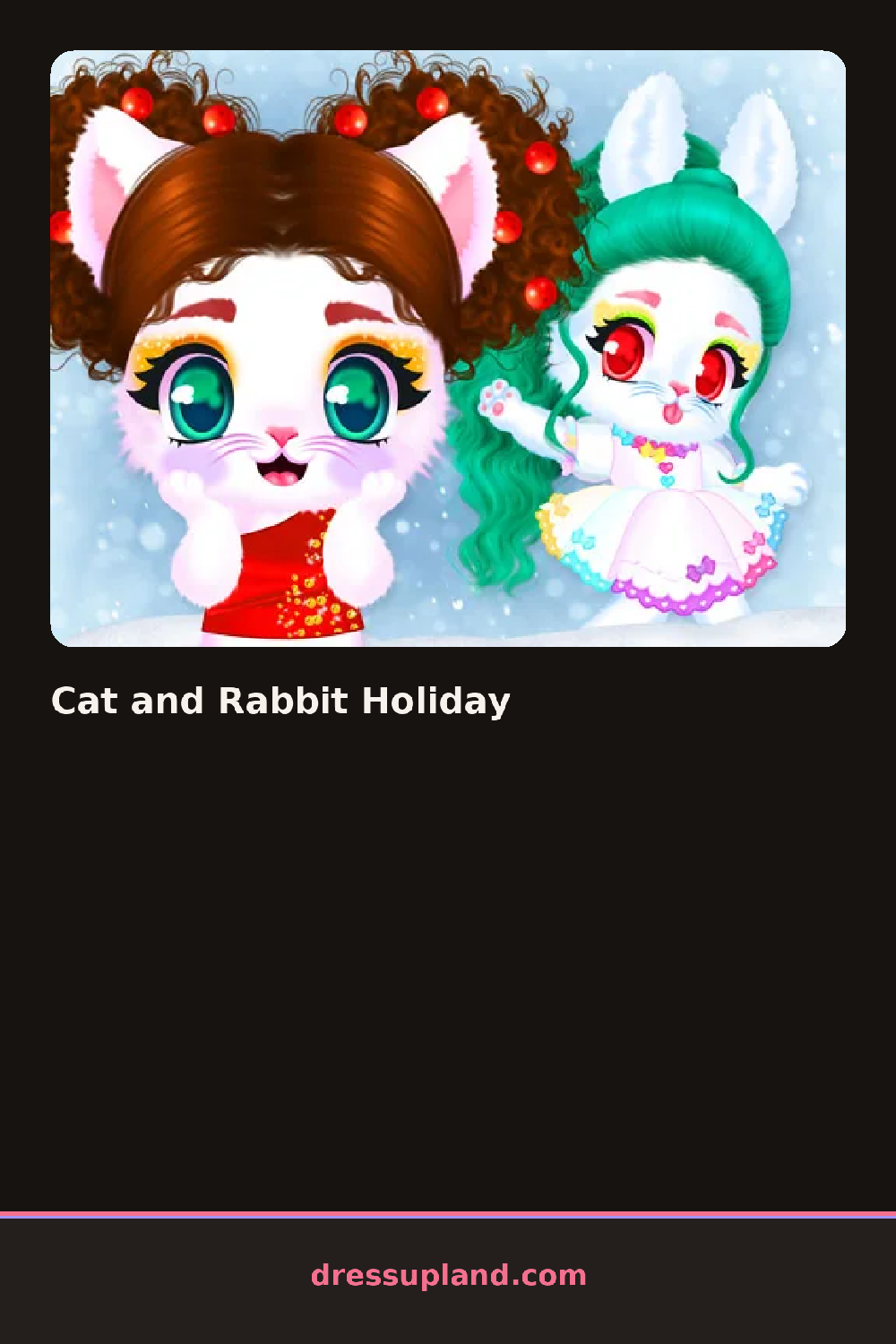
A cat and a rabbit stand side by side on a plain background when Cat and Rabbit Holiday opens, both bare-faced and waiting for a wash. Clicking either one calls up a spa station with a sink, a mirror, and a tray of tools. The first choice is usually a face treatment, cucumber slices, a mud mask, or a cotton pad wipe, and picking one changes the character's expression before anything else happens to their hair or clothes.
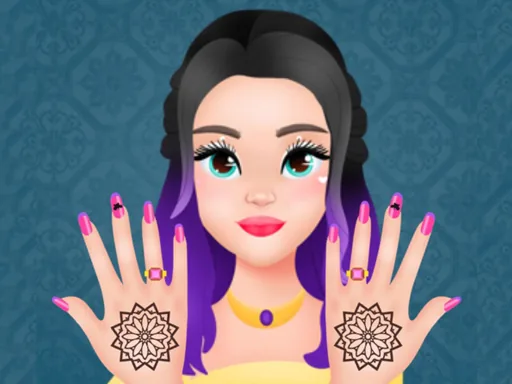
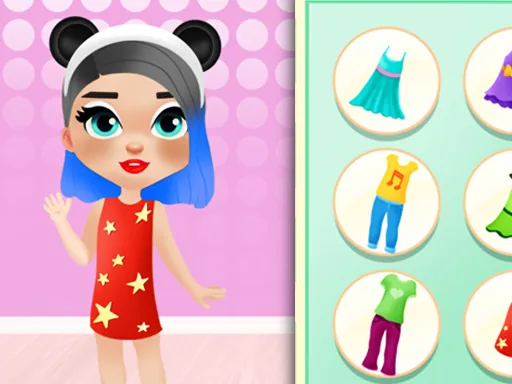
The salon side splits into stages instead of a single closet. A hair station holds towel wraps, blow-dryers, and finished styles like a low bun or a curled bob, plus dye pots in solid colors. A nail station lines up polish bottles, glitter tips, and small charms that stick on top of the polish. Once the spa stage ends, a separate rack holds holiday outfits: a knit sweater dress, a plaid scarf, a fuzzy headband, and boots that swap out by clicking the feet.
Nothing in the outfit rack unlocks until the spa and hair stages are finished, so the makeover game forces a wash-before-wear routine instead of letting players jump straight to clothes. A round ends with both characters dressed and posed together on a finished screen, offering a last look before everything resets for another try.
Picking a mud mask or cucumber treatment that matches the fur color you plan to keep pays off later, since a mismatched tint carries into the hair stage. Choosing the hairstyle before the nails helps too, because the nail station sits last in the sequence and is easy to rush through. Pairing the scarf color with the nail polish instead of the sweater usually reads better once both characters are posed together at the end.
How do you play and control Cat and Rabbit Holiday?
Click the cat or rabbit to select it, then click tools, hairstyles, and outfit pieces from the menu along the side to apply them in sequence.
Tap a character to open its station, then tap the tools and clothing icons along the edge of the screen to apply them in order.
Game details
| Specification | Details |
|---|---|
| Game Title | Cat and Rabbit Holiday |
| Category / Genre | Makeover |
| Platform | Web browser — phone, tablet and desktop checked |
| Release Date | September 2026 |
| Technology | HTML5 |
| DressUpLand account | Not required |