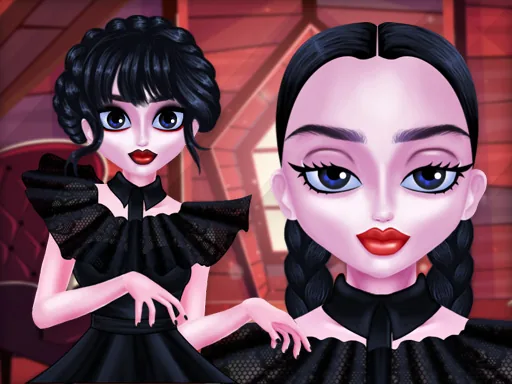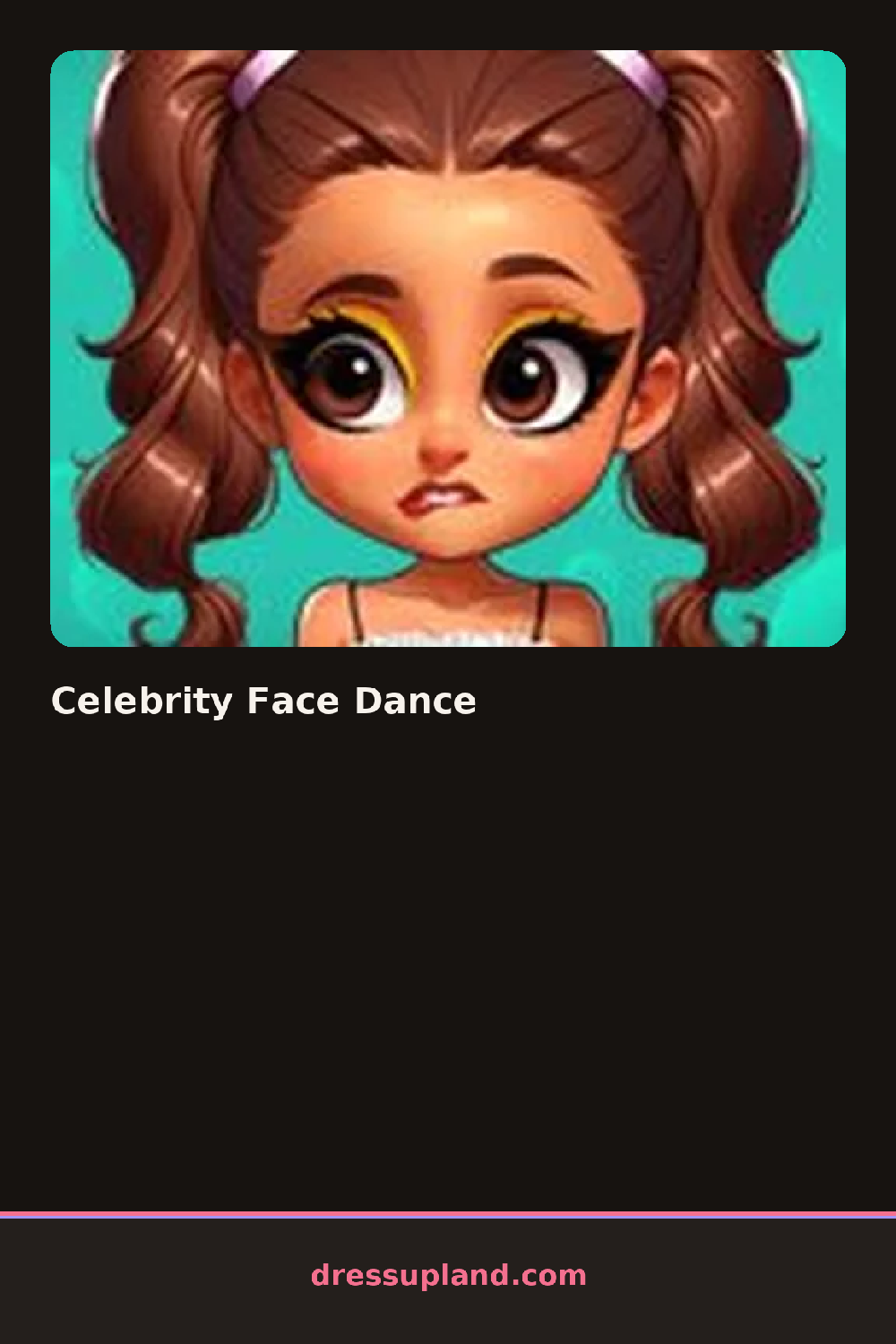

What is Celebrity Face Dance?
Only a bare face fills the screen when Celebrity Face Dance opens, and the game moves straight into makeup instead of clothes or hair first. The first pick is usually a base or foundation shade, and the moment it's applied the face already looks warmer or cooler under the light, which is the quickest read on whether a tone was the right call.
The makeup tray breaks into the usual stations: foundation and concealer, then eyeshadow palettes running from soft neutrals to bright duo-tones, winged or smudged eyeliner, and a lip wall covering nude, glossy, and deep matte finishes. Blush and highlighter sit in their own strip, and brows and lashes get a separate row so a bold lash doesn't force a heavier brow. Everything layers on the same face, meaning a shimmer topcoat can sit right over a matte shadow without erasing the color underneath.
What this makeup game adds that a still portrait can't is motion: once the face is done, the character breaks into a short dance loop, and the camera angle shifts enough that a heavy contour or a crooked lip line becomes obvious in a way it never would on a frozen face. A round ends with that dance clip, which can be replayed or saved, so the real test of the makeup happens after the editing is technically finished.
If the eye makeup goes on before the lips, the two colors are less likely to fight for attention once the dance starts. Checking the look from a slight angle, not just head-on, catches blending mistakes that only show once the face is in motion. A cream highlighter tends to survive the dance loop better than a heavy glitter, since glitter can look patchy once the head starts turning.
How do you play and control Celebrity Face Dance?
Click a makeup tool from the side menu and click on the face to apply it, then click play to start the dance.
Tap a makeup category, tap the face to apply the shade, and tap the play button to watch the finished look dance.
Game details
| Specification | Details |
|---|---|
| Game Title | Celebrity Face Dance |
| Category / Genre | Makeover |
| Platform | Web browser — phone support not yet checked |
| Technology | HTML5 |
| DressUpLand account | Not required |