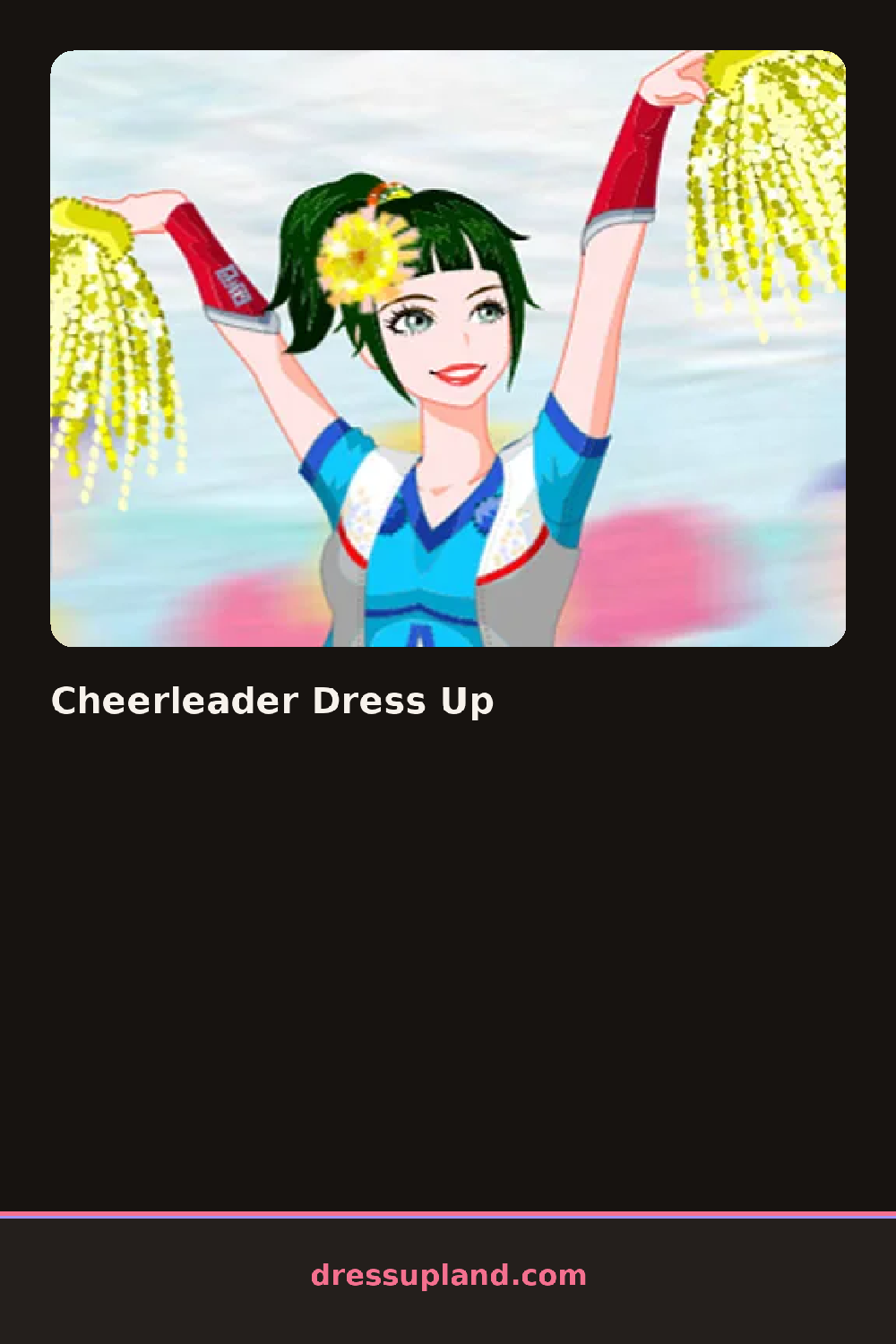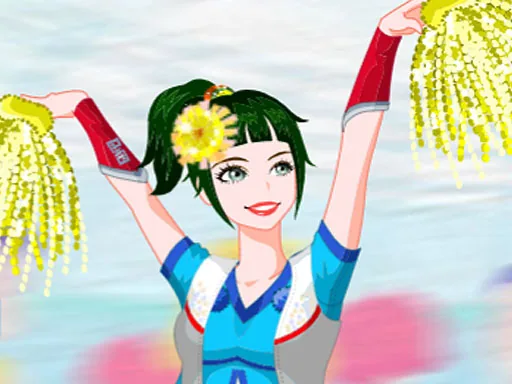
What is Cheerleader Dress Up?
An empty field and a model in a plain leotard fill the screen when Cheerleader Dress Up opens, waiting on a color scheme. The uniform itself comes first, so the first real choice is usually a skirt and top combo in a school-spirit color, and picking one instantly recolors the pompoms and shoes to match.
The wardrobe splits into pleated skirts, cropped tops, and matching sleeves or arm warmers, then a row of hairstyles built for movement, like high ponytails and tight braids. Pompoms, ribbons, and letter patches sit in their own accessory strip, and sneakers or ankle boots come with color options that echo the uniform. Most of the pieces layer over a base bodysuit, so swapping the skirt doesn't force a redo of the top or the shoes.
This dress up game leans harder into team colors than most, tying pompoms, hair ribbons, and shoe laces to whatever palette the skirt sets, a shortcut most closet games skip. A finished look becomes a photo of the character mid-pose with pompoms raised, the payoff arriving as a snapshot instead of a runway walk or a score.
Picking the skirt and top first sets the color palette for everything else, so it's worth locking that in before touching accessories. A single bold color paired with white or a neutral usually reads cleaner than two bright shades competing for attention. The pose or expression option, when there is one, is easy to skip past but changes how energetic the final photo looks more than another accessory would.
How do you play and control Cheerleader Dress Up?
Click a wardrobe category and click an item to try it on, then click the pose or camera button to finish the look.
Tap a category icon, tap an item to apply it, and tap the pose or camera button when the uniform is complete.
Game details
| Specification | Details |
|---|---|
| Game Title | Cheerleader Dress Up |
| Category / Genre | Dress up |
| Platform | Web browser — phone support not yet checked |
| Technology | HTML5 |
| DressUpLand account | Not required |