What is Sweet Mia Dress Up?
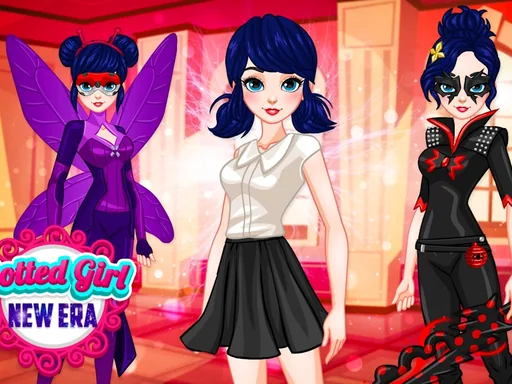
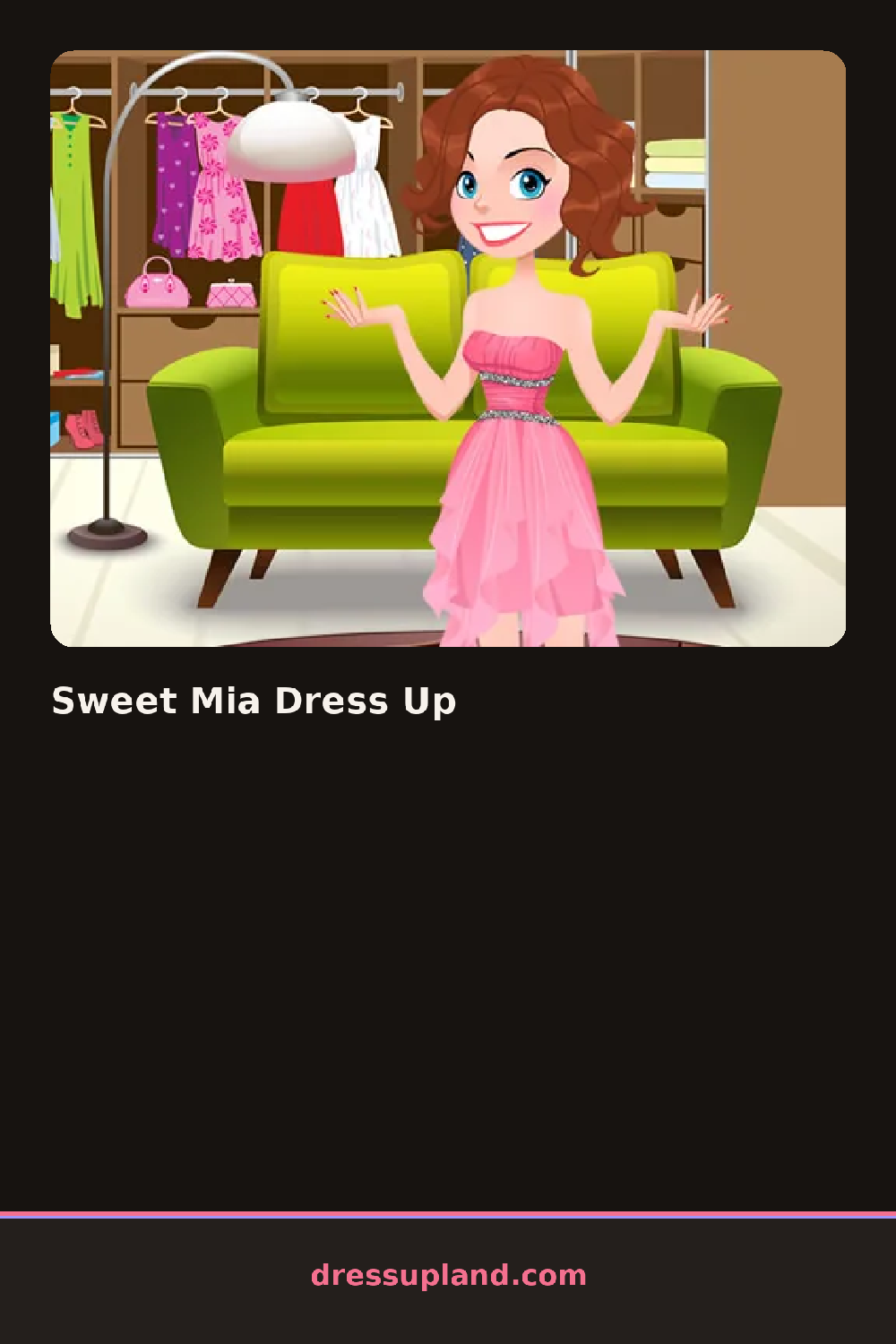
Sweet Mia Dress Up opens on a cartoon girl standing in a plain undershirt, waiting for her first piece. Tapping a hairstyle changes her whole silhouette right away, and the next click, usually a top, layers on without any pause. Inside the first minute you have already tried several combinations just by clicking around, since nothing here punishes a wrong guess.
The wardrobe runs in labeled rows: hairstyles from a blunt bob to twin pigtails, tops like a ruffled blouse or a striped tee, skirts, shorts, then shoes and small extras such as a bow clip or a beaded necklace. Switching categories takes one click instead of scrolling through everything at once. Pieces layer in a fixed order, so a jacket sits over a top and a necklace sits over a collar without any clipping.
What separates this dress up game from similar titles is how many shade variants each piece carries, so a mismatched outfit is one extra click from working. The game never sends you toward a runway or a photo strip; you keep clicking through hair, tops, and shoes until the character looks like something you would wear, and that finished look is the round.
Start with hair and skin tone, since those choices set the palette everything else has to match. Pick one bold color, like the shoes or necklace, and keep the rest in neutrals so that piece reads as the accent. The accessory row near the bottom is easy to skip, but a single clip or earring often finishes the outfit.
How do you play and control Sweet Mia Dress Up?
Click a category tab on the side of the screen, then click any item inside it to try it on the character right away.
Tap a category icon, then tap an item thumbnail to put it on, swiping the row to see more choices.
Game details
| Specification | Details |
|---|---|
| Game Title | Sweet Mia Dress Up |
| Category / Genre | Dress up |
| Platform | Web browser — phone support not yet checked |
| Technology | HTML5 |
| DressUpLand account | Not required |