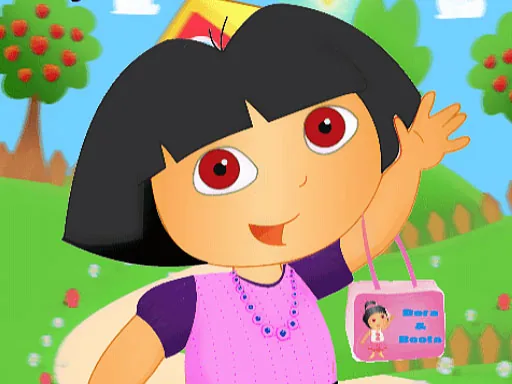
What is Dora Summer Dress?
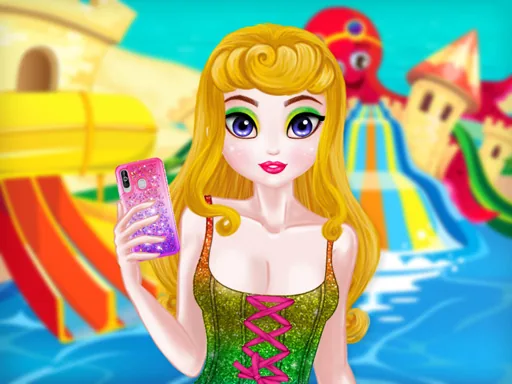
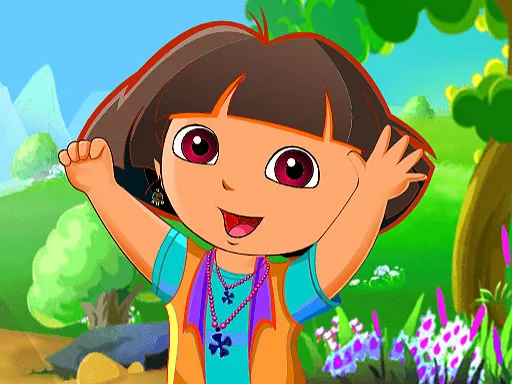
Bright sunlight and a row of beach umbrellas fill the background the second Dora Summer Dress loads, and the character starts in a plain swimsuit until a dress or cover-up gets picked. Choosing a yellow sundress over the plain suit is the first real decision, and it changes the whole silhouette rather than just a patch of color.
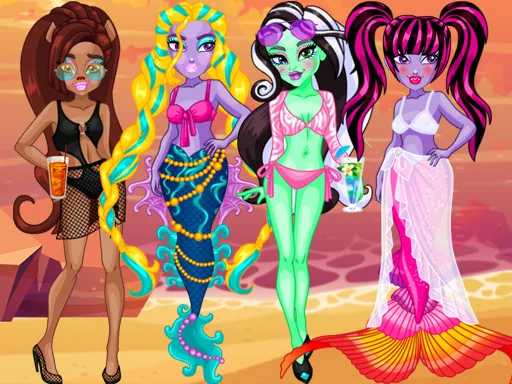
Options split into swimwear, dresses, footwear, and a small accessories row for hats, sunglasses, and bags. A ruffled one-piece swimsuit can sit under a sheer cover-up, and flip-flops swap out for strappy sandals without disturbing anything above the ankle. Sunglasses and a floppy sun hat both attach to the head, so picking both at once is possible instead of one replacing the other.
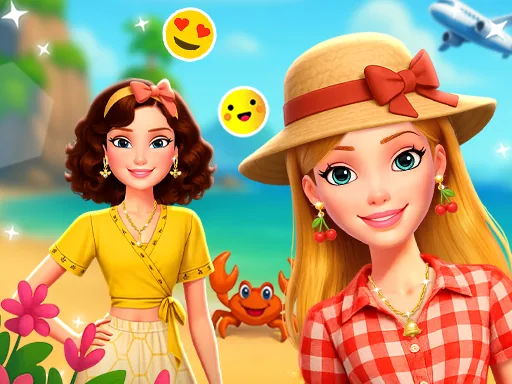
Where a lot of dress up game closets mix every season together, this one keeps to a single beach setting, so a coat or boots never turns up next to the sandals. A completed outfit ends with the character posed against the umbrellas, a still shot that works more like a snapshot than a scored runway walk.
Choose the swimsuit before the cover-up, since sheer pieces are see-through and only look right layered over a suit that matches in tone. Sandals photograph better than bare feet in the final pose, so it's worth grabbing a pair even in a beach scene. Sunglasses paired with a solid-color hat read cleaner in the still shot than a patterned hat does, since the pattern competes with the lenses.
How do you play and control Dora Summer Dress?
Click swimwear, dresses, footwear, or accessories in the bottom row to dress the character, then click the camera icon to lock in the pose.
Tap an item in the row below the character to add it, tapping the camera button once the look is finished.
Game details
| Specification | Details |
|---|---|
| Game Title | Dora Summer Dress |
| Category / Genre | Dress up |
| Platform | Web browser — phone support not yet checked |
| Technology | HTML5 |
| DressUpLand account | Not required |