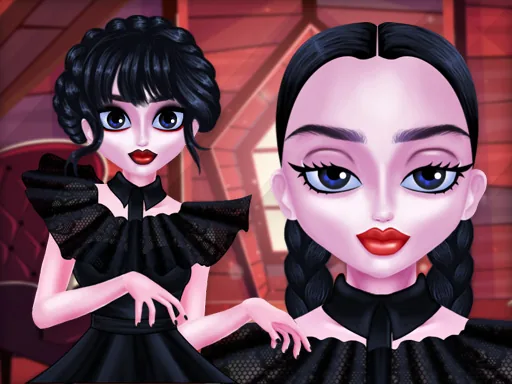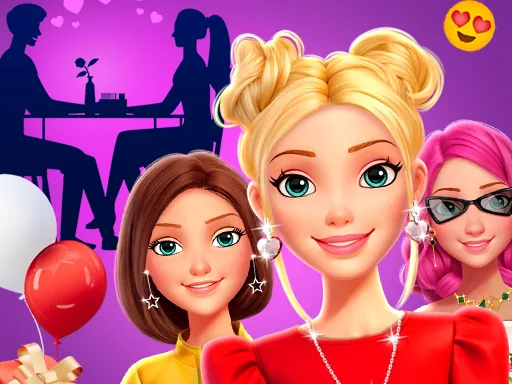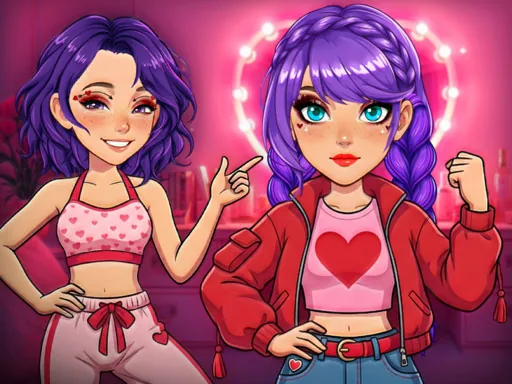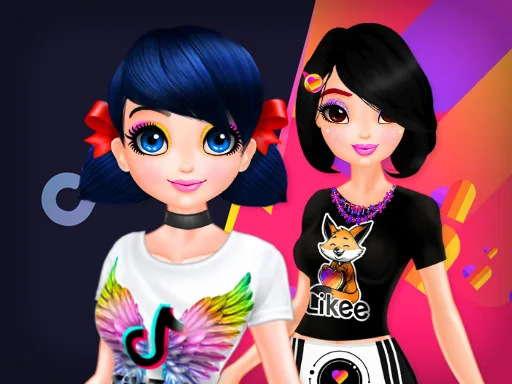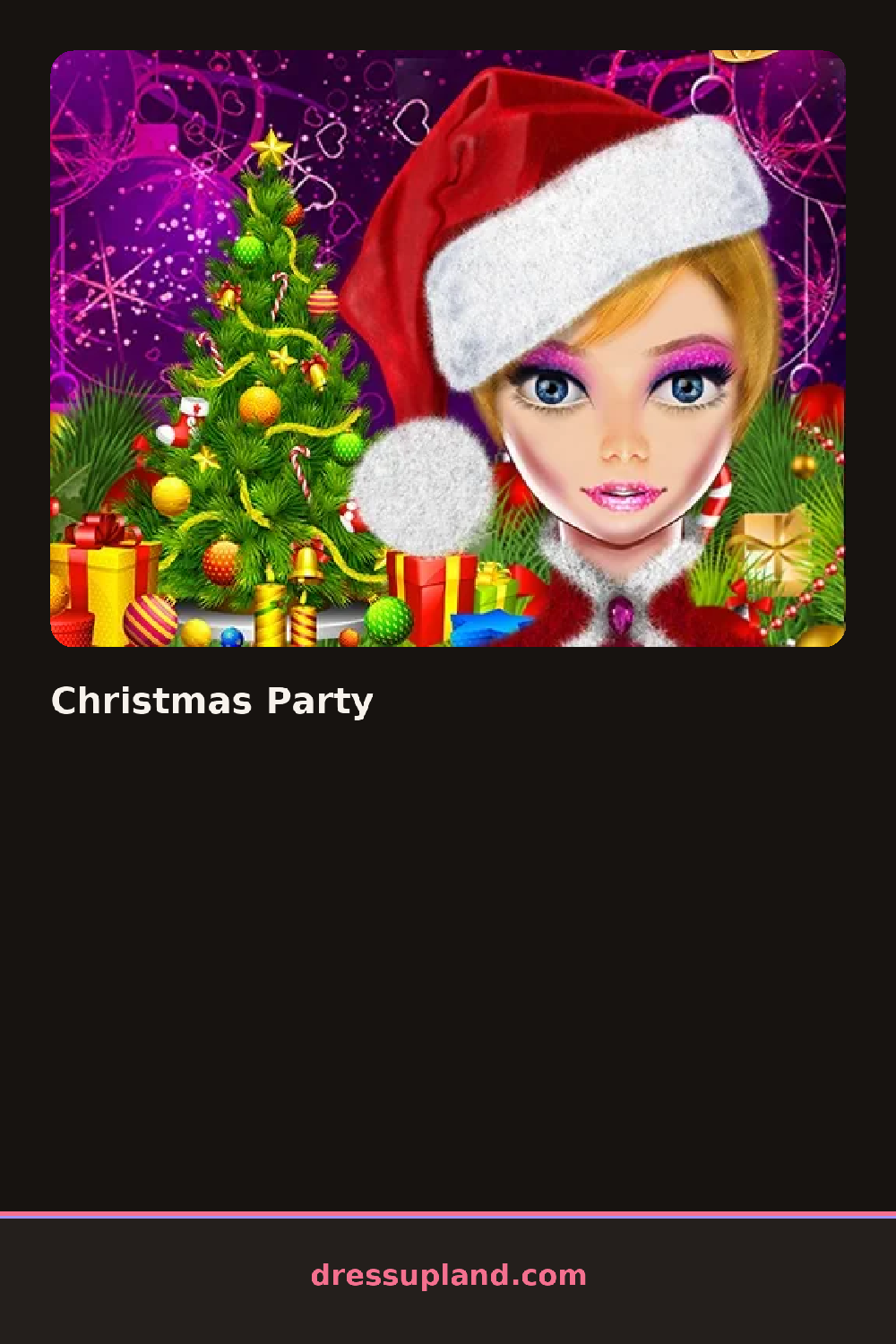

What is Christmas Party?
Skin tone is the first thing Christmas Party asks you to set, before hair or a single piece of clothing shows up. That choice carries through every makeup shade and dress color you try next, so the girl on screen looks consistent once you start layering a party look on top of it.
The toolkit moves through foundation, eyeshadow, blush, and lipstick before opening onto hair and a closet of party dresses. A velvet dress pairs with a faux-fur shawl, a sequined top pairs with tailored pants, and a curled updo sits next to loose waves with a tinsel clip, with jewelry stacking freely over whatever top or dress gets picked.
As a makeover game, this one spends more time on the face than most, running through several eyeshadow shades and two or three blush placements before the closet even opens. The finished look gets a last mirror check, then the round ends on a still portrait, not a runway walk or a saved gallery.
Warm blush tones read better against a red or green dress than a cool pink, so it helps to pick the dress color early. A metallic eyeshadow paired with a plain lip balances a busy sequined top, and the hair tab sits after makeup in the order, which is easy to miss if the closet gets opened first.
How do you play and control Christmas Party?
Click through the face, eye, and lip tabs first, then move to hair and the dress rack, clicking each item to try it on.
Tap the makeup icons in order from skin to lips, then swipe over to the dress rack and tap an outfit to put it on.
Game details
| Specification | Details |
|---|---|
| Game Title | Christmas Party |
| Category / Genre | Makeover |
| Platform | Web browser — phone support not yet checked |
| Technology | HTML5 |
| DressUpLand account | Not required |