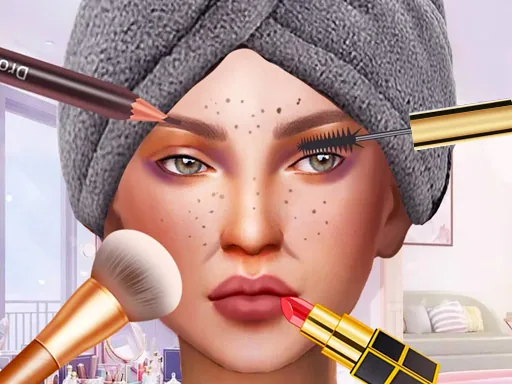

What is Diy Makeup Artist?
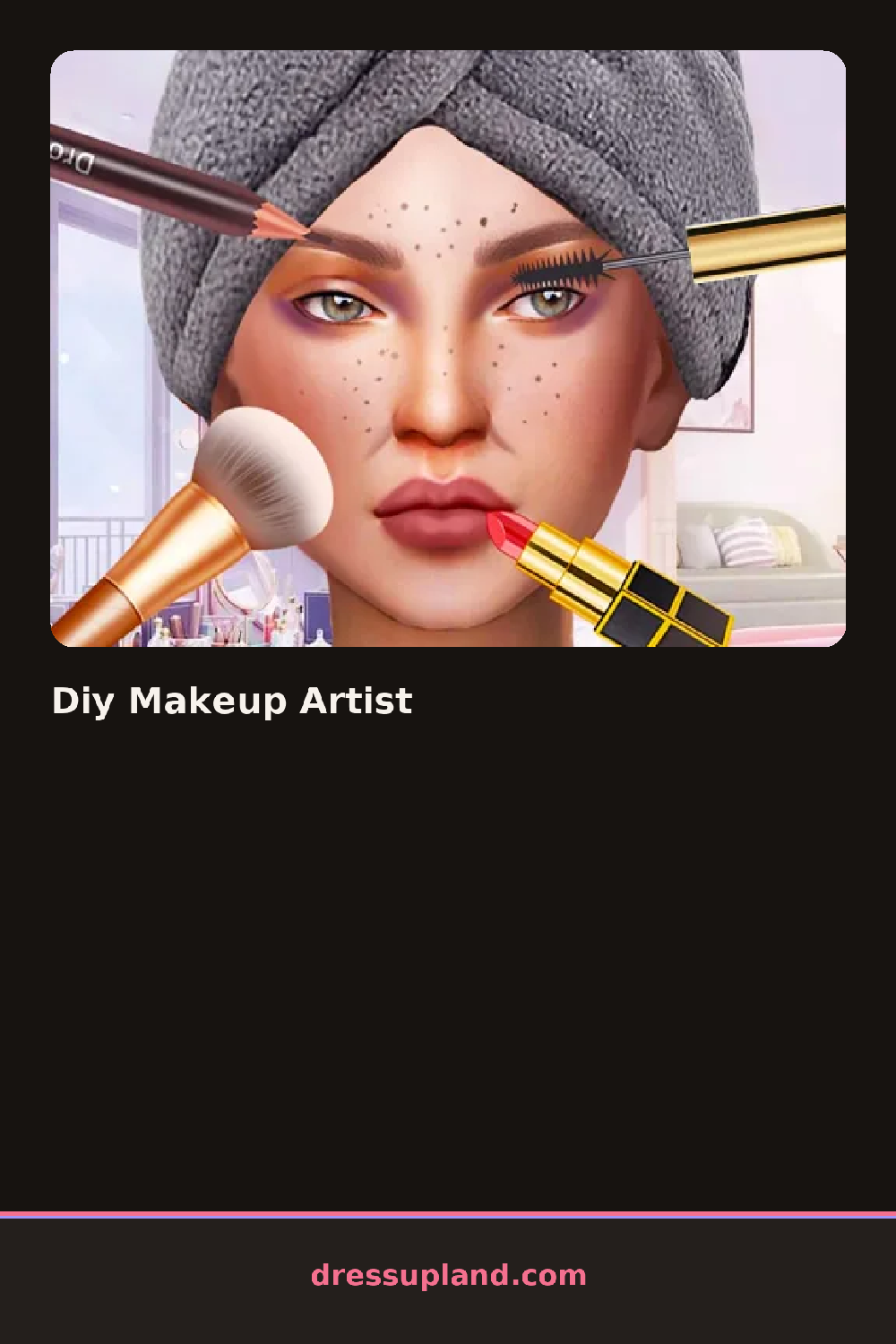
Bare skin and blank features fill the screen when Diy Makeup Artist starts, waiting for the first swipe of product. The first foundation shade you choose sets the base tone, and every layer after that, from concealer to blush, shows up directly on top of it in real time.
The product tray splits into face, eyes, and lips, each one opening into its own row of options. Face products run from a concealer stick to a couple of blush tones, eyes offer an eyeshadow palette with a shimmer strip and a few eyeliner shapes, and lips have a small run of glosses next to one matte lipstick. Everything layers in the order applied, so blush sits over foundation and a lip liner shows through a sheer gloss.
Unlike a lot of makeup games that just stamp a finished look onto a face, this one has a blending tool that softens the edge between two blush shades or two parts of an eyeshadow look before you move on. A finished face ends the round with a close-up shot of just the eyes and lips, holding still long enough to check the blend.
Building color from the eyes outward, shadow first and liner second, keeps the eye look from smudging under a heavy lash. Blending a warm blush into the foundation before adding lipstick stops the two from looking like separate flat layers. The blending tool sits as a small brush icon in the corner of the tray, and skipping it leaves hard edges around every product.
How do you play and control Diy Makeup Artist?
Click a product to select it, drag it onto the face, and click the brush icon to blend colors together before moving to the next feature.
Tap a product to pick it, drag a finger across the face to apply it, and tap the brush icon to blend two shades together.
Game details
| Specification | Details |
|---|---|
| Game Title | Diy Makeup Artist |
| Category / Genre | Makeover |
| Platform | Web browser — phone, tablet and desktop checked |
| Release Date | September 2026 |
| Technology | HTML5 |
| DressUpLand account | Not required |