
What is Eastern Star vs City Style Icon?
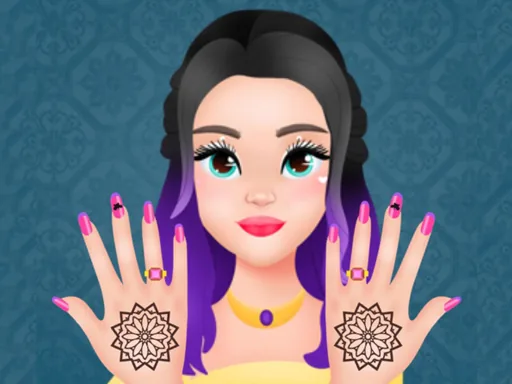
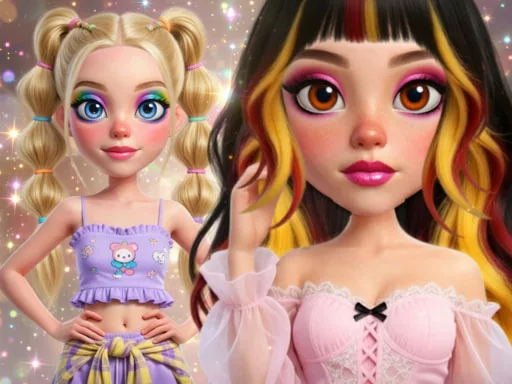
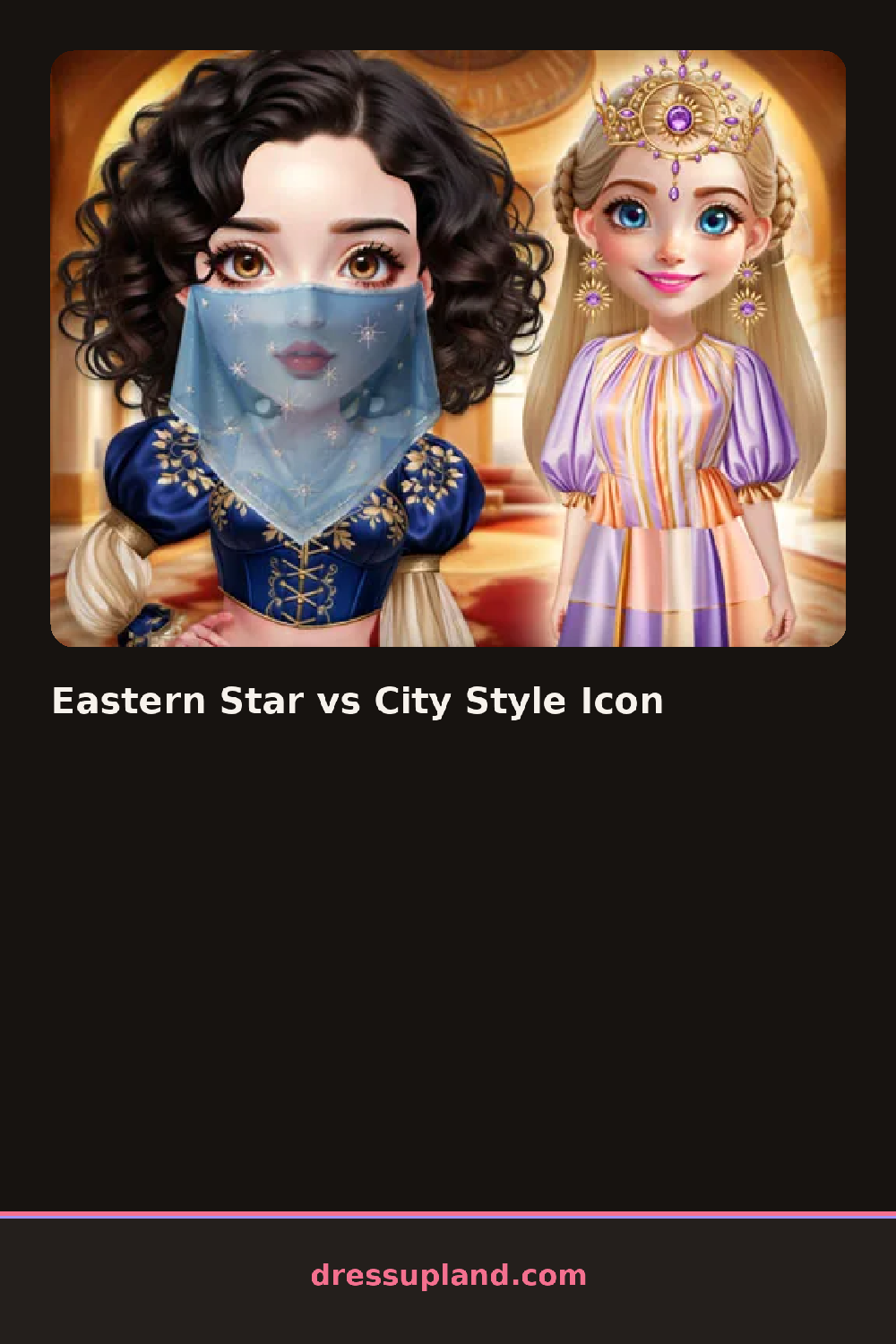
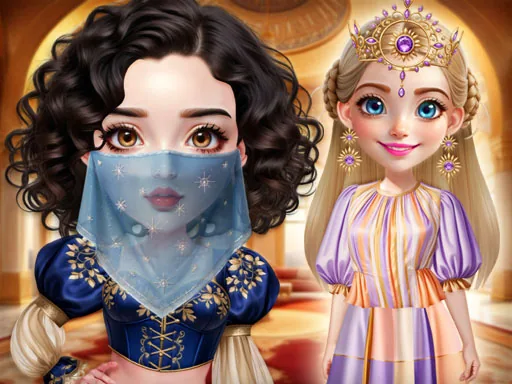
The screen splits into two stations the moment Eastern Star vs City Style Icon loads, one girl already leaning toward a traditional look and the other slouched in streetwear. You start at the salon end of the split, picking a hairstyle for one side before the outfit tray even opens. Choosing a low bun with a hairpin for one girl and a slicked ponytail for the other sets up two different directions before you touch a single piece of clothing.
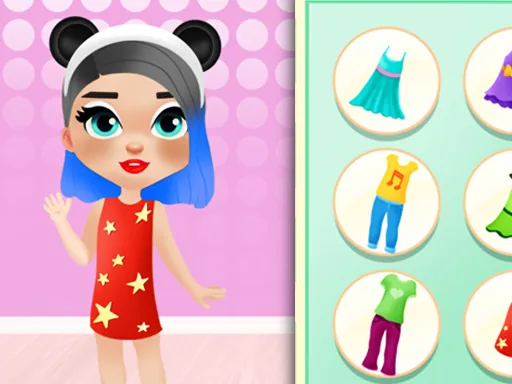
Each side pulls from its own rack, so the traditional girl gets an embroidered qipao dress, a beaded hairpin and jade drop earrings, while the city girl gets an oversized bomber, chunky sneakers and hoop earrings. Nail and spa tools sit in their own tab above the clothing, with polish colors, a face mask and a couple of skin-tone sliders that apply before either outfit goes on. Pieces layer the normal way, jacket over shirt, earrings under hair, so a bad order just means redoing one swap.
Neither character disappears while you work on the other in this princess dress up game, and the finished screen lines both looks up side by side instead of declaring a winner. A round ends with that comparison shot, saved or screenshotted rather than scored.
Working one girl at a time keeps the styling clean, since jumping between the two stations mid-look makes it easy to leave a step half finished. Keep the jade and gold accessories on the traditional side and the hoops and layered necklaces on the city side, mixing the two sets muddies the contrast the comparison depends on. The spa sliders sit above the fold and are easy to scroll past, worth opening before hair so the skin tone matches the makeup you pick after.
How do you play and control Eastern Star vs City Style Icon?
Click a station to select a character, then click hair, makeup, nail or clothing items in the tray to style her, switching stations by clicking the other portrait.
Tap a character's portrait to bring up her tray, tap items to style her, then tap the other portrait to switch sides.
Game details
| Specification | Details |
|---|---|
| Game Title | Eastern Star vs City Style Icon |
| Category / Genre | Princess |
| Platform | Web browser — phone, tablet and desktop checked |
| Release Date | September 2026 |
| Technology | HTML5 |
| DressUpLand account | Not required |