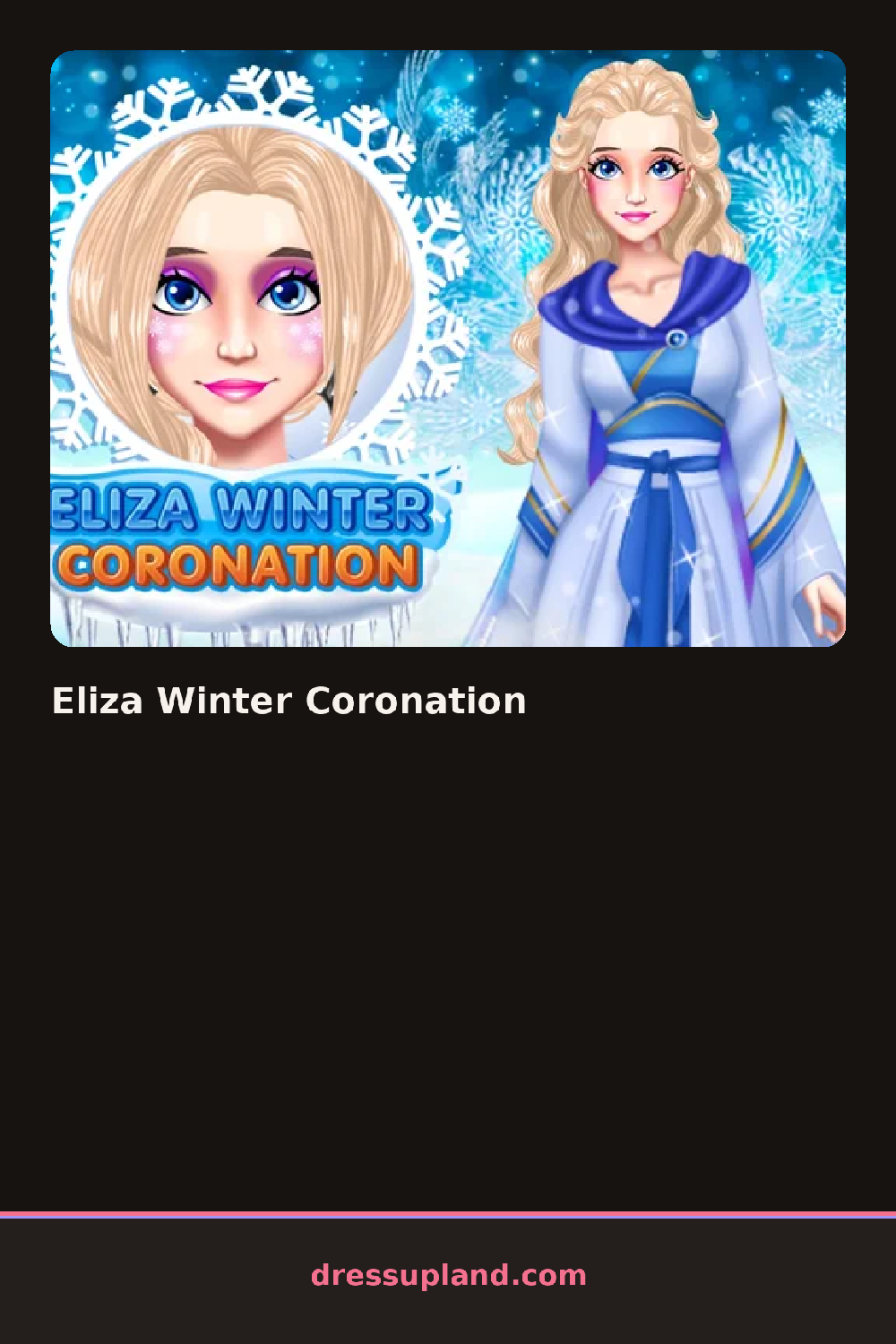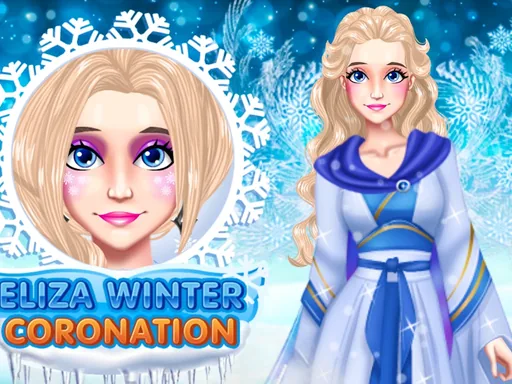

What is Eliza Winter Coronation?
Ice crystals frame the screen when Eliza Winter Coronation opens, with Eliza standing bare-faced against a snowy palace backdrop. The first click sets her skin tone and eye color, then a base makeup layer you can lighten or deepen before moving on. Nothing here locks until you confirm it, so early experiments cost nothing.
The category bar runs eyes, lips, cheeks, and hair down one side, with clothing and accessories on the other. Eyeshadow swatches shift from icy white to a deep sapphire, lips run from a frosted pink to a berry stain, and cheeks add a cool flush rather than a warm one. Hair options include a braided crown and loose curls pinned with a snowflake clip. Outfits build in layers, a velvet underdress first, then a fur-trimmed cape, then jewelry like a diamond choker or a silver tiara that sits over whatever hairstyle you picked.
This princess dress up game leans hard into a single cold-weather palette, so every item from lipstick to cape sits somewhere on a blue-white-silver scale instead of mixing in warm tones. The session ends with Eliza posed on the coronation steps, crowned and ready for a final portrait you can save or screenshot.
Keep cheeks and lips in the same cool family as the eyeshadow, since a warm coral lip breaks the icy theme fast. Try the tiara on before locking in a hairstyle, because a few of the bigger crowns overlap loose curls awkwardly. Add the cape last, since it covers more of the underdress than you'd expect.
How do you play and control Eliza Winter Coronation?
Click through the category tabs and select items with the mouse, using the shade bar to adjust makeup tones.
Tap category tabs and item thumbnails on the screen, then swipe the shade bar to adjust makeup tones.
Game details
| Specification | Details |
|---|---|
| Game Title | Eliza Winter Coronation |
| Category / Genre | Princess |
| Platform | Web browser — phone support not yet checked |
| Technology | HTML5 |
| DressUpLand account | Not required |