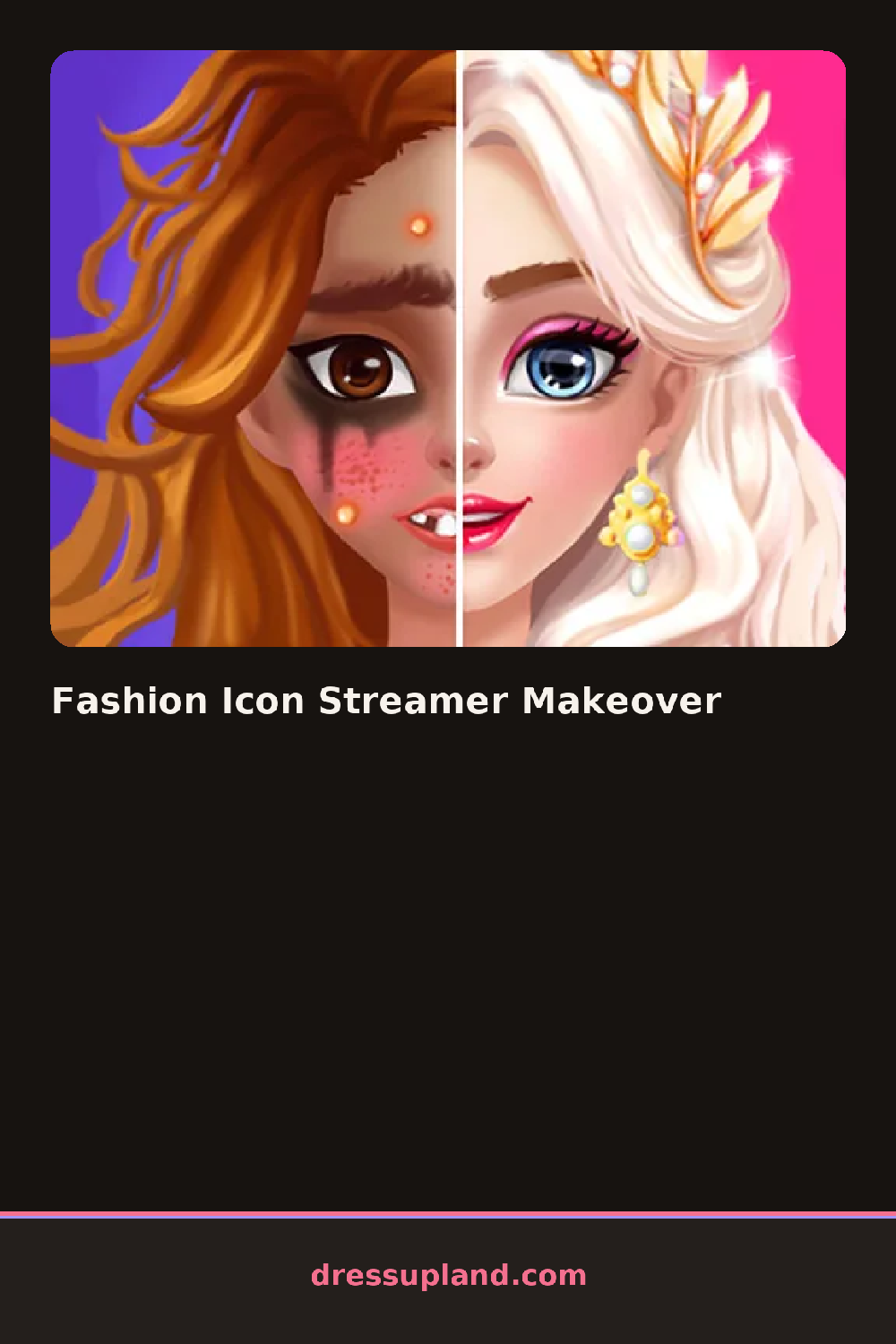

What is Fashion Icon Streamer Makeover?
Skin tone and brows come first in Fashion Icon Streamer Makeover, ahead of the streamer avatar's hairstyle and any set dressing behind it. Picking a hair color early changes how the later outfit and background colors get chosen, since everything is meant to read well on a stream overlay.
Wardrobe categories cover streetwear tops, graphic tees, oversized hoodies, and a jewelry row for stacked rings and small hoop earrings. Pieces layer, a hoodie thrown over a cropped tee, a beanie over a half-up hairstyle, so the look can go from plain to layered fast. A separate tab holds décor items — a ring light, a plant, a poster — for the space behind the avatar.
Past the outfit, this makeover game hands you a small decorating puzzle: props for the setup need to be placed into marked spots behind the avatar, and a wrong-sized item won't fit where a right-sized one will. A round ends once both the look and the setup are placed, closing on a finished scene instead of just a dressed character.
Sorting the décor pieces by size before dragging them saves time, since the marked spots only take props that match their shape. Keeping the outfit's main color close to the ring light or poster color ties the whole scene together on screen. The jewelry row is small and easy to miss, but a single stack of rings changes how finished the avatar's hands look in the final shot.
How do you play and control Fashion Icon Streamer Makeover?
Click through the face and wardrobe tabs to build the avatar's look, then click and drag décor pieces into their marked spots to finish the setup.
Tap through the face and wardrobe tabs to build the avatar's look, then drag décor pieces into their marked spots to finish the setup.
Game details
| Specification | Details |
|---|---|
| Game Title | Fashion Icon Streamer Makeover |
| Category / Genre | Makeover |
| Platform | Web browser — phone, tablet and desktop checked |
| Release Date | September 2026 |
| Technology | HTML5 |
| DressUpLand account | Not required |