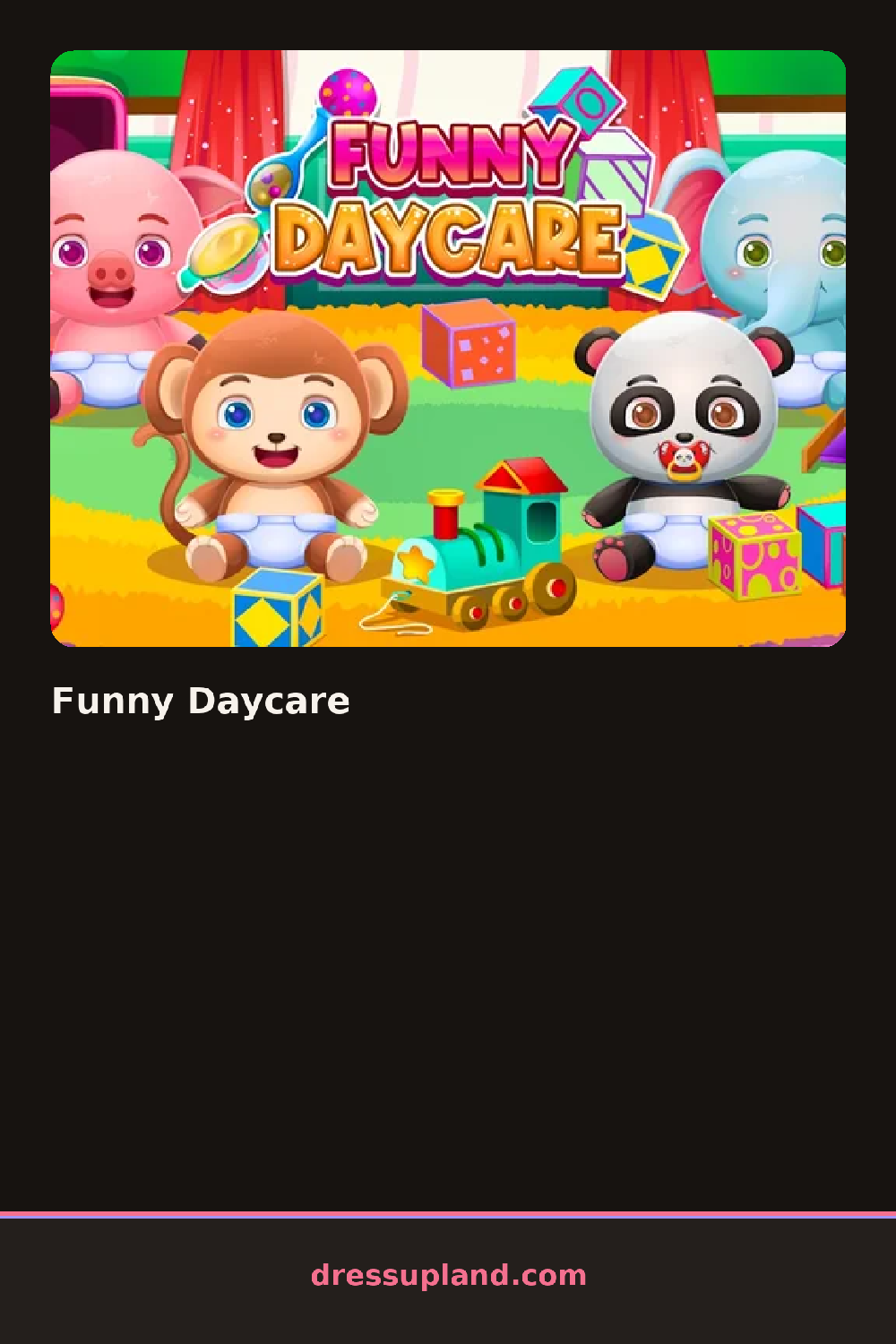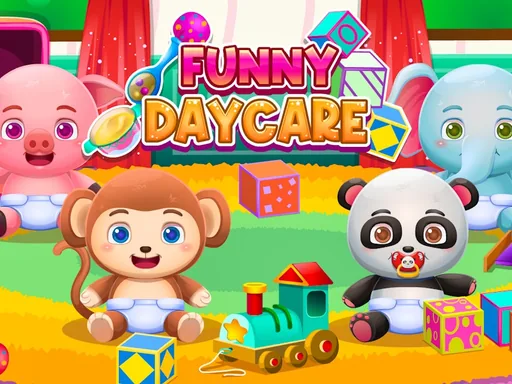
What is Funny Daycare?
You start in a bright daycare room with one kid standing in front of you and a row of icons along the bottom of the screen. The first thing I did was tap the shirt icon, which flipped open a small panel of tops that appear on the kid the second you tap one. Nothing is locked, so you can cycle through everything just by clicking. It takes about thirty seconds to get a feel for where things are.
The wardrobe is split into the usual tabs: tops, bottoms, shoes, hair, and a few accessory slots for things like a tiny backpack or a sun hat. The pieces are toddler-sized, so you get overalls, striped tees, little sneakers, and one fluffy bunny hoodie that honestly steals every look. Items layer fine, so a jacket sits over the shirt you already picked. Changing hair later keeps your outfit intact.
The daycare part is the twist. Between outfits the kid has moods, so you hand over a bottle, wipe their face, or pat them down for a nap before they will sit still for another photo. It turns a plain character creator into a mini care loop, and each round ends with the kid calm, dressed, and ready for the next activity.
Do the outfit first, then handle the mood, because a fussy kid wiggles out of accessories. Pair the overalls with the yellow tee instead of patterns on patterns, it reads cleaner. And tap the small clock icon near the nap mat, it is easy to miss and skips the cranky phase entirely.
How do you play and control Funny Daycare?
Click the category icons at the bottom, then click any item to put it on the kid.
Tap the category icons and swipe through the item panels with your thumb.
Game details
| Specification | Details |
|---|---|
| Game Title | Funny Daycare |
| Category / Genre | Dress up |
| Platform | Web browser — phone support not yet checked |
| Release Date | June 2022 |
| Technology | HTML5 |
| DressUpLand account | Not required |