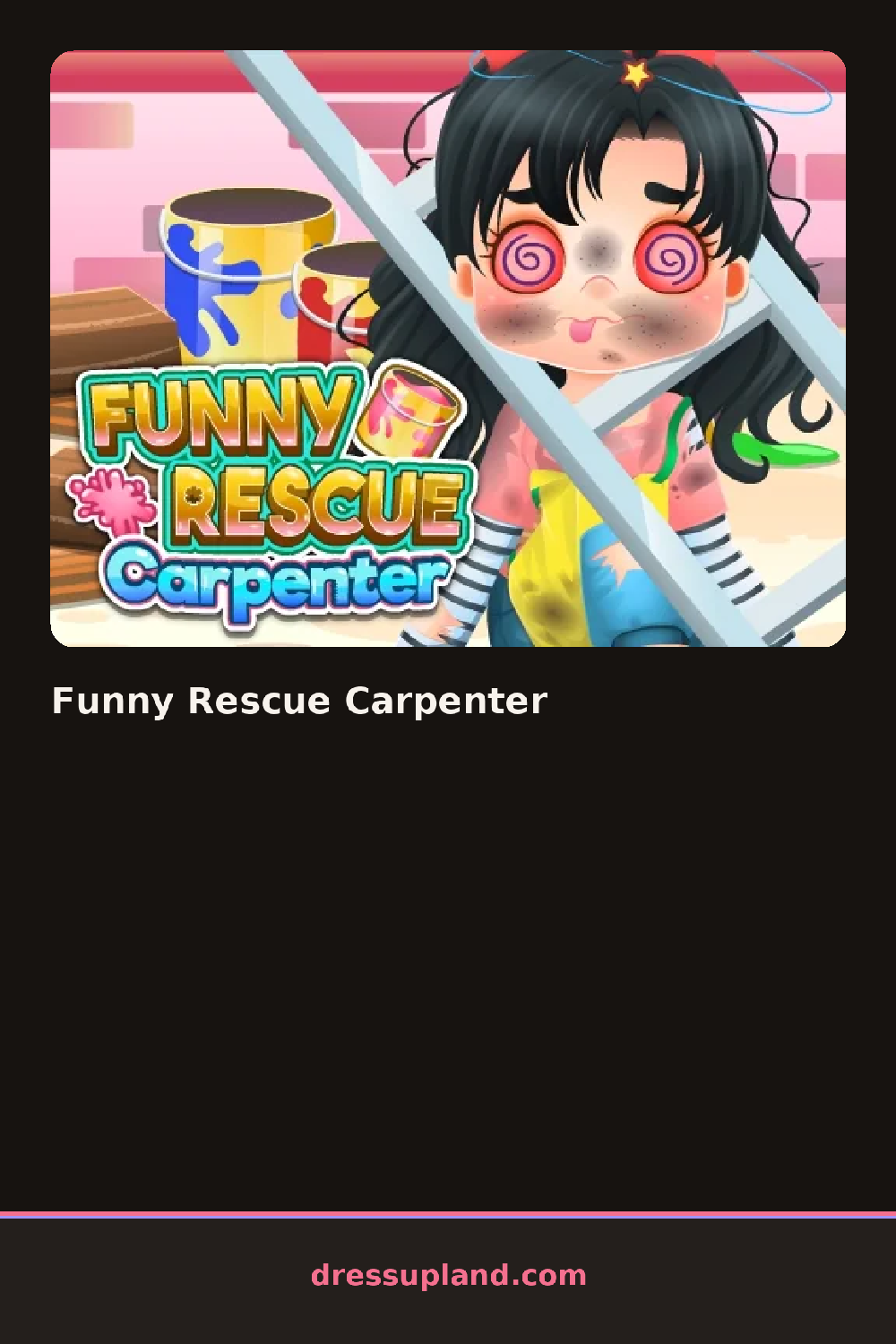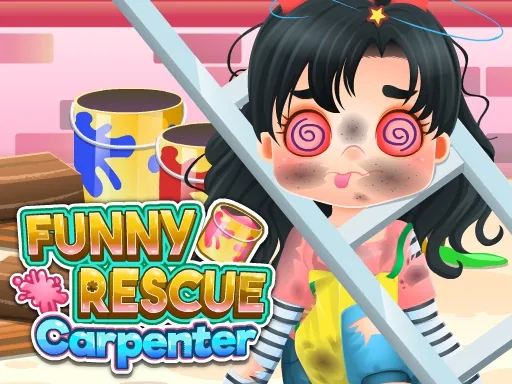

What is Funny Rescue Carpenter?
The carpenter is slumped against a pile of broken boards when the game opens, with dirt smudges and splinters all over him. Your first tool is a pair of tweezers: you drag it to each visible splinter and pull it out one by one. Every treatment shows up as a highlighted spot on his body, so you always know where the next problem is. After the basics are handled, Funny Rescue Carpenter moves from first aid into the repair half.
Your toolkit is bigger than it looks. Medical items include antiseptic wipes, bandages, an ice pack for the bruise and a cast for his arm. The second phase hands you a hammer, nails, a saw, pliers and a fresh coat of paint. Categories are grouped by task, so the healing tools appear first and the workshop supplies unlock once he is patched up. Items are used in order, and each one only works on the spot it was made for.
Most makeover games stop when the character looks clean. This one hands you a carpenter's job to finish too: he hurt himself on the job, so the round ends only after you rebuild the broken shelf he was working on, board by board, and put the tools back on the wall. The ending scene shows him back at work with his fixed shelf, and you can redo any step if you want a cleaner result.
Treat the splinters and dirt before touching the ice pack, because the bruise heals better on clean skin. When rebuilding the shelf, seat each nail fully with two hammer taps before the plank counts as placed. If a bandage looks crooked, drag it off and reposition before applying the cast over it.
How do you play and control Funny Rescue Carpenter?
Click a tool from the tray, then click or drag it on the injured spot, following the glowing markers between steps.
Tap a tool to select it, then tap or swipe on the marked area, and use the arrows at the bottom to move between phases.
Game details
| Specification | Details |
|---|---|
| Game Title | Funny Rescue Carpenter |
| Category / Genre | Dress up |
| Platform | Web browser — phone support not yet checked |
| Release Date | May 2021 |
| Technology | HTML5 |
| DressUpLand account | Not required |