What is Gymnastics Dress Up?
The screen opens on a gymnast standing beside a beam, hair already half done, waiting for an outfit. Your first job is the leotard, and the choice sits in a row of thumbnails along the bottom. Tap one and it appears on her instantly, no loading, no confirm screen. You can flip through every option in about a minute before touching anything else.
The wardrobe splits into a few clean tabs: leotards, shoes, hairstyles, and accessories. The leotards range from plain practice cuts to long-sleeved competition styles with glitter panels, and there are scrunchies, headbands, and small earrings tucked into the accessories tab. Hair includes a tight bun, a high ponytail, and a side braid. Pieces layer sensibly, so a headband sits over the hairstyle instead of erasing it, and shoes swap cleanly with every leotard.
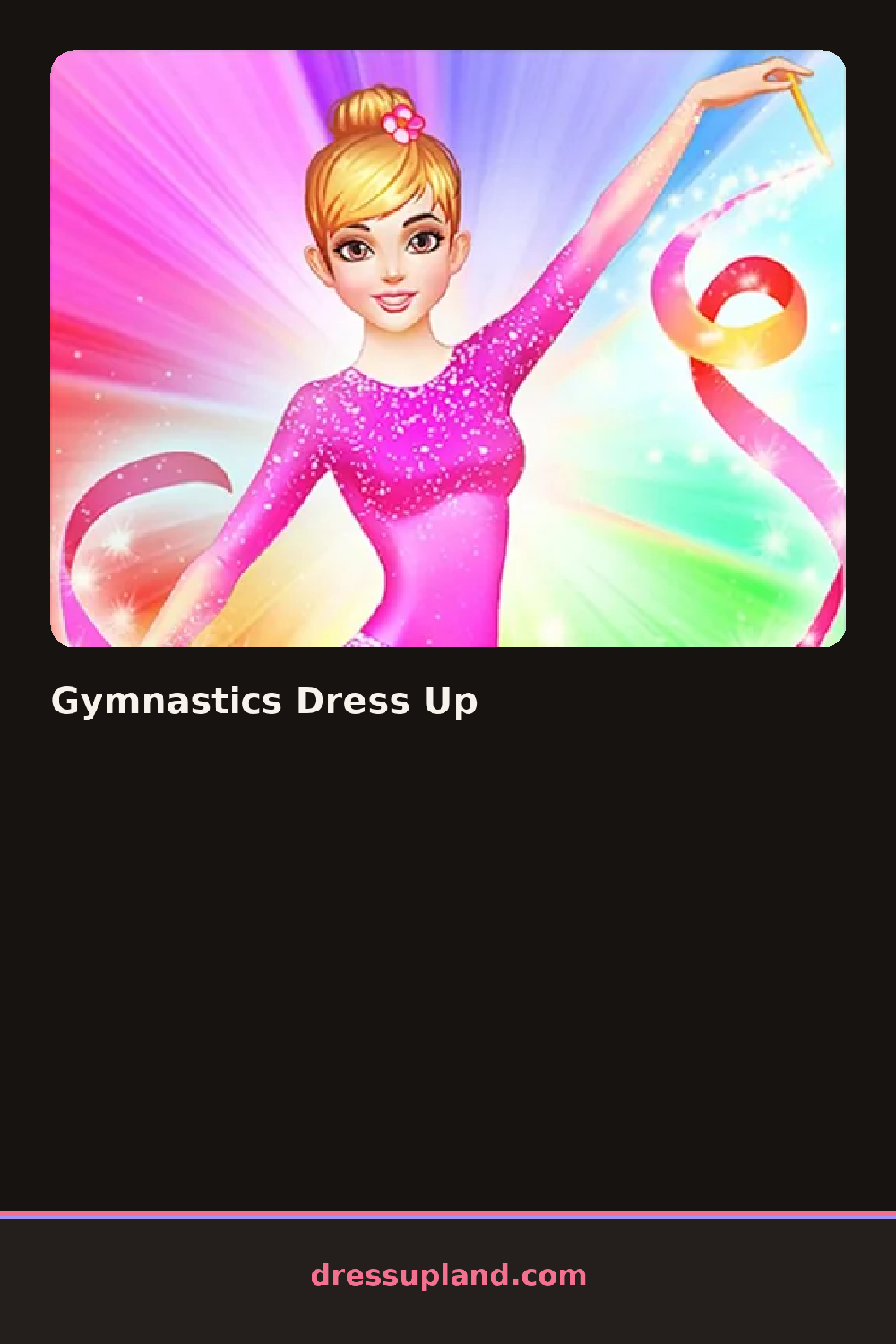
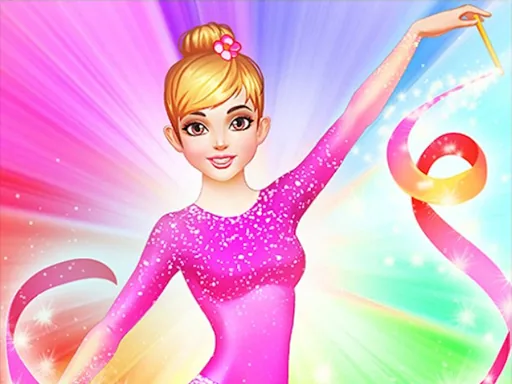
The difference from a standard makeover game is the sports angle. Every choice has to look like something a gymnast could actually compete in, so nothing drifts into casual streetwear or ball gowns. When you finish, you get a posed final look of your athlete ready for a meet, and you can save the completed outfit as a picture.
To get a strong result, start with the leotard color and match the scrunchie to it before anything else. A sleeveless leotard reads better with a high bun, while long sleeves pair well with a ponytail, so decide those two together. And check the shoes last; it is easy to miss that the tab changes which footwear makes sense once the leotard is on.
How do you play and control Gymnastics Dress Up?
Click a category tab, then click any thumbnail to apply it directly to your gymnast.
Tap the tabs at the bottom of the screen and tap items to see them on your gymnast right away.
Game details
| Specification | Details |
|---|---|
| Game Title | Gymnastics Dress Up |
| Category / Genre | Dress up |
| Platform | Web browser — phone, tablet and desktop checked |
| Release Date | September 2026 |
| Technology | HTML5 |
| DressUpLand account | Not required |