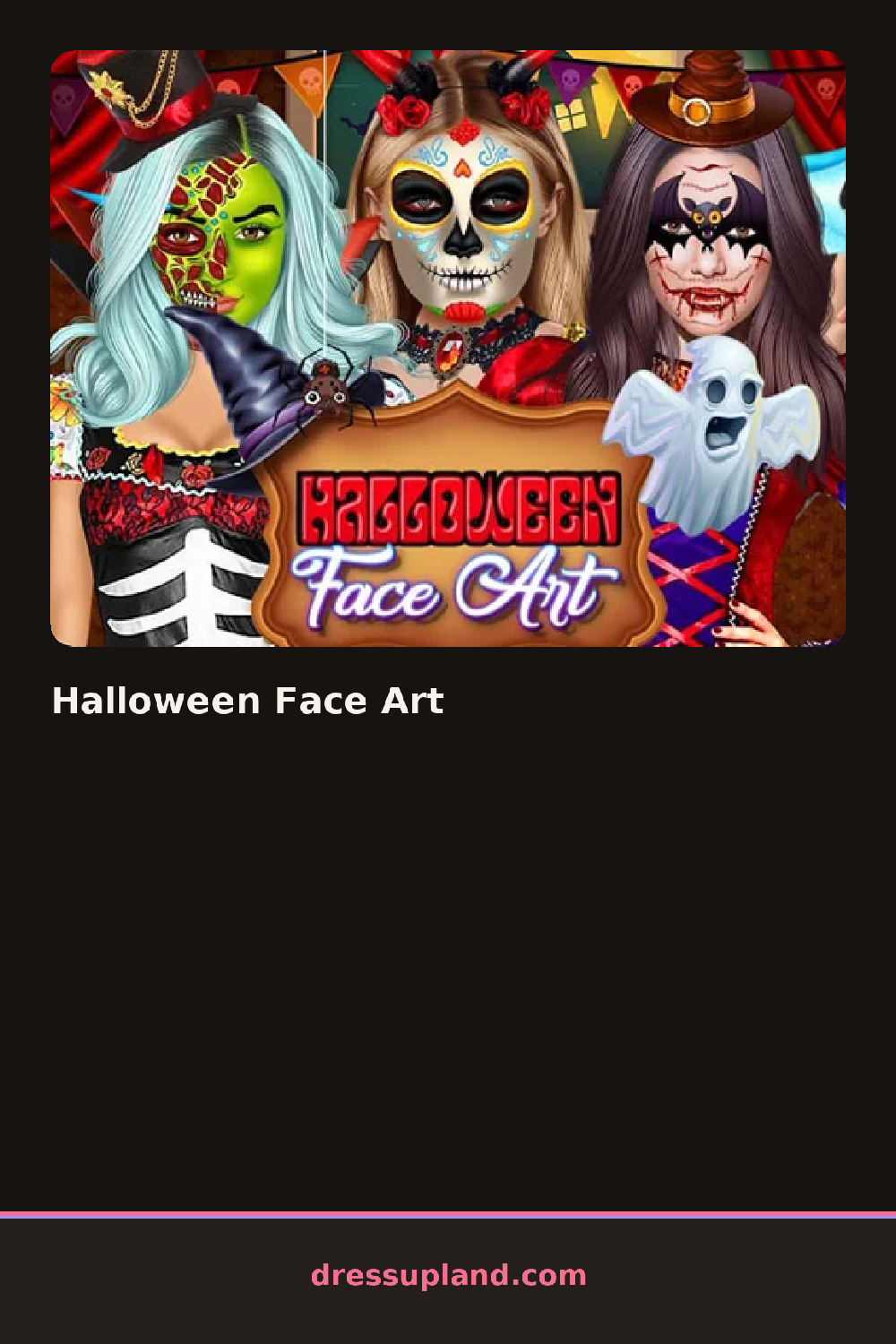

What is Halloween Face Art?
The screen opens on a model with a bare face and a row of spooky icons along the bottom. You pick a face art design first, things like a pumpkin, a bat or a witch motif, and tap the one you want. The paint shows up on her face right away, drawn in bold lines, so you can judge it before you move on. Halloween Face Art keeps every step in order, so nothing lands on your model until you choose it.
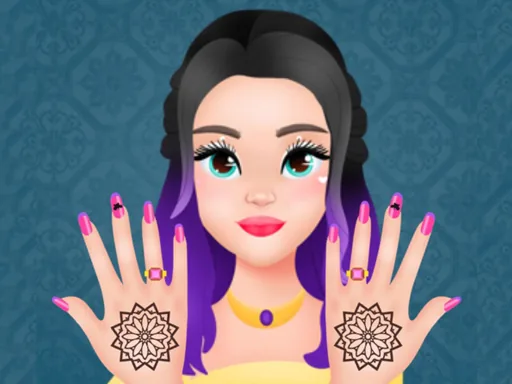
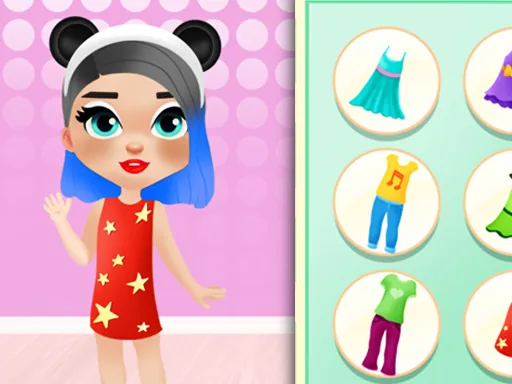
After the face comes hair and nails. The salon section holds long waves, braided updos and colored streaks you can dye a lime green or deep purple. The nail station lets you pick a shape, a polish color, and small decals like spiders or candy corn. The makeup tray has matte lipstick, smoky shadow and glitter you can dust over the finished face paint. Each category unlocks as you finish the one before it, and the layers stack cleanly so glitter sits on top of the paint instead of covering it.
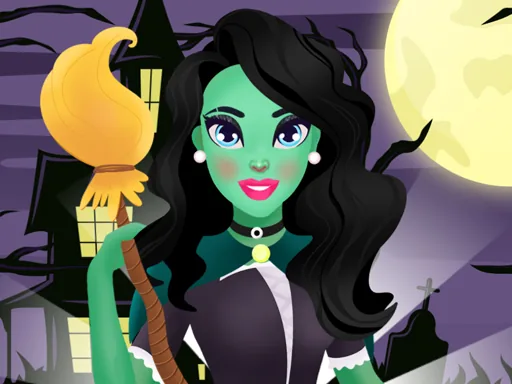
The unusual part is how much of the round is spent at the salon before you ever touch the makeup. Most makeover games open on the face, but here you wash, cut and color first, then bring that finished hair into the final look. A round ends with your model posed in her complete Halloween outfit, face art, hair and nails all visible at once, and you can keep that finished look on screen while you plan the next one.
Work face art to hair to nails to makeup, in that order, so the hair color you choose can echo the paint. A bat design reads best against dark purple lipstick and a silver glitter dusting, while the pumpkin motif suits orange streaks. Tap the decals twice if they land on the wrong nail, since one tap places and a second rotates.
How do you play and control Halloween Face Art?
Click the category icons along the bottom, then click a design to apply it and click again to rotate or adjust decals.
Tap each category icon, then tap a design or decal to place it and tap it again to rotate it on the nail or face.
Game details
| Specification | Details |
|---|---|
| Game Title | Halloween Face Art |
| Category / Genre | Makeover |
| Platform | Web browser — phone support not yet checked |
| Release Date | September 2026 |
| Technology | HTML5 |
| DressUpLand account | Not required |