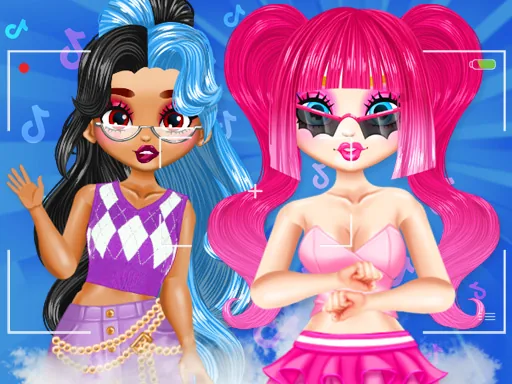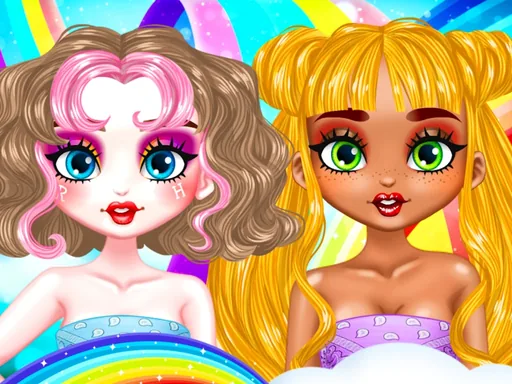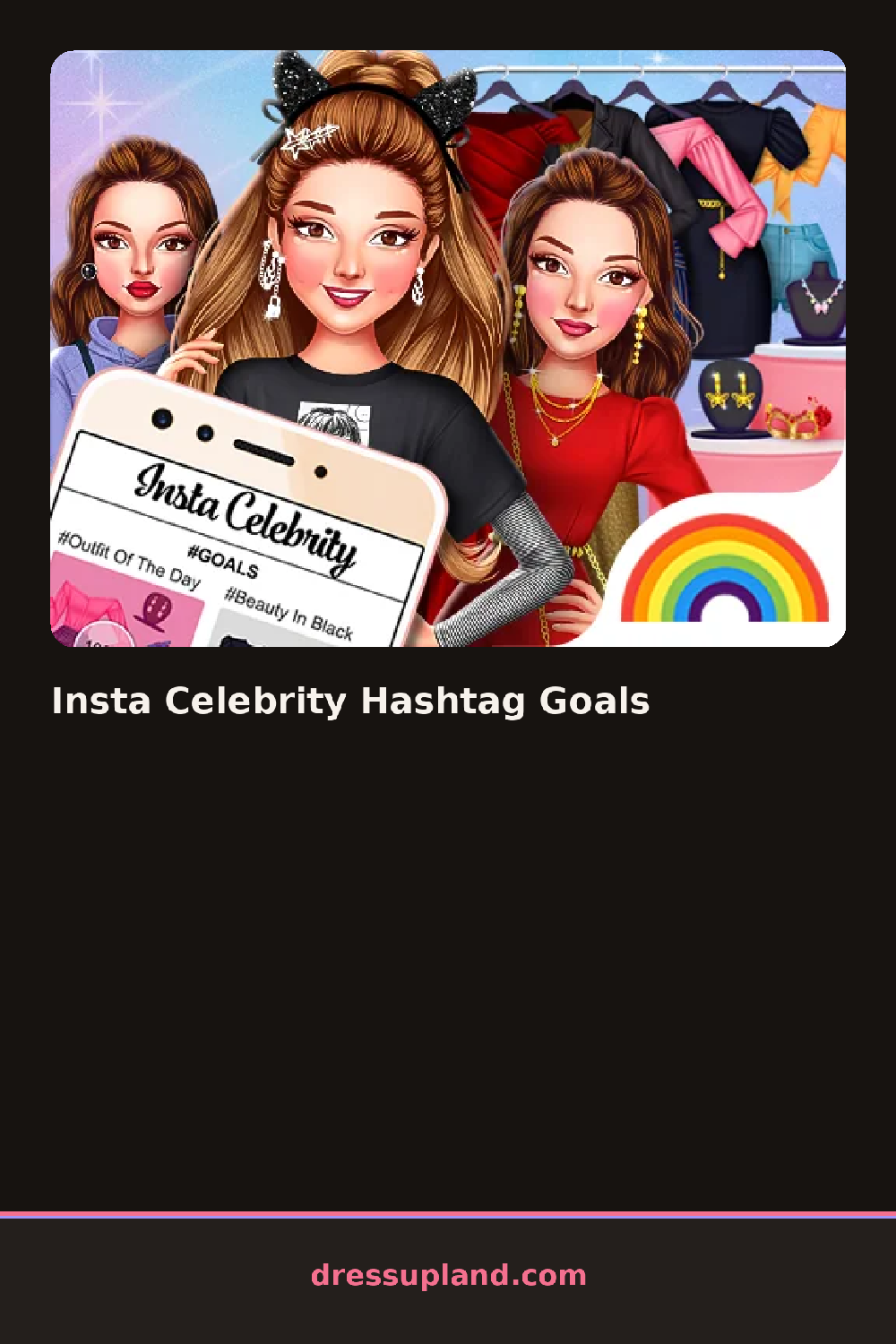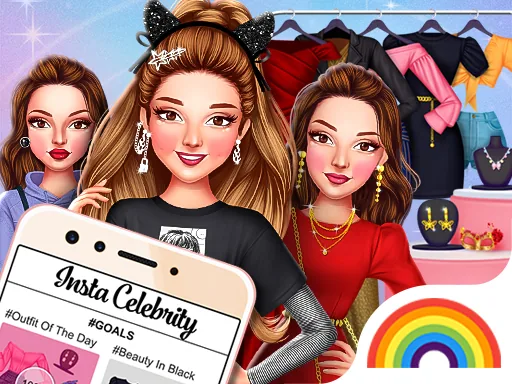

What is Insta Celebrity Hashtag Goals?
The screen opens on a camera-style frame in Insta Celebrity Hashtag Goals, and the first pick is a setting for the shot before any clothing goes on. Choosing a rooftop backdrop over a studio one changes the lighting and mood of everything you dress the character in next, since the outfit has to read well against that frame.
Clothing is organized the way a closet usually is, tops, dresses, and outerwear in one row, shoes and bags below, hair and makeup along the side, and everything layers the normal way, a jacket over a top, a necklace over a collar. What is different here is a caption or hashtag panel sitting next to the wardrobe, where you tap through short tag options like a mood or a theme word to attach to the finished post.
A caption panel next to the wardrobe is the piece most celebrity dress up games skip, and it turns a normal outfit into something staged for an audience. A round finishes with a mocked-up post: the styled character, the chosen backdrop, and a hashtag caption laid out like something scrolled past on a phone.
Pick the backdrop before the outfit, since a bright print can wash out against a busy background. Match the hashtag tone to the outfit instead of grabbing the first tag in the list, since a mismatched caption makes the finished post look thrown together. Check the accessory row before finishing, since jewelry and bags sit lower on the panel and are easy to skip on a quick playthrough.
How do you play and control Insta Celebrity Hashtag Goals?
Click a backdrop, then click wardrobe and hashtag options to build the outfit and caption for the post.
Tap a backdrop first, then tap through wardrobe pieces and a hashtag tag to finish the post.
Game details
| Specification | Details |
|---|---|
| Game Title | Insta Celebrity Hashtag Goals |
| Category / Genre | Celebrities |
| Platform | Web browser — phone support not yet checked |
| Release Date | January 2024 |
| Technology | HTML5 |
| DressUpLand account | Not required |