
What is Monster High Makeup?
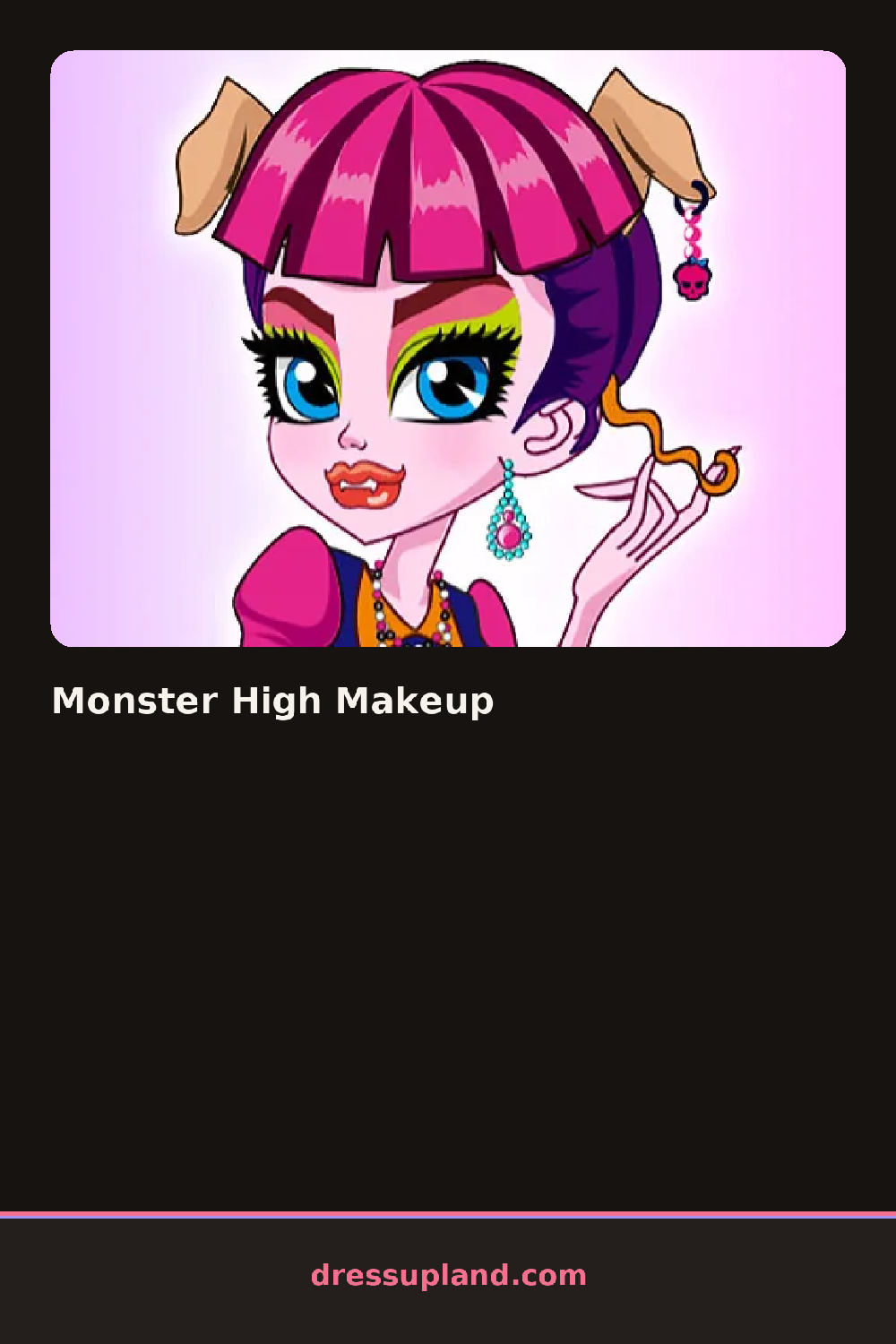
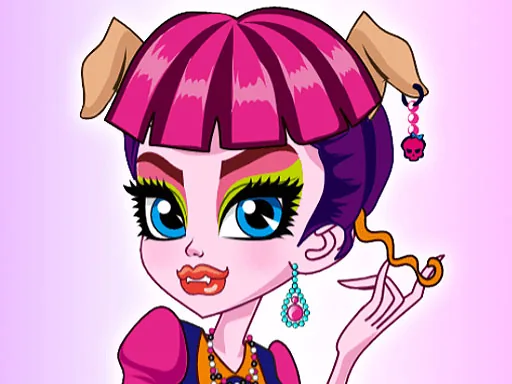
Monster High Makeup opens on a close-up face with skin still pale and bare. The first tap usually lands on a base shade, and the change is immediate, giving the cheeks an undertone and the jaw a hint of shadow. From there the cursor drifts to the eyes, since nothing else on the face reads until there's a color to react against.
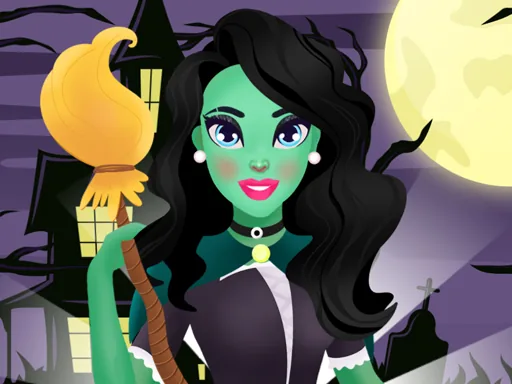
The toolkit sits in tabs down one side, split by feature. Eyes get a row of contact lens colors and liner shapes, some sharpened into a cat's-eye flick. Lips run from a matte plum to a two-tone gloss with a darker outer ring. A separate row covers monster details: streaked hair color, small fang overlays, and scale-like glitter along the cheekbone instead of the browbone. None of it overwrites what came before, so a green eyeshadow and a purple lip can sit on the same face at once.
What separates this from a plain makeover game is how much of the toolkit is built around monster features instead of a normal beauty routine, since fang overlays and scale glitter don't have a real-world equivalent and take some trial and error to combine. A round ends when the face looks finished to you, and the game holds the result on screen so you can compare it against the blank start.
Working eyes before lips gives the lip shade something to answer to, since a bold mouth over pale, empty eyes tends to look unfinished. Pairing a cool skin base with green or purple hair streaks keeps the palette from clashing against a warm base. The fang tab sits small and easy to scroll past, and skipping it is the fastest way to end up with makeup instead of a monster.
How do you play and control Monster High Makeup?
Click through the tabs and click an item to apply it, then use the on-screen sliders where they appear to adjust color or size.
Tap a category tab, tap an item to apply it, and use pinch or slider gestures where the game offers them to fine-tune placement.
Game details
| Specification | Details |
|---|---|
| Game Title | Monster High Makeup |
| Category / Genre | Makeover |
| Platform | Web browser — phone, tablet and desktop checked |
| Release Date | September 2026 |
| Technology | HTML5 |
| DressUpLand account | Not required |