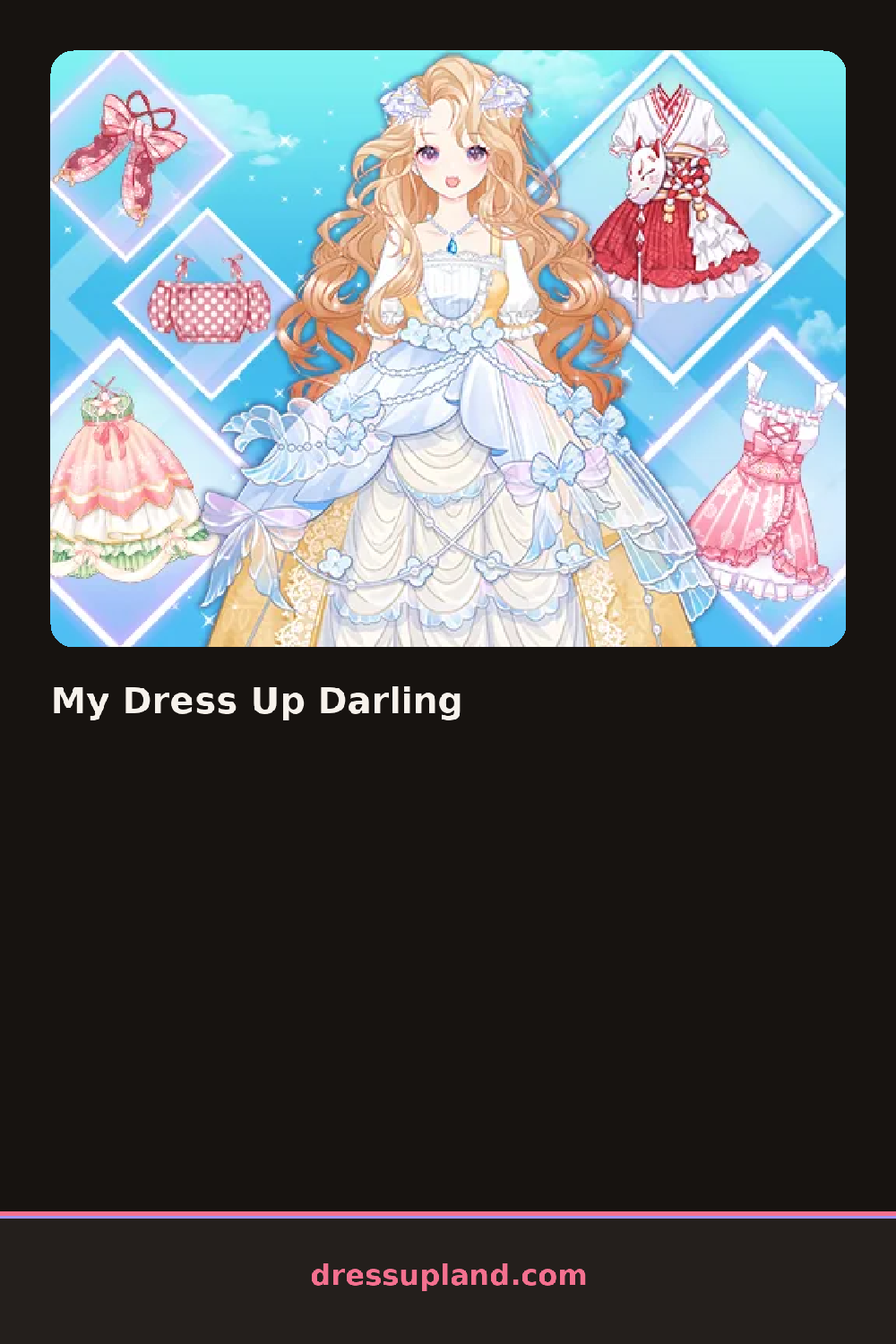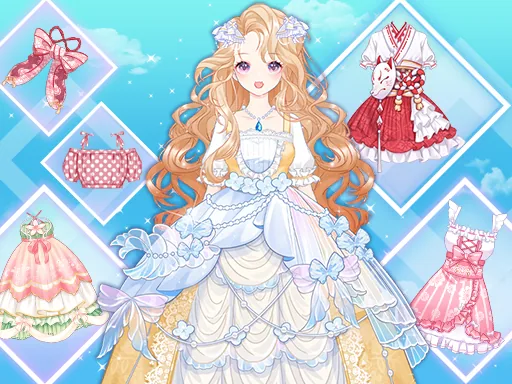

What is My Dress Up Darling?
It opens on a bare-faced doll with a default hairstyle, and the wig rack is usually the first stop. Swap in a bright pink or icy blue wig and the whole face reads differently right away, which sets the mood for the rest of My Dress Up Darling before a single outfit gets chosen.
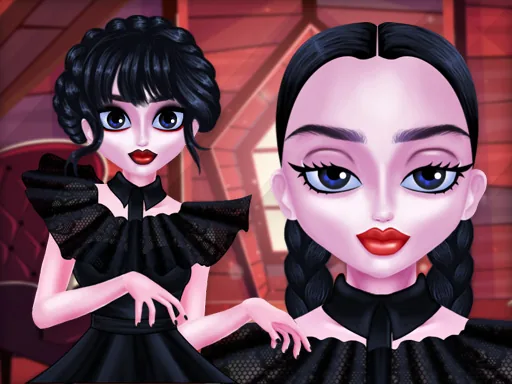
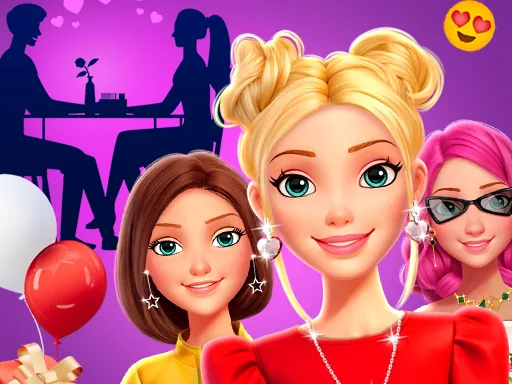
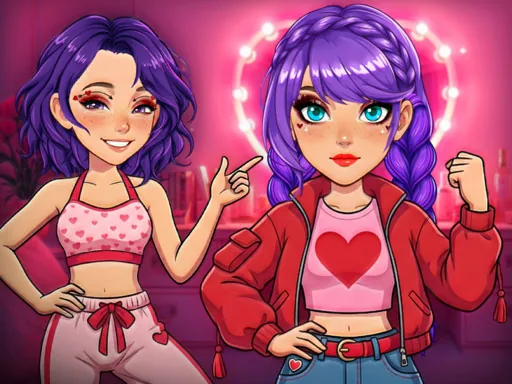
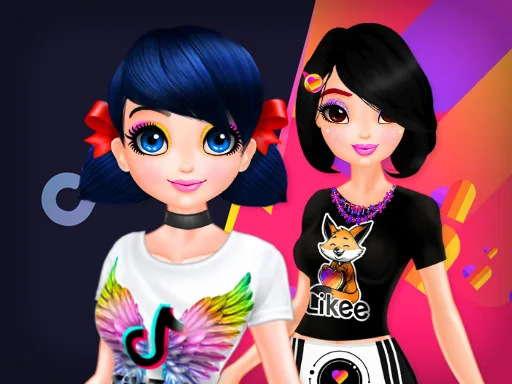
The pieces split into wigs, eyes, and costume tabs instead of a plain shirt-and-pants closet. Wigs come in solid colors and two-tone styles with braids or twin tails already built in; eyes offer a run of colored contacts from violet to gold; costumes lean frilly, a ruffled party dress with a full skirt, a pleated skirt with suspenders, a cropped jacket with lace trim. Accessories like bows, chokers, and thigh-high socks sit in their own row and layer over whatever dress is chosen.
The costume focus is the difference from a plain school-uniform makeover game: nearly everything here is built for a stage look, not an everyday one, down to the contacts. A finished doll saves as a portrait, ready to compare against the last version before starting the next combination.
Choosing the wig color before the costume keeps the palette from clashing, since a pastel wig next to a jewel-toned dress usually looks off. Matching the contact color to an accent in the outfit, a hair ribbon or a hem trim, ties the face back into the costume instead of leaving it separate. The layering order on accessories matters too: chokers go on after the dress, or they end up hidden under a collar.
How do you play and control My Dress Up Darling?
Click the wig, eyes, and costume tabs, then click a piece to place it on the doll.
Tap the category tabs and tap a piece to dress the doll.
Game details
| Specification | Details |
|---|---|
| Game Title | My Dress Up Darling |
| Category / Genre | Makeover |
| Platform | Web browser — phone support not yet checked |
| Release Date | July 2025 |
| Technology | HTML5 |
| DressUpLand account | Not required |