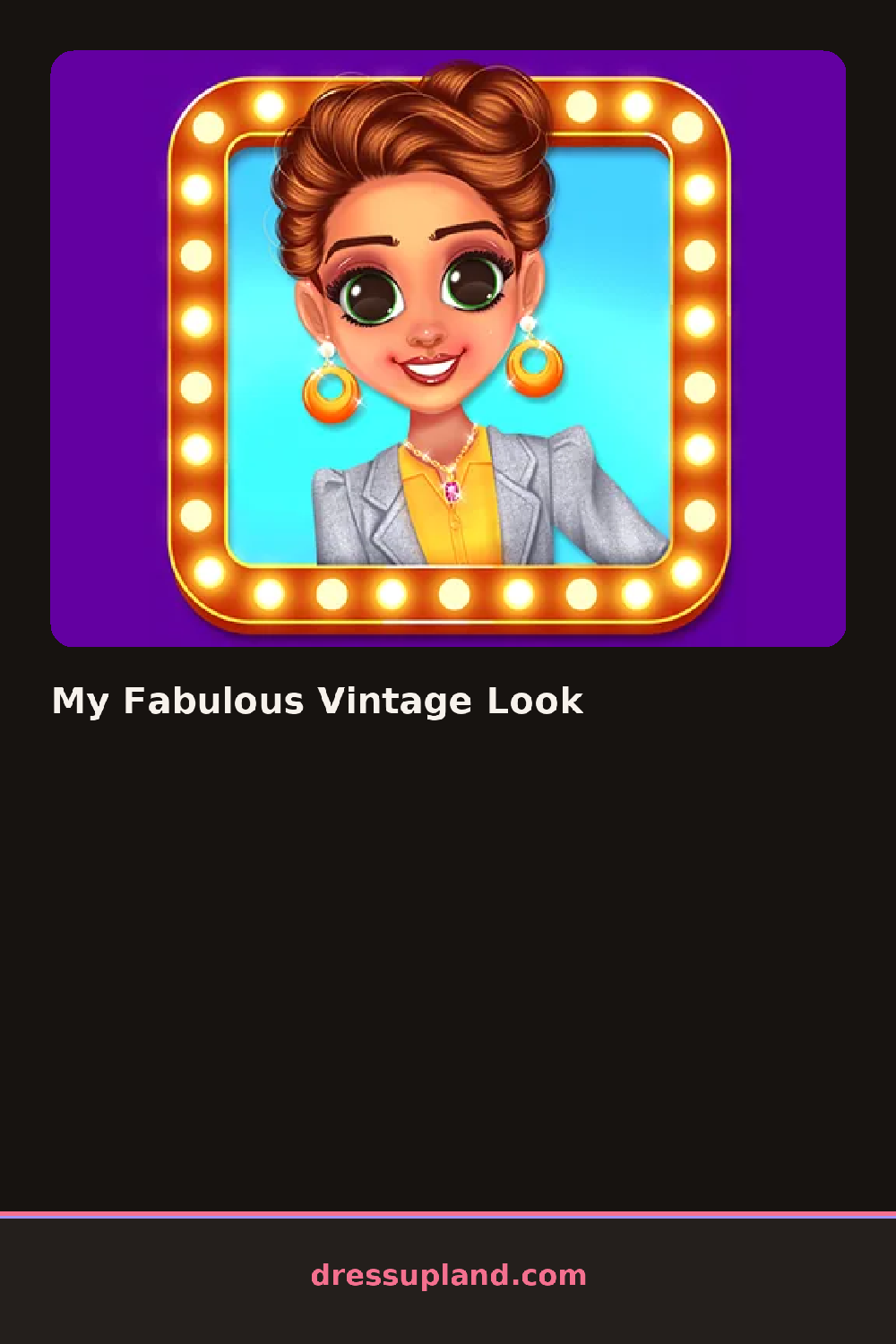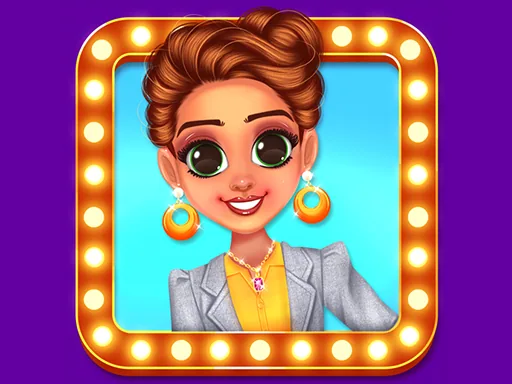
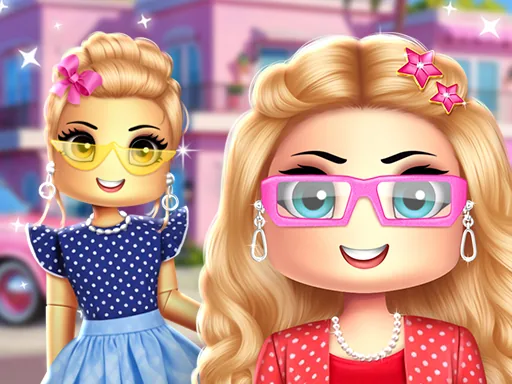
What is My Fabulous Vintage Look?
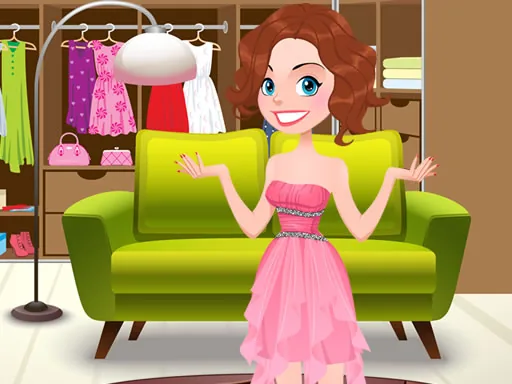
You start in a dressing room scene with the model in a neutral base outfit, and the wardrobe panel sits on one side of the screen. The first choice is usually skin tone and eye color, then hair, since the game seems to want the face settled before the clothes go on. Each selection shows up on the model within a second, with a soft transition instead of a hard swap.
The closet is a proper vintage collection. Think a polka dot swing dress, a fitted pencil skirt with a belt, a lace collar blouse, elbow-length gloves, and kitten heels. Hair includes pin curls, victory rolls, and soft waves, while makeup covers red lipstick, winged eyeliner, and a subtle rosy blush. There is jewelry too, from pearl strands to brooches, and pieces layer correctly, so a collar sits under a dress and gloves read as gloves.
Unlike most games in this category, the point here is a single complete era look rather than a costume box, so the game nudges you toward pieces from the same decade and finishes with a portrait-style photo of your model that you can save or redo. It is a makeover game that rewards restraint.
Start with one statement piece, usually the dress, and build everything else quietly around it. Red lipstick and a plain hairstyle beat a bold lip and fancy updo together, because one of them should lead. The brooches are easy to miss near the bottom of the accessories tab, and one on a lapel or collar finishes the look better than another necklace.
How do you play and control My Fabulous Vintage Look?
Click through the wardrobe tabs and click an item to place it on the model.
Swipe between wardrobe tabs and tap an item to try it on the model.
Game details
| Specification | Details |
|---|---|
| Game Title | My Fabulous Vintage Look |
| Category / Genre | Dress up |
| Platform | Web browser — phone support not yet checked |
| Release Date | September 2024 |
| Technology | HTML5 |
| DressUpLand account | Not required |