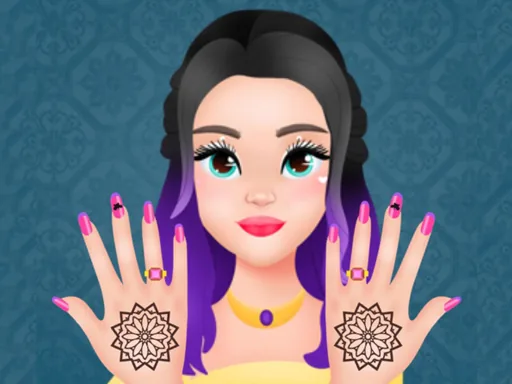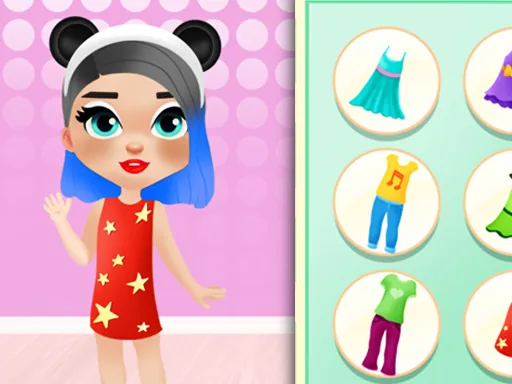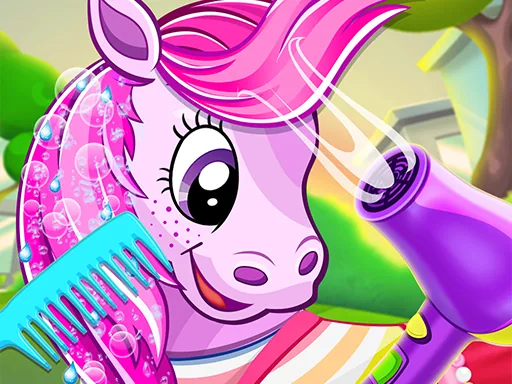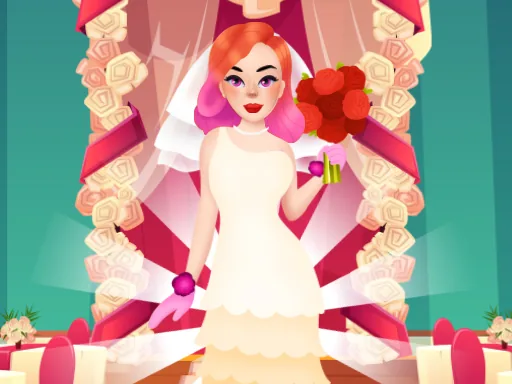

What is My Fashion Hair Salon?
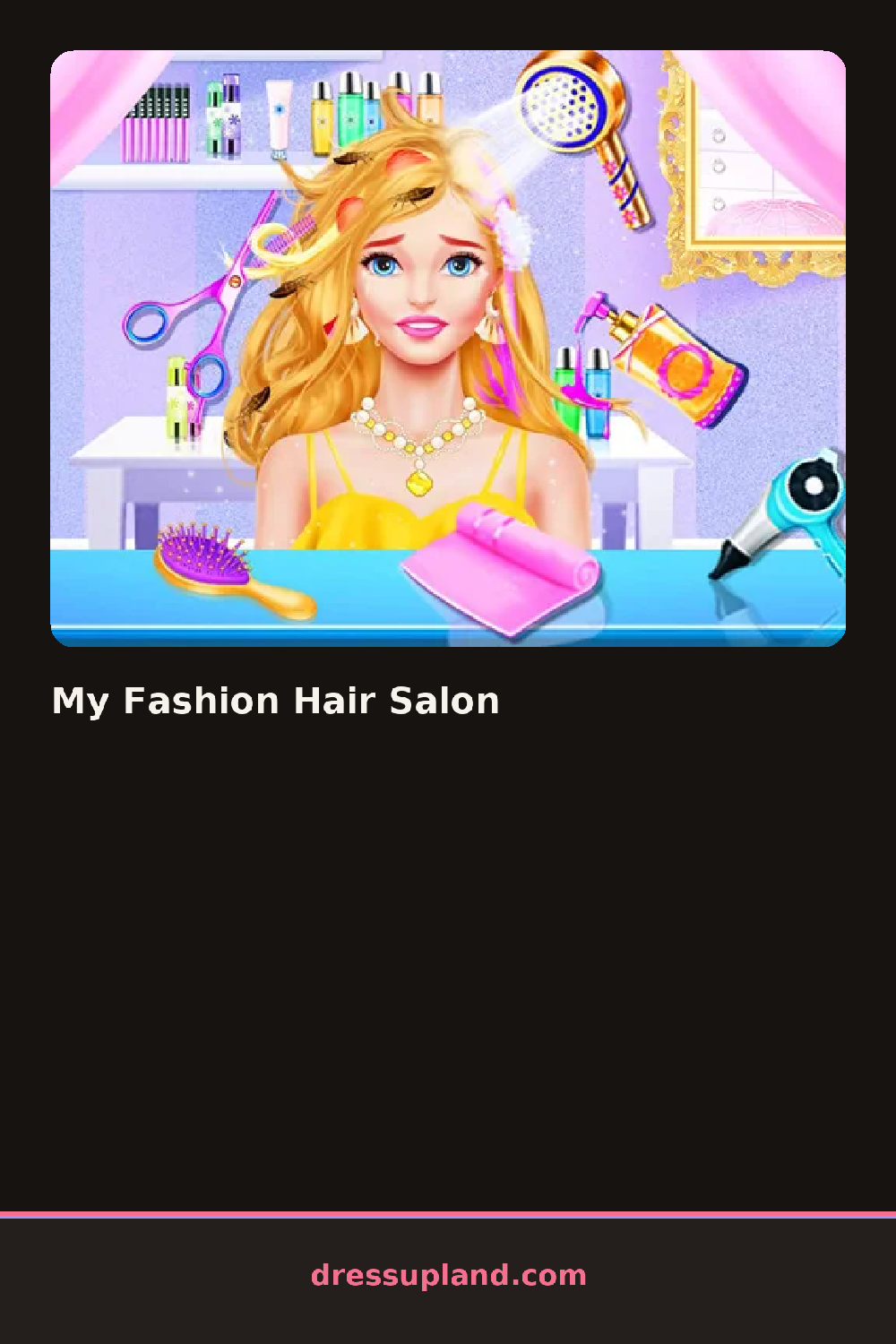
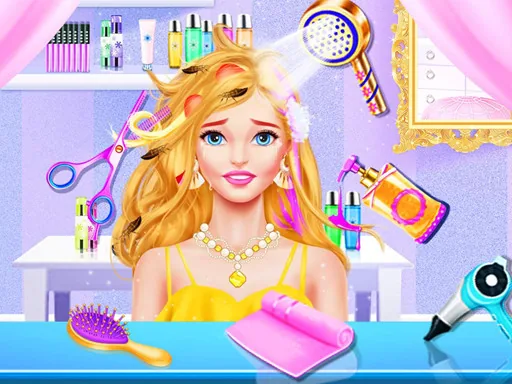
You meet a plain face and bare shoulders the moment My Fashion Hair Salon opens, and the first pick is a base haircut: a blunt bob, long layers, or a pixie crop. Choose the bob and the whole silhouette changes shape right away, before a single strand gets colored.
The tools split into cut, color, and finish. Scissors and clippers set the shape, a dye chart runs through solid colors and a couple of fades, then curling irons and straighteners add texture on top of whatever cut and color came first. Clips, headbands, and small hair jewelry sit in a separate row for the very last step.
Instead of treating hair as one wardrobe slot the way most makeover games do, this one turns the whole session into a haircut, a dye job, and a style, each with its own screen. The round ends on a salon-mirror shot of the finished style, ready to hold up against the plain face from the start.
Set the cut before touching the dye chart, since the same color reads differently on a bob than on long layers. Curl or straighten after the color is locked in, and add a clip or headband only once the style is done so it does not slide out of place when the shape changes.
How do you play and control My Fashion Hair Salon?
Click a tool icon to open its options, then click the head to apply the cut, color, or style.
Tap a tool icon to open its options, then tap the head to apply each cut, color, or style.
Game details
| Specification | Details |
|---|---|
| Game Title | My Fashion Hair Salon |
| Category / Genre | Makeover |
| Platform | Web browser — phone, tablet and desktop checked |
| Release Date | September 2026 |
| Technology | HTML5 |
| DressUpLand account | Not required |