What is My Monster High Pony?
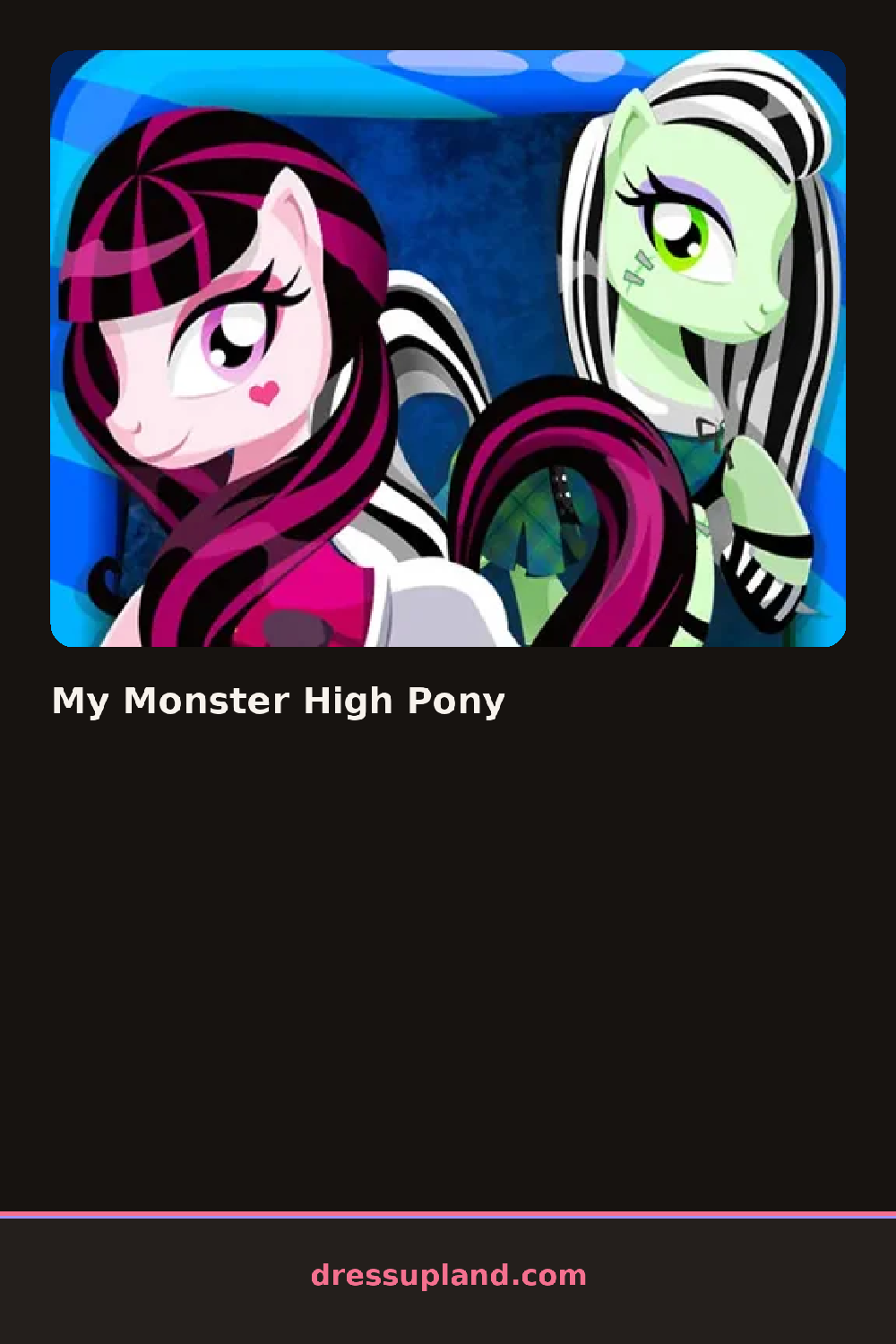
The pony stands center screen the moment My Monster High Pony loads, coat set to a pale default and a row of tabs waiting along one side. Tapping the coat swatch first changes the ground color for everything else, so a black hide reads totally different under the same pink bow than a white one does. From there the game hands you a mane, then a tail, then whatever spooky trims you want to pile on top.
The tabs split into manes and tails, wings, collars and bows, socks, and a small face section for eyes and markings. Manes come in braids, twin buns, and loose spiked cuts, each with its own color slider. Wings range from small bat shapes to feathered ones, and collars run from plain ribbon to studded leather, all layering over the coat without hiding it. Socks and leg wraps sit on top of everything else, so a bold pattern there can pull a quiet outfit together or clash with a busy one.
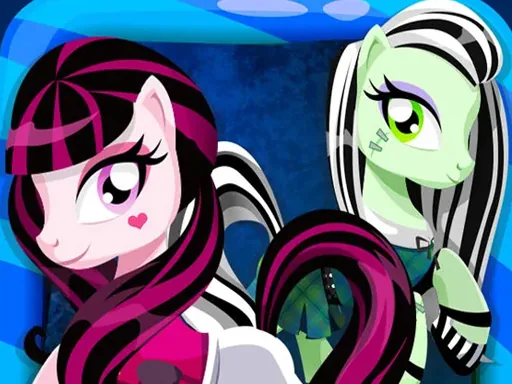
Most chibi dress up games stick to one aesthetic, but this one lets a sugar-pink pony wear a spiked collar and bat wings without looking out of place, which is the whole appeal of the monster-and-pony mashup. A finished look gets saved to a small gallery frame at the end, so you can flip back through past ponies instead of losing the outfit the moment you close the tab.
Picking the coat color before anything else pays off, since every mane and collar shade reads against it. Pairing one loud piece, like spiked wings, with a plainer mane keeps the look from turning muddy. The eye and marking sliders are tucked in a small tab that is easy to miss, but they change the pony's expression more than any accessory does.
How do you play and control My Monster High Pony?
Click a tab to open a category, then click a swatch or thumbnail to put that piece on the pony, and drag the color slider next to each item to adjust its shade.
Tap a tab to open a category, then tap a thumbnail to place it on the pony, and drag the color slider with your finger to adjust the shade.
Game details
| Specification | Details |
|---|---|
| Game Title | My Monster High Pony |
| Category / Genre | Anime & chibi |
| Platform | Web browser — phone support not yet checked |
| Release Date | September 2026 |
| Technology | HTML5 |
| DressUpLand account | Not required |