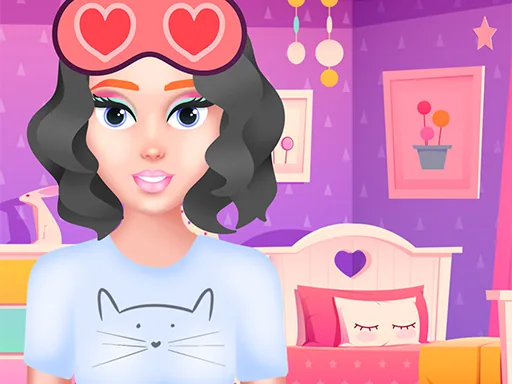

What is Pajamas Party?
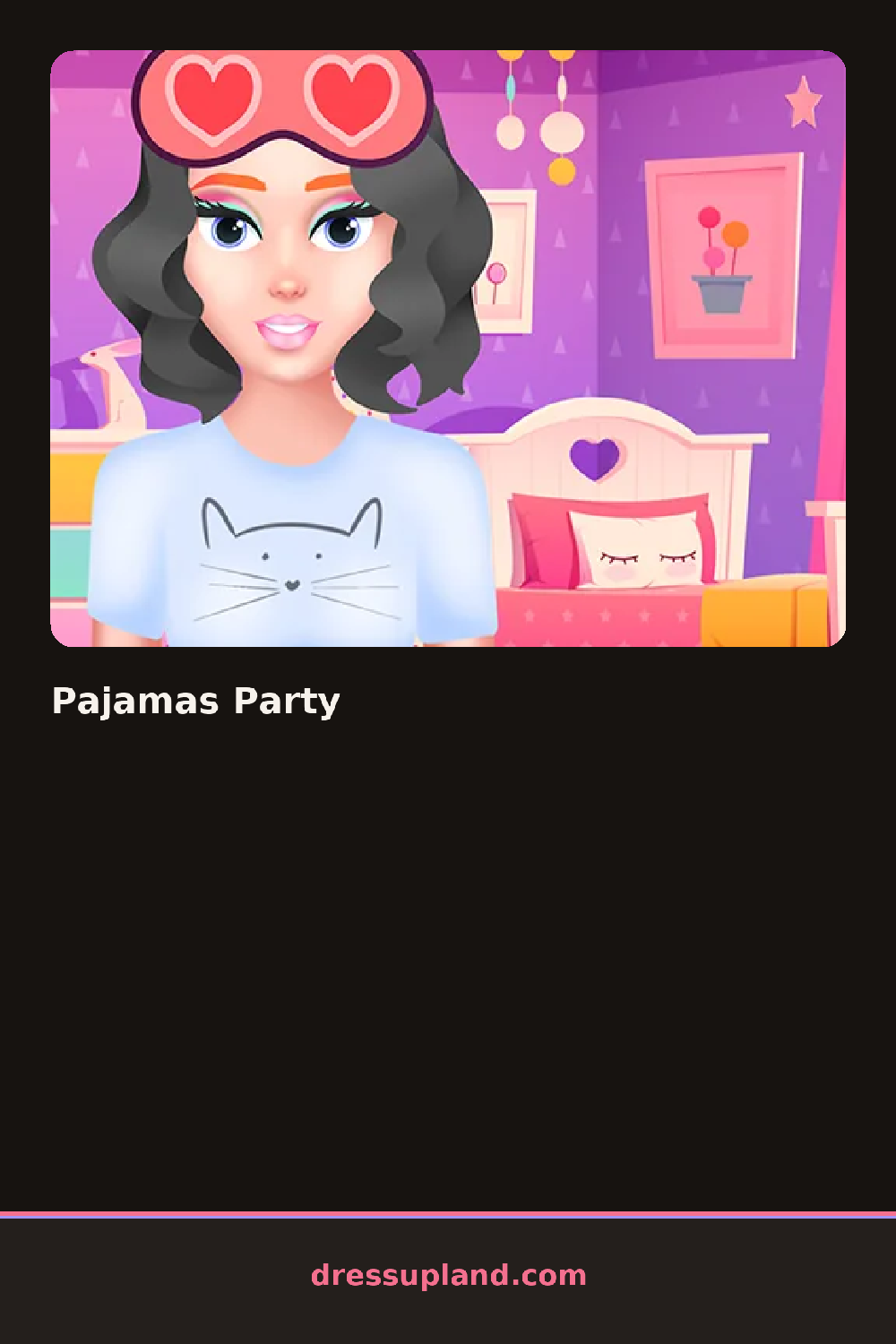
The screen opens on a girl in a plain tank top and shorts, sitting on a bed with a pile of throw pillows behind her. Pajamas Party starts you on the sleepwear tab, where a click swaps her top for a satin cami or a graphic tee, and the shorts change with it. Every pick shows up instantly on her, so you can back out of a color that clashes before you move to the next tab.
The tabs run along the bottom: tops, bottoms, robes, slippers, and a hair section with buns and braids for bed. There's a skincare row too, with sheet masks, a headband, and a jade roller you can rest against her cheek. Accessories layer on top of the sleepwear, so a robe sits over the cami and slippers go on last, without hiding what you picked before.
Where most makeover games save the pampering step for last, this one treats it as its own layer you can toggle on and off mid-outfit, so a face mask can sit under a robe or come off before the final photo. The round ends with a snapshot of the finished look, framed like a sleepover selfie, ready to compare against the last one you saved.
Matching the robe color to the headband instead of the top keeps the look from feeling busy. Slippers with a bold sole show up better than plain ones once the camera pulls back for the photo. Toggling the sheet mask off right before the final shot avoids covering the makeup you picked earlier.
How do you play and control Pajamas Party?
Click or drag items from the bottom tabs onto the character, and click the camera icon to save the final look.
Tap a tab to open its items, tap a piece to put it on, and tap the camera button to capture the finished pajama look.
Game details
| Specification | Details |
|---|---|
| Game Title | Pajamas Party |
| Category / Genre | Makeover |
| Platform | Web browser — phone support not yet checked |
| Technology | HTML5 |
| DressUpLand account | Not required |