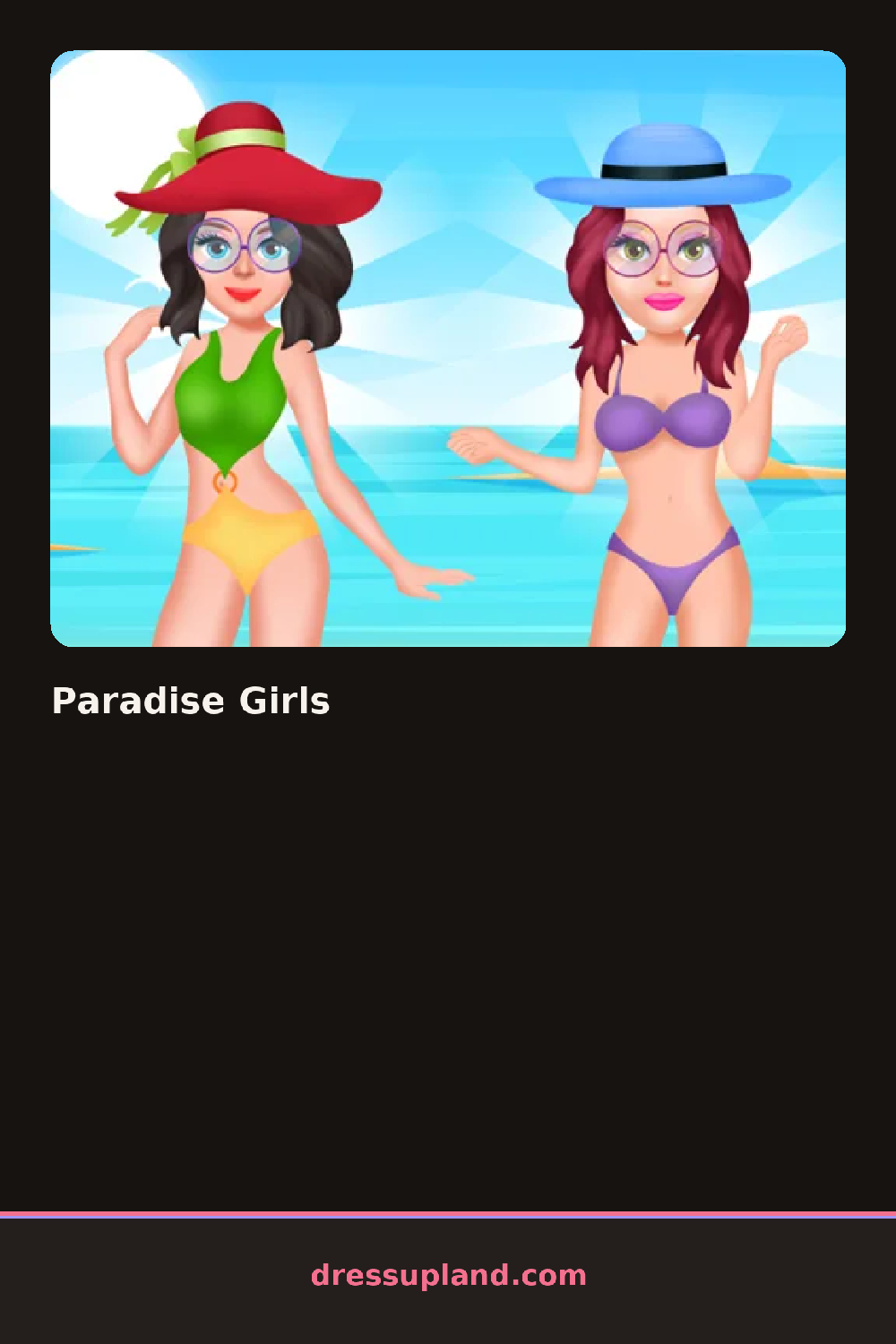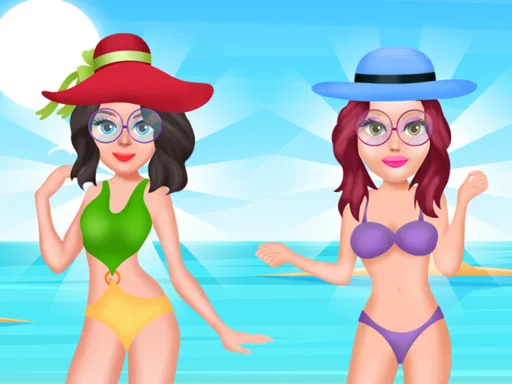

What is Paradise Girls?
You land on a sun-washed beach scene with a girl in a plain swimsuit and a straw bag at her feet. Paradise Girls opens on a skin-tone slider first, then moves to swimwear, so the bikini you pick reads against her actual tan instead of a default shade. Tap a different top and the bottom updates its trim to match, which saves you from an outfit that looks stitched together.
The category rail covers swimwear, cover-ups, sunglasses, and hair, with options like a knotted bikini top, a sheer sarong, and beach waves pinned back with a shell clip. A jewelry row sits below with anklets and layered necklaces, and every accessory stacks over the swimsuit without replacing it, so a cover-up can hang open over a two-piece.
Unlike most beach-themed dress up games that keep the skin tone locked once you start, this one lets you slide it at any point, so a look built for a pale character can be replayed on a deeper tan without starting the outfit over. A finished look is saved to a small gallery strip at the side, letting you line up several beach days at once instead of losing the last one.
Pairing a bright sarong with plain sunglasses keeps the eye on the print instead of splitting attention between two patterns. Pinning the hair back before adding a hat stops the two from overlapping oddly on her head. Sliding the skin tone before choosing swimwear colors helps the bikini shade actually match her against the sand.
How do you play and control Paradise Girls?
Use the mouse to drag the skin-tone slider and click swimwear or accessory icons to dress the character.
Swipe the slider with your finger for skin tone, then tap items in the category rail to add them to her look.
Game details
| Specification | Details |
|---|---|
| Game Title | Paradise Girls |
| Category / Genre | Makeover |
| Platform | Web browser — phone support not yet checked |
| Technology | HTML5 |
| DressUpLand account | Not required |