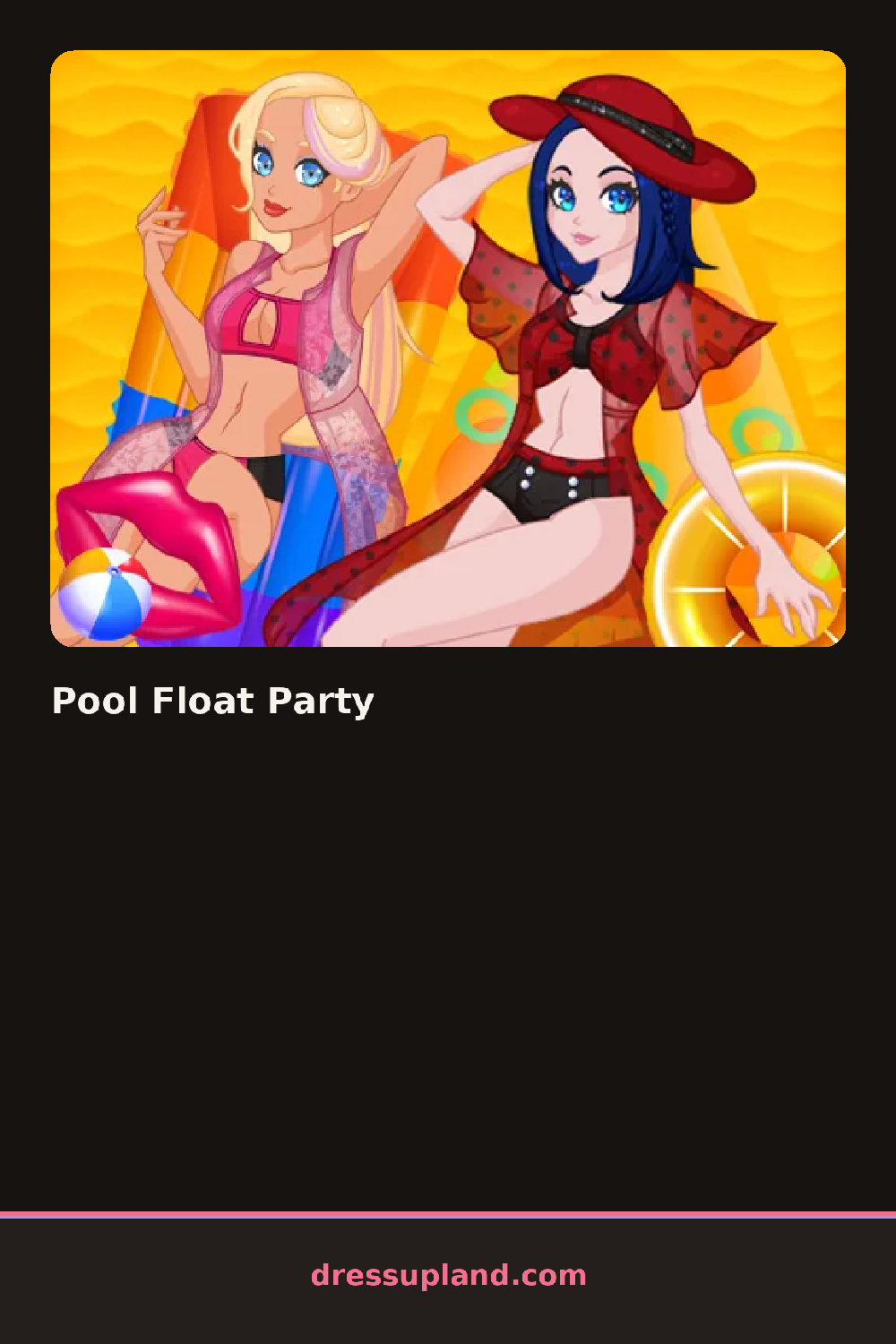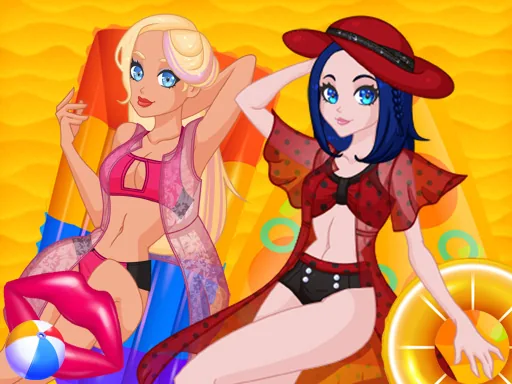

What is Pool Float Party?
Two things sit blank at the start, a flamingo-shaped float in the corner and a character waiting at the salon chair, and either one can be picked first. Pool Float Party lets you decide whether to paint the float or start the hairstyle, then work through the other side afterward so both finish together by the end.
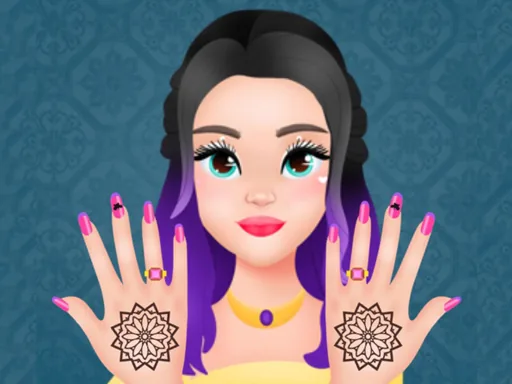
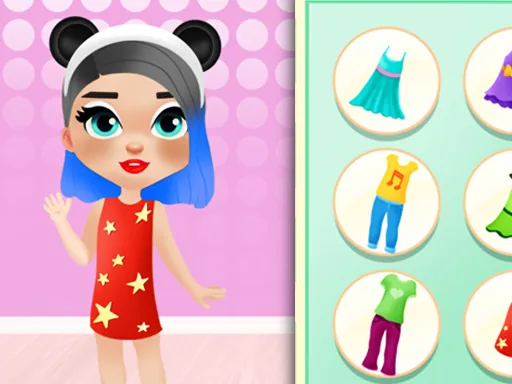
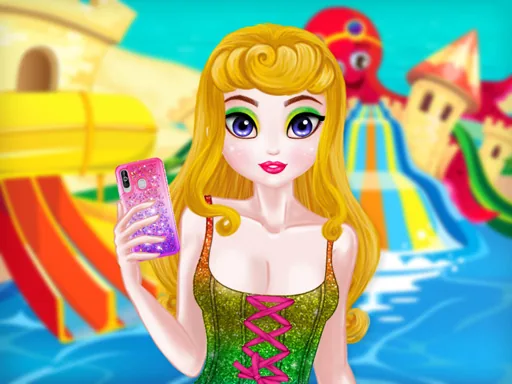
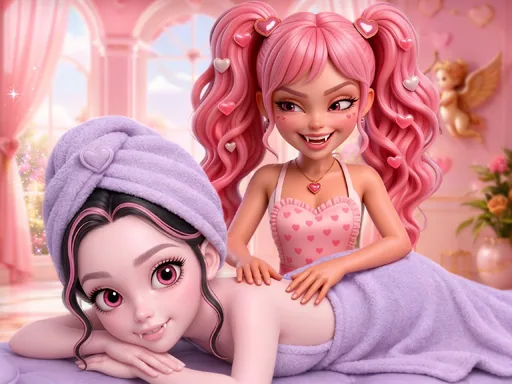
The float side has paint buckets, glitter stickers, and patterns like stripes or polka dots that snap onto the float's surface. The salon side runs through the usual stations, a curling iron, a row of braids, sunscreen, and swimsuits in a handful of cuts. Nothing here layers onto the float itself beyond stickers and paint, but hairstyles and makeup do stack the normal way, one choice sitting on top of the last.
Plenty of salon games let a character get dressed, but few also hand over a plain float to paint and sticker in this makeover game, so the prop gets as much attention as the person riding it. The party wraps with a scene of the float and its rider together in the water, saved as one combined picture rather than judged on points or sent down a runway.
A solid base coat of paint on the float keeps stickers from looking cluttered once patterns go on top. Matching the swimsuit print to a color already used on the float ties the two halves together in the final shot. The sticker layer can be nudged with small drags instead of just placed once, which is easy to miss but useful for lining up a pattern evenly.
How do you play and control Pool Float Party?
Drag paint, stickers, and salon items onto the float or the character, using the tab buttons to switch between the two.
Tap the float or salon tab, then tap and drag items into place with a finger.
Game details
| Specification | Details |
|---|---|
| Game Title | Pool Float Party |
| Category / Genre | Makeover |
| Platform | Web browser — phone, tablet and desktop checked |
| Release Date | September 2026 |
| Technology | HTML5 |
| DressUpLand account | Not required |