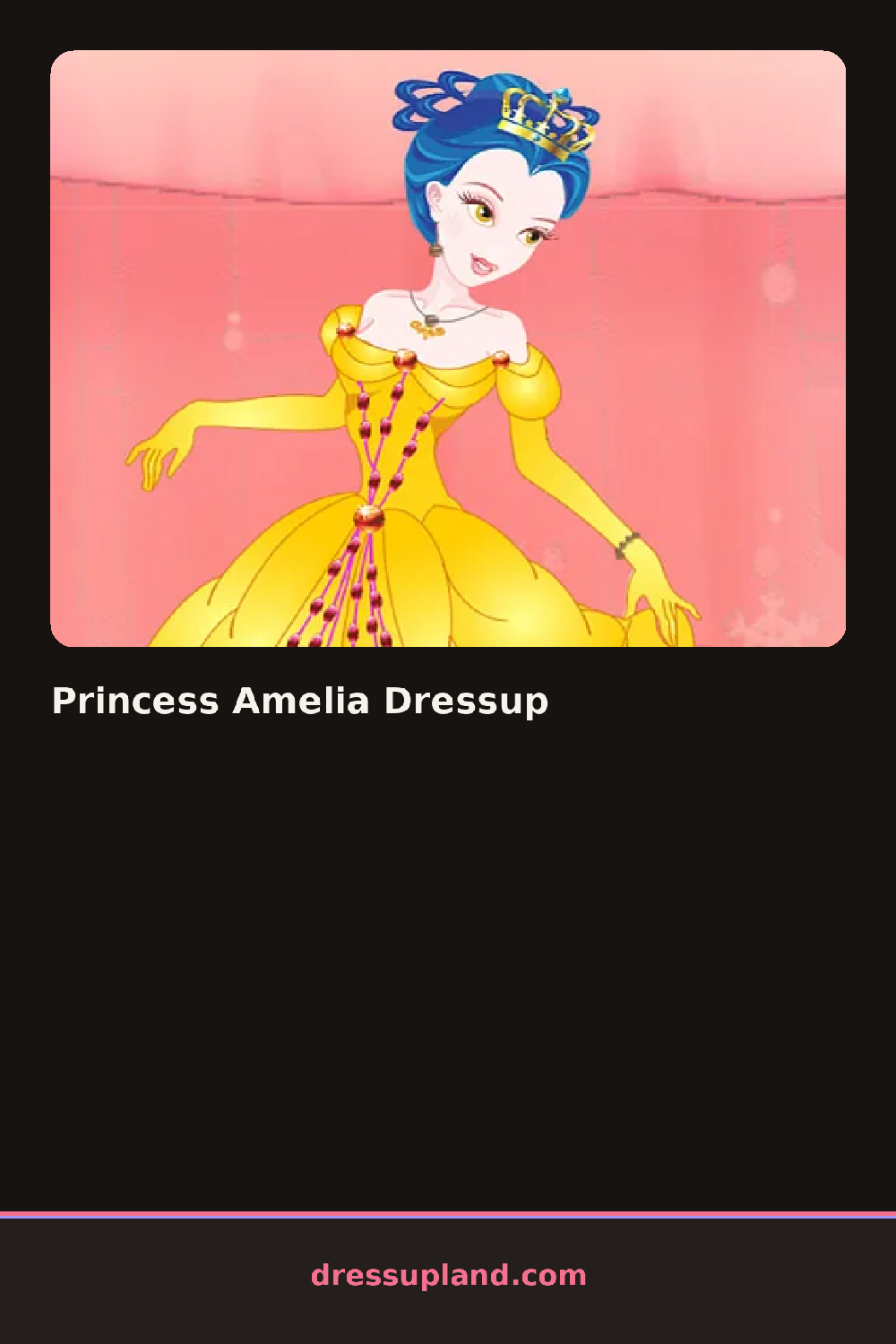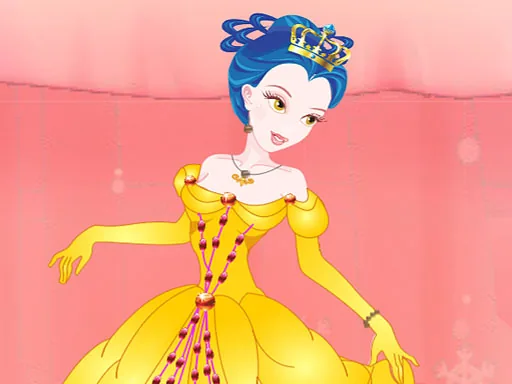

What is Princess Amelia Dressup?
Choosing a gown color is the very first step in Princess Amelia Dressup, and the model's whole palette, hair ribbon included, updates to loosely match it. From there the screen falls into a familiar layout: a tall model on one side, wardrobe tabs on the other.
Wardrobe tabs cover ball gowns with puffed sleeves, satin sashes, ballet flats, a jeweled tiara, and hairstyles like a side braid or a low curled bun. A separate decorating tab holds pattern overlays, polka dots, florals, and simple stripes, that lay on top of the gown's base color. Sashes and tiaras sit above the gown layer, so neither one gets hidden once it's placed.
A decorating tab does the real work in this princess dress up game, letting a floral overlay and a polka-dot sash sit on the same gown at once, each nudged to a different pattern without touching the base color underneath. That leaves room for a dress that's part solid color, part pattern, instead of one flat block. Each finished princess gets added to a small gallery on screen before the next gown starts blank again.
Try one pattern at a time before adding a second, since two busy overlays on the same gown tend to fight each other. Keep the sash a solid color if the gown pattern is already busy, since that gives the eye a place to rest. The tiara and hair ribbon read best when they pick up one color from the pattern instead of the gown's base shade.
How do you play and control Princess Amelia Dressup?
Click wardrobe or pattern tabs to select items, then click a swatch to change colors.
Tap wardrobe or pattern tabs to select items, then tap a swatch to change colors.
Game details
| Specification | Details |
|---|---|
| Game Title | Princess Amelia Dressup |
| Category / Genre | Princess |
| Platform | Web browser — phone, tablet and desktop checked |
| Release Date | September 2026 |
| Technology | HTML5 |
| DressUpLand account | Not required |