
What is Princess Makeover Salon?
The first thing on screen is a princess sitting in a salon chair, hair messy and face tired, waiting to be fixed up. You start with the spa stage, where little icons show what needs doing first. Tap the soap and bubbles cover her hair, then scrub until the meter fills. Each step unlocks the next one, so the treatment moves in a clear order.
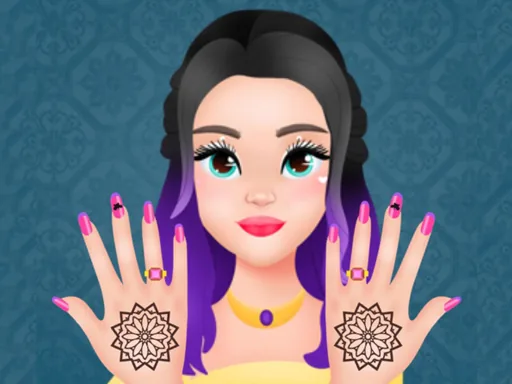
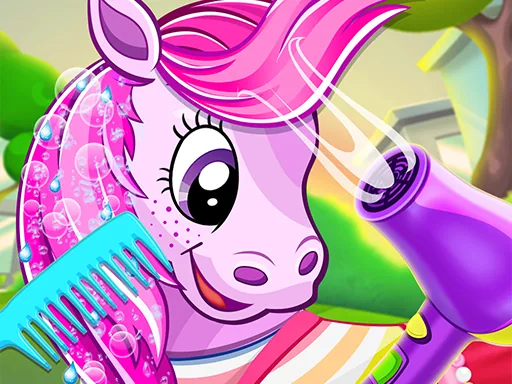
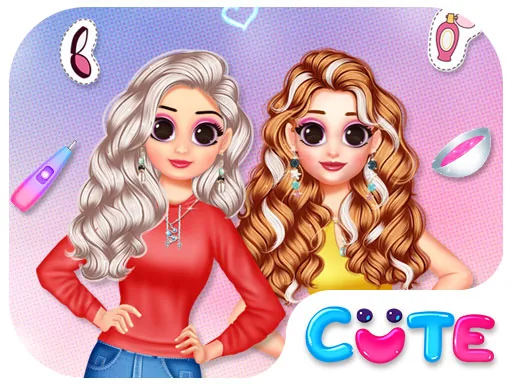
The tools break into three main stations. The hair station has washing, drying, a comb, scissors and a rack of colors you can brush on in streaks. The nail table gives you files, polishes, stickers and little gems for each finger. The makeup kit holds blush, eyeshadow, lipstick and a mascara wand. Everything layers, so polish goes over shaped nails and gems sit on top of the polish without knocking it off.
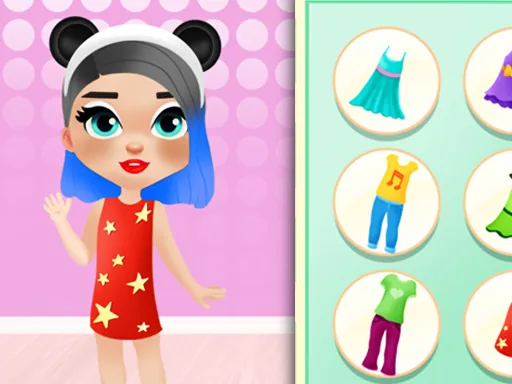
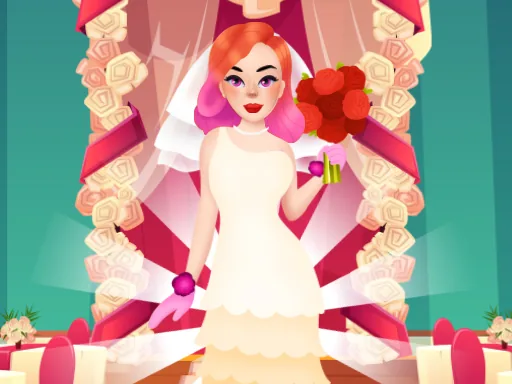
Most spa games stop at the hair wash. This one carries the whole session through to a final look, so the dirty hair and chipped nails you start with are still visible when you change something else, and the makeover game ends with the princess posed in her finished look, ready to save as a picture.
Work in the order the stations are listed, spa first, because the final pose shows clean hair even under your new color. When you get to nails, do all five fingers in the same base polish before adding gems, since mixed polishes look busy in the photo. The comb in the hair station is easy to skip, but a quick comb-through before styling makes every updo sit neater.
How do you play and control Princess Makeover Salon?
Click a tool to pick it up, then click or drag it across the princess, and click the arrow at the bottom to move between stations.
Tap a tool to select it, drag your finger over the area you are treating, and swipe the station tabs to move on.
Game details
| Specification | Details |
|---|---|
| Game Title | Princess Makeover Salon |
| Category / Genre | Princess |
| Platform | Web browser — phone support not yet checked |
| Release Date | September 2026 |
| Technology | HTML5 |
| DressUpLand account | Not required |