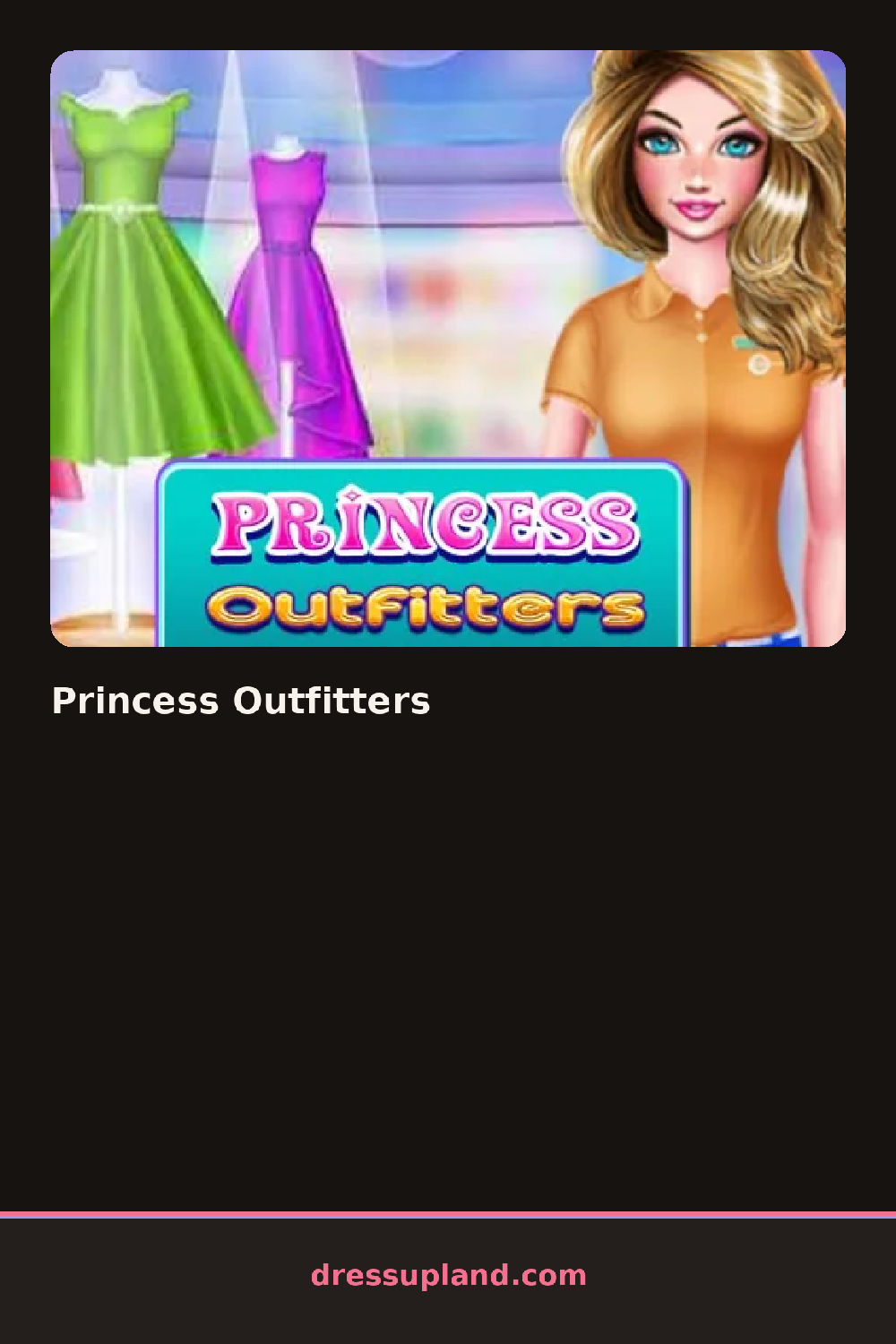

What is Princess Outfitters?
The screen opens on a princess standing in an empty boutique with a bare rack behind her. Princess Outfitters starts you on a color or theme swatch — pastel, jewel-tone, or metallic — before any clothing appears, and that choice tints every dress and accessory the rack offers afterward. That first swatch carries through the whole session, so a jewel-tone pick keeps nudging you toward richer fabrics later on.
The rack splits into shop sections instead of one long list: a ballgown wall, a rack of capes and shawls, a shoe shelf, and a jewelry case with tiaras and drop earrings. Bodices, skirts, and overlays load as separate layers, so a fitted bodice can sit under a sheer overskirt without hiding the sash underneath.
Past the outfit, a makeover game usually stops at hair and a face shot, but here you also arrange the boutique itself — a folding screen, a rug, a mirror stand — around the mannequin, and the round ends in a shop-window snapshot of the whole finished display, props included.
Matching the rug or screen fabric to the dress keeps the window from looking cluttered. Layering a shawl over a plain bodice reads richer than swapping to a busier print. The shoe shelf sits lower on the panel than the jewelry case, easy to miss if you're moving fast through the categories.
How do you play and control Princess Outfitters?
Click a rack, shelf, or swatch to select it, then click the mannequin to place the item and drag the shop props into position.
Tap a category tab to open its rack, tap an item to dress the mannequin, and drag props into place with a finger.
Game details
| Specification | Details |
|---|---|
| Game Title | Princess Outfitters |
| Category / Genre | Princess |
| Platform | Web browser — phone support not yet checked |
| Technology | HTML5 |
| DressUpLand account | Not required |